
 View on Asset Store (opens in new tab)
Package details
- Latest version
- 2.1
- Last updated
- First released
- Unity version
- 6000.4.0 or later
- Package size
- 11.4 MB
- Files
- 8
- Favorites
- 6
- Views in the past week
- 4
Price tracking
- Last checked
- Tracked since
- Lowest recorded
- $10.00 on
Keywords
PiBle - Raspberry Pi BLE Interface
PiBle - Raspberry Pi BLE Interface
Affiliate link · Purchases support this site
Price history
Last 6 months
USDAsset preview
1 / 6
PiBle - Raspberry Pi BLE Interface screenshot 1
About this asset
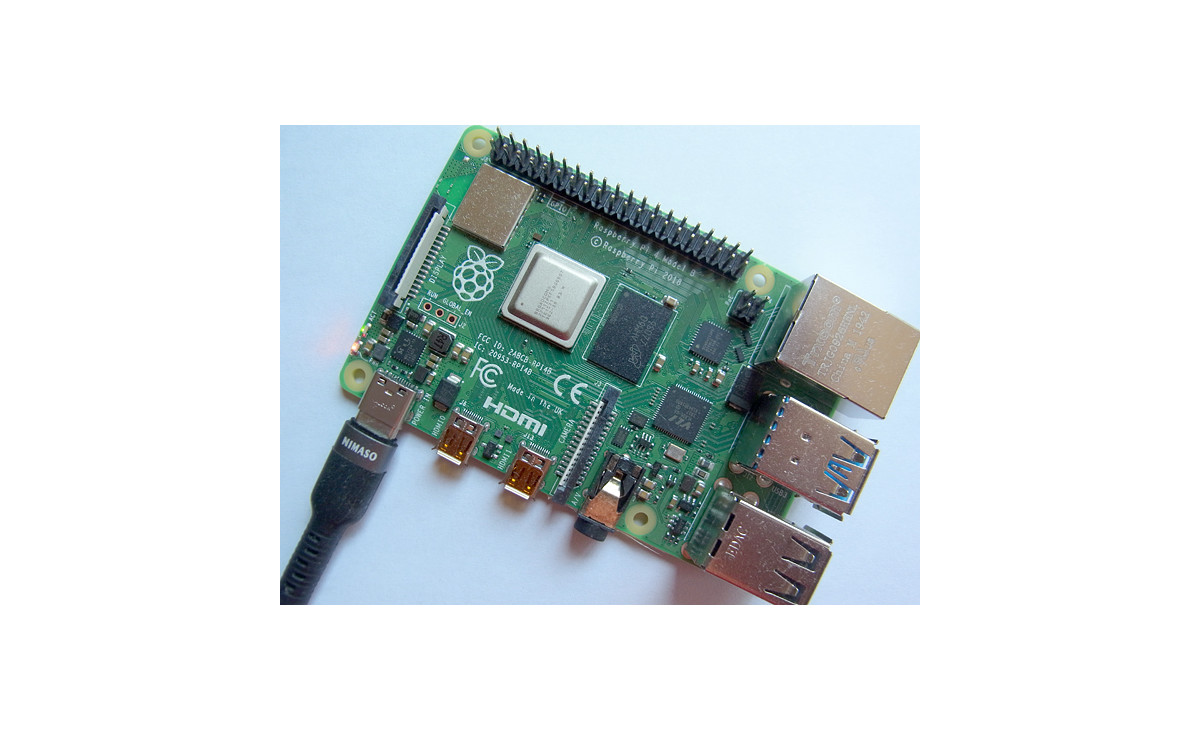
PiBle is a powerful interface bridge that connects your Windows PC to a Raspberry Pi via Bluetooth Low Energy (BLE). This asset allows you to integrate a Raspberry Pi into your project as a plug-and-play gamepad—no coding required for basic setup!
For advanced users, it provides a seamless workflow to stream sensor data (Gyroscope, Accelerometer, GPS, etc.) and control external displays (LED, LCD panels) directly from Unity. By using the included Raspberry Pi code (Python script) and Unity sample scripts, you can bridge the gap between physical hardware and your digital world.
Key Features
- Plug-and-Play Gamepad: Quickly add Raspberry Pi as a controller to your game.
- Bidirectional Data Transfer: Easily send and receive byte arrays between Unity and Raspberry Pi via BLE.
- Ready-to-Use Raspberry Pi code (Python script): Includes pre-written Raspberry Pi code (e.g., a SIN function data generator) to get you started instantly.
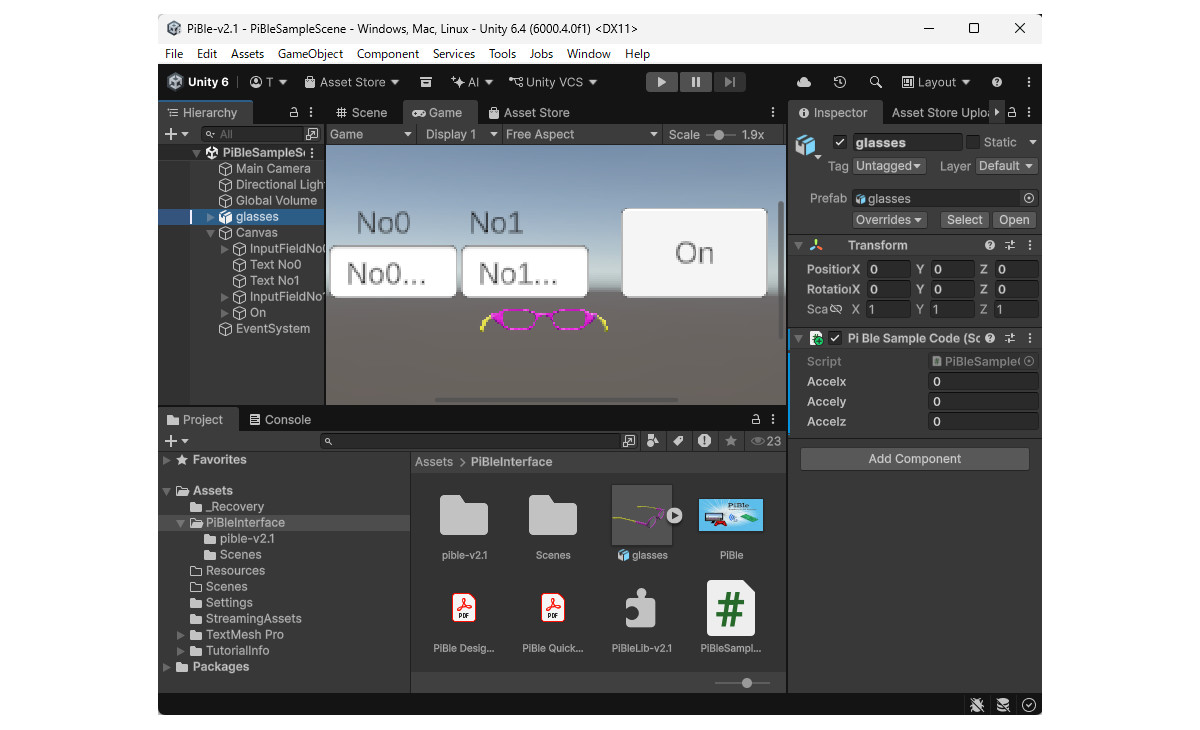
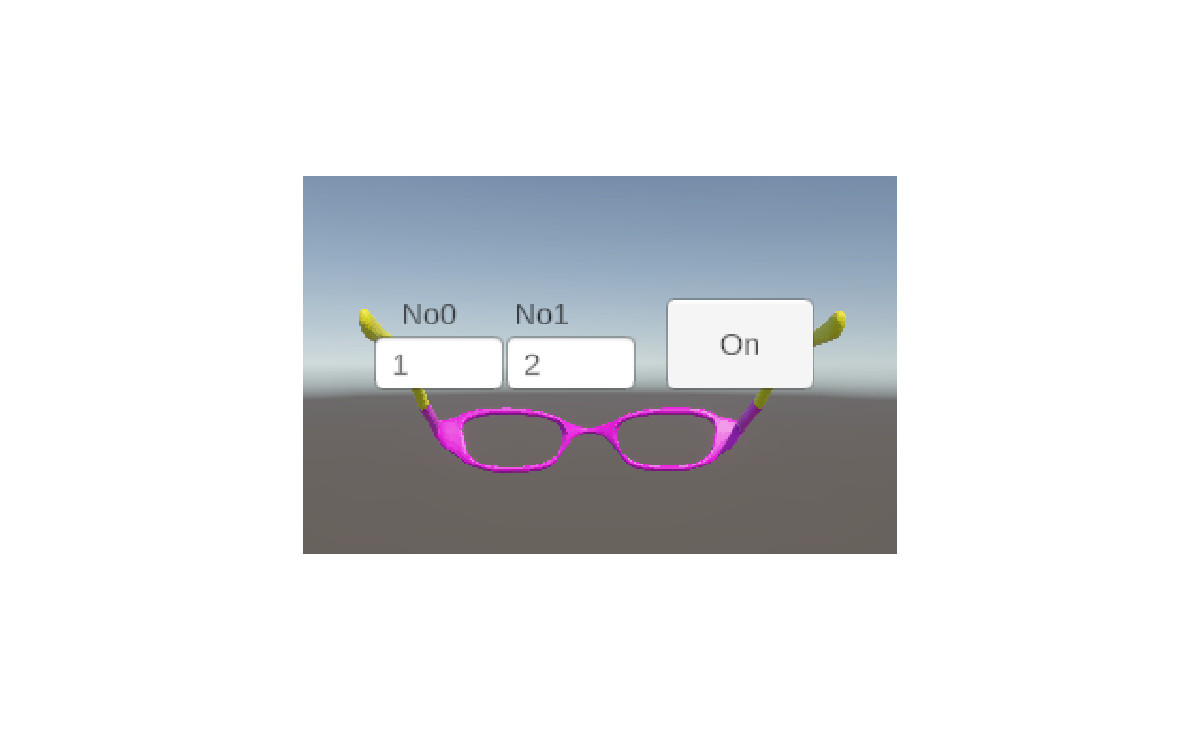
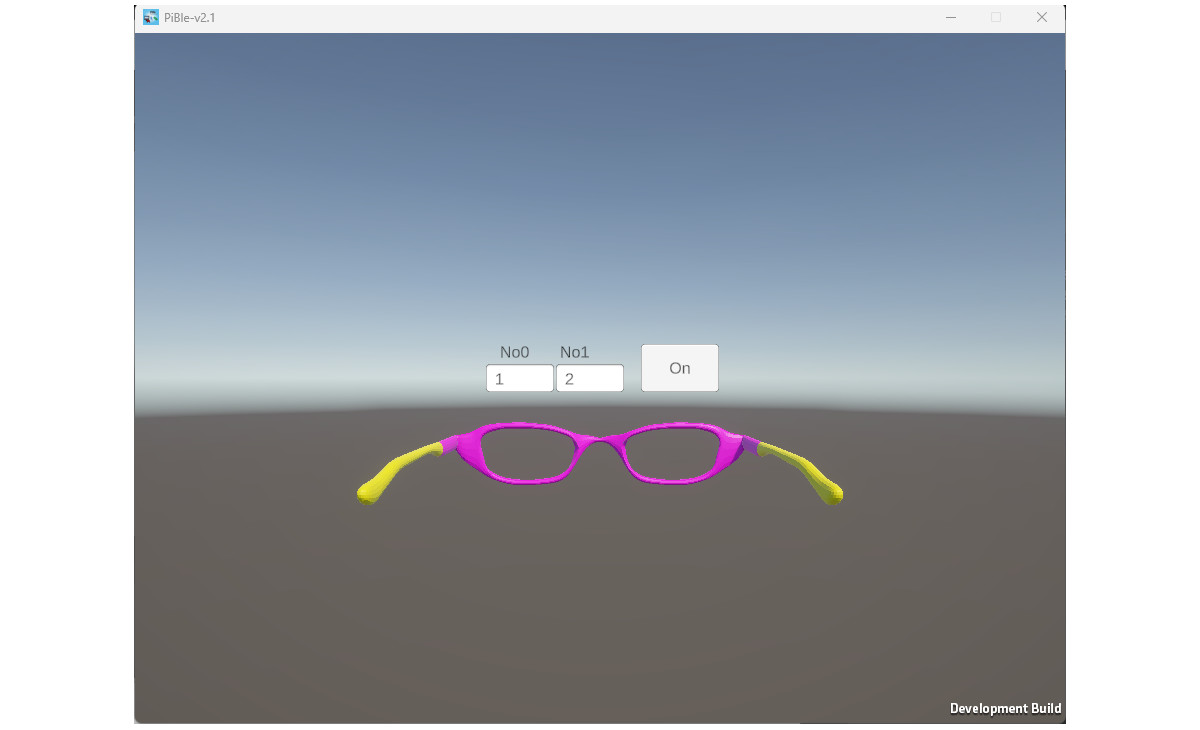
- Comprehensive Unity Samples: Includes a 3D "Glasses" model to visualize XYZ data and a UI (InputField/Buttons) for sending data to the Raspberry Pi.
- Flexible Integration: Customize the provided Unity scripts and Raspberry Pi code to connect any sensor or display panel.
Included Documentation
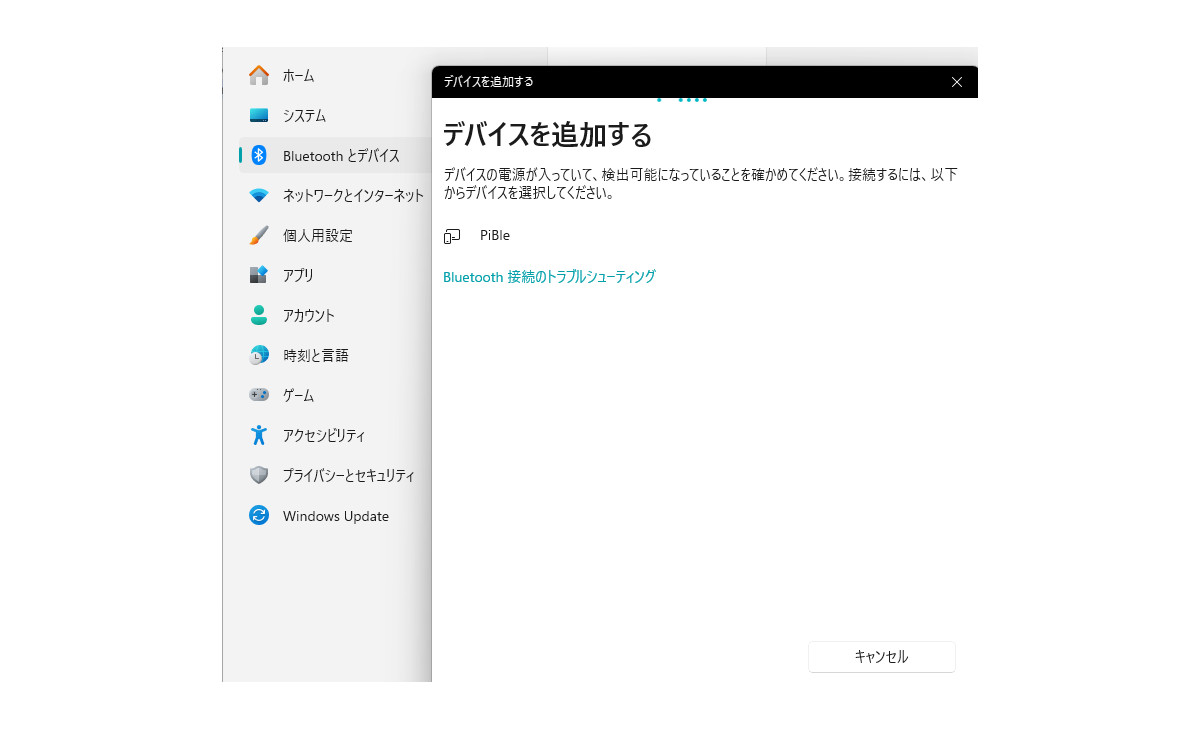
- Quick Start v2.1: A step-by-step guide for the initial setup of PiBle.
- Design Tips v2.1: Advanced guide for customizing Raspberry Pi code and Unity scripts to handle specific array data for your custom hardware.
Technical Requirements
- Unity Version: Unity 6 (6000.3.2f1) or newer.
- Platform: Windows 11 PC with a Bluetooth Low Energy (BLE) adapter.
- Hardware: Raspberry Pi 4 or higher.
Support
If you encounter any issues or have questions regarding integration, please feel free to contact me via [email]. I am happy to assist you with your project!
From the publisher's Asset Store listing.