
 View on Asset Store (opens in new tab)
Package details
- Latest version
- 7.2.0
- Last updated
- First released
- Unity version
- 2022.3.62 or later
- Package size
- 2.1 MB
- Files
- 142
- Favorites
- 59
- Views in the past week
- 114
Price tracking
- Last checked
- Tracked since
- Lowest recorded
- $4.99 on
Keywords

Native Screen Recorder Pro | Android & iOS Gameplay Video Capture
- Price drop
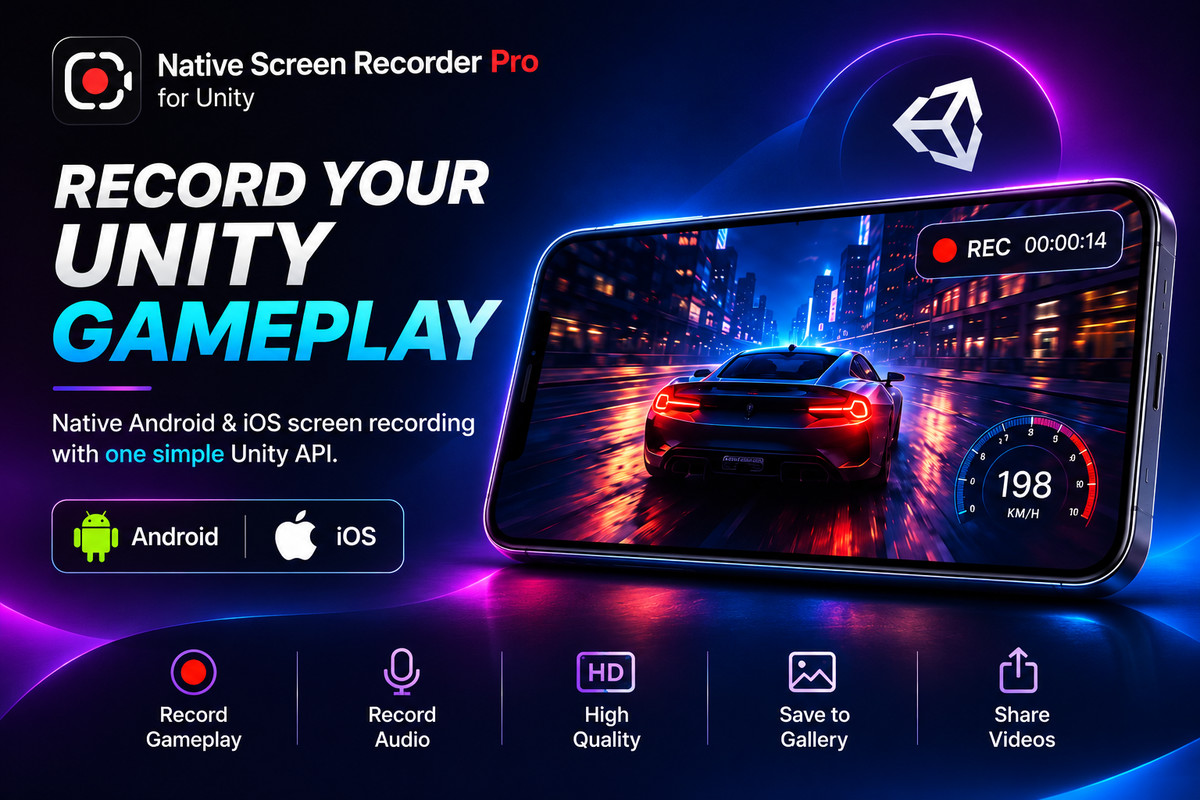
Record 60FPS gameplay video, UI, audio & screenshots on Android (MediaProjection) & iOS (ReplayKit). 1-line C# API, in-app gallery & native share sheet.
Affiliate link · Purchases support this site
Price history
Last 6 months
USDAsset preview
1 / 9
Native Screen Recorder Pro | Android & iOS Gameplay Video Capture screenshot 1



About this asset
Record Mobile Gameplay Videos & Screenshots With One Line of Code.
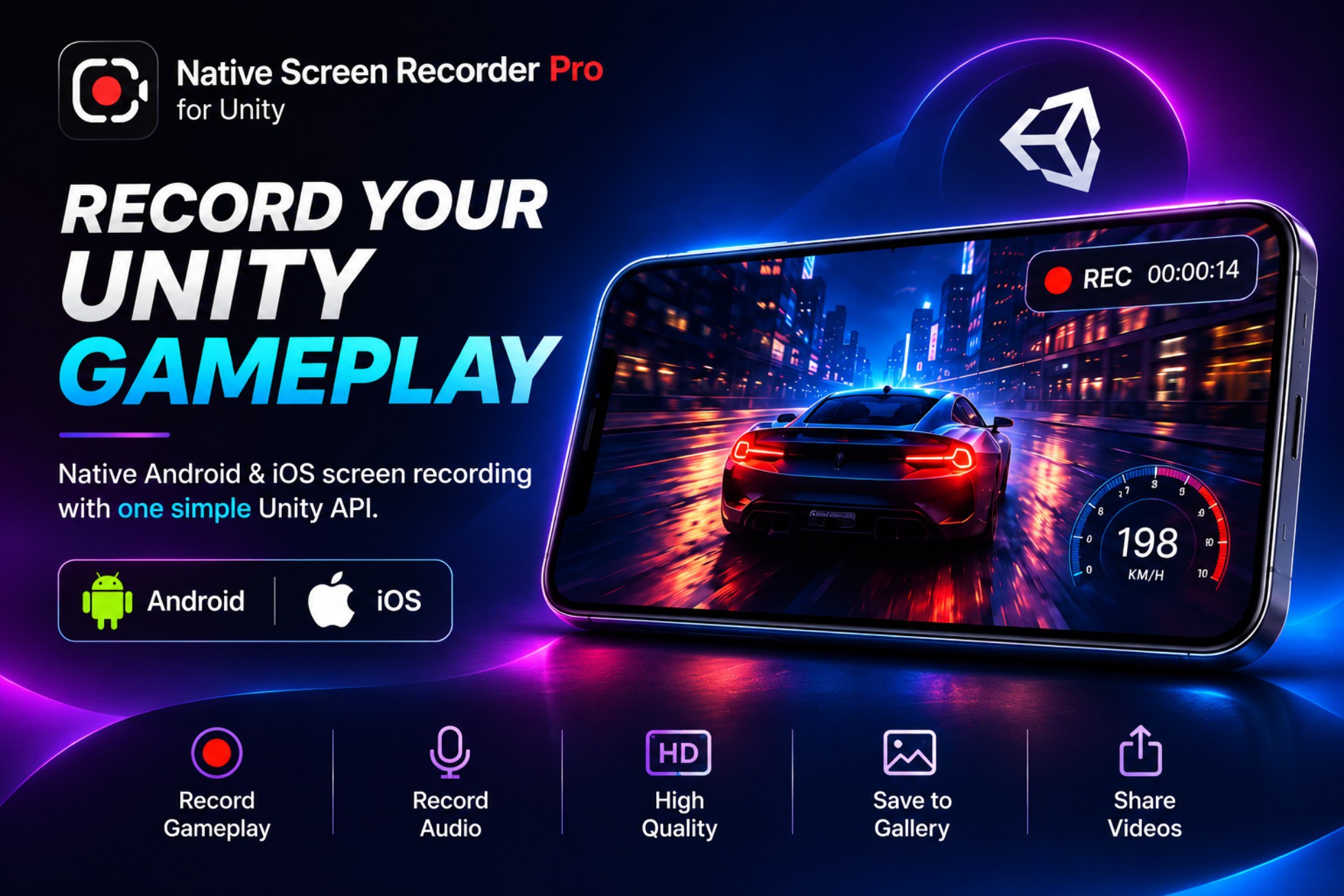
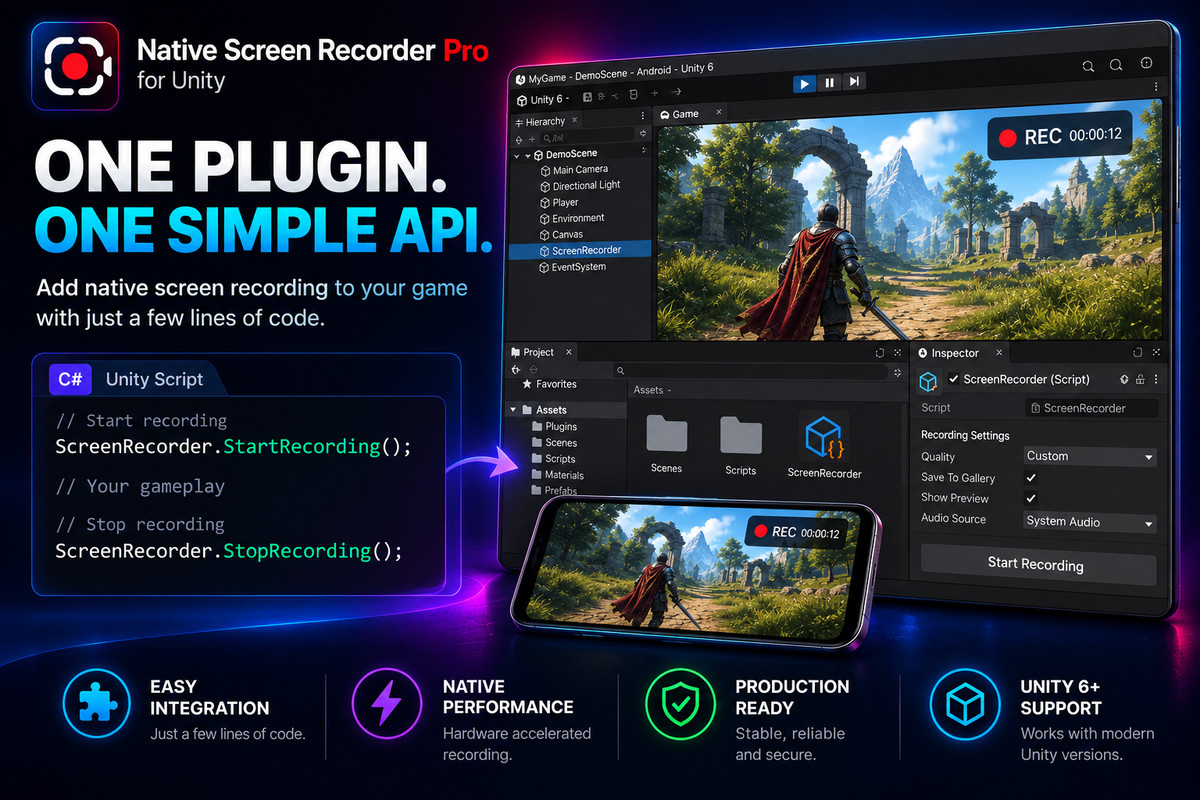
Native Screen Recorder Pro is a fast, lightweight Unity screen recorder, gameplay video capture, and screenshot plugin for Android and iOS. Built on native Android MediaProjection and Apple ReplayKit, it lets players record smooth MP4 gameplay videos and screenshots—including UI overlays, internal game audio, and microphone voiceovers—with zero lag or RenderTexture memory drops.
Perfect for sharing viral clips to TikTok, YouTube Shorts, and Instagram Reels, capturing high-score screenshots, or recording in-app video bug reports. Integrate in under 1 minute:
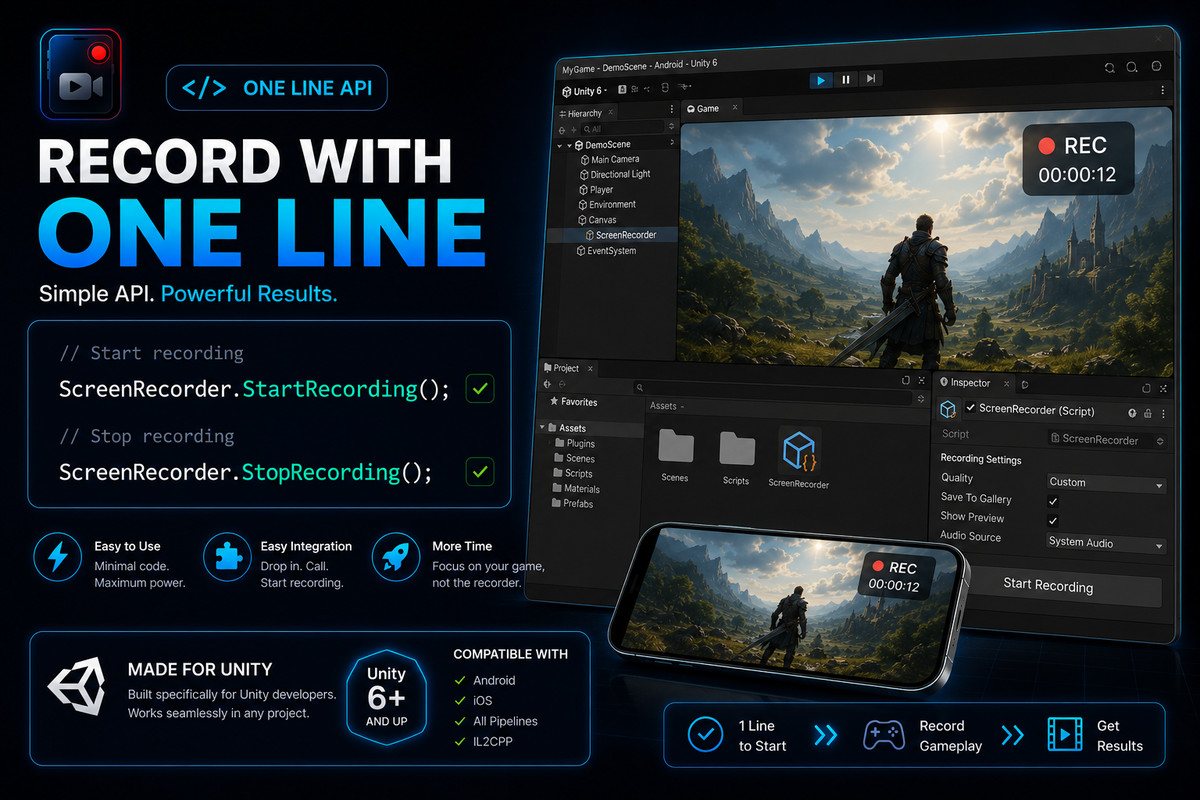
ScreenRecorder.WithMicrophone(true).WithQuality(High).Start();
ScreenRecorder.Stop();
No Java, Kotlin, Swift, or Objective-C required. No third-party SDK bloat.
-> Looking for a NatCorder or Everyplay alternative? Both are deprecated or shut down. Get an actively maintained, native replacement—one prefab, a clean C# API, and a one-time price with no subscription.
KEY FEATURES
- Native 60FPS Performance: Hardware-accelerated Android MediaProjection and iOS ReplayKit recording with minimal CPU/GPU usage.
- Captures Full Screen & UI: Records 3D scenes, 2D sprites, and Canvas UI across Built-in, URP, and HDRP.
- Video Recording + Screenshot Capture: Record gameplay videos or take instant screenshots using ready-made Floating Recording & Screenshot Widgets.
- Internal Audio + Microphone: Record in-game system audio (Android 10+ & iOS), mic voiceovers, or silent video.
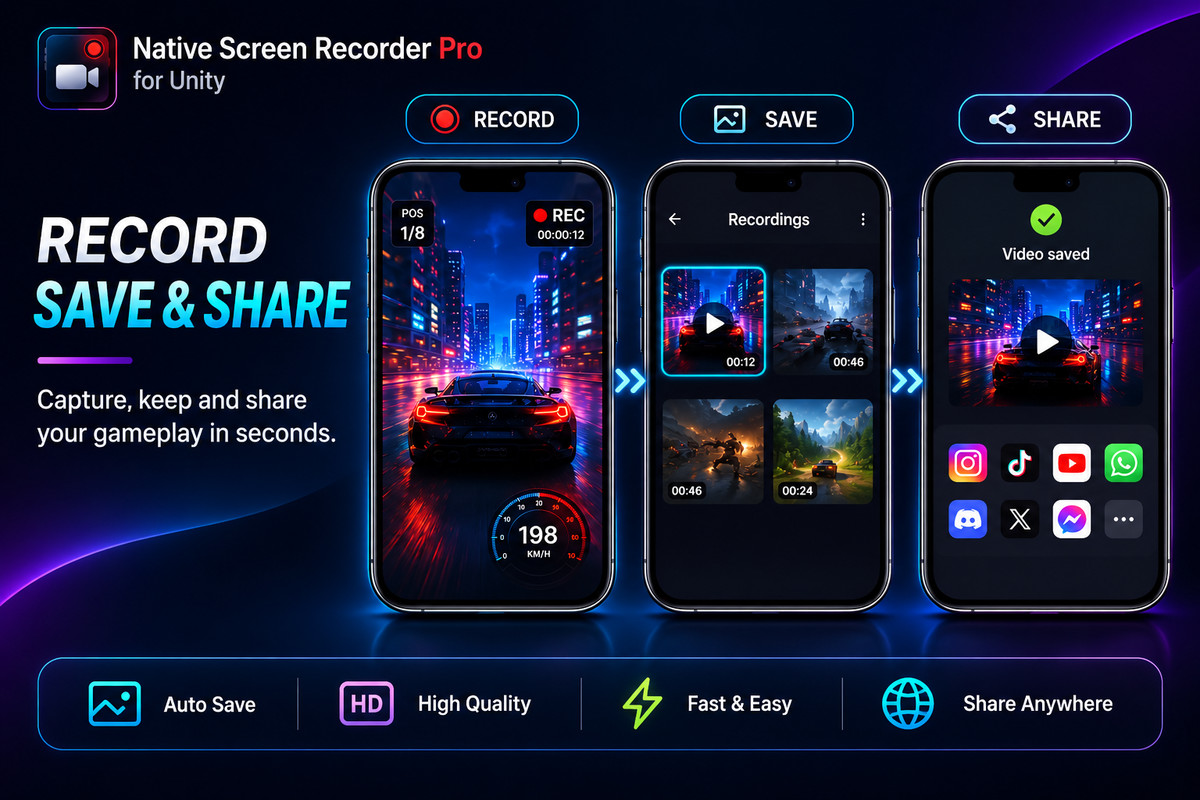
- In-App Gallery & Native Share Sheet: Preview, manage, and delete clips in-app, save to Camera Roll / Photos, or share via the Native OS Share Sheet.
FREE vs. PRO EDITION
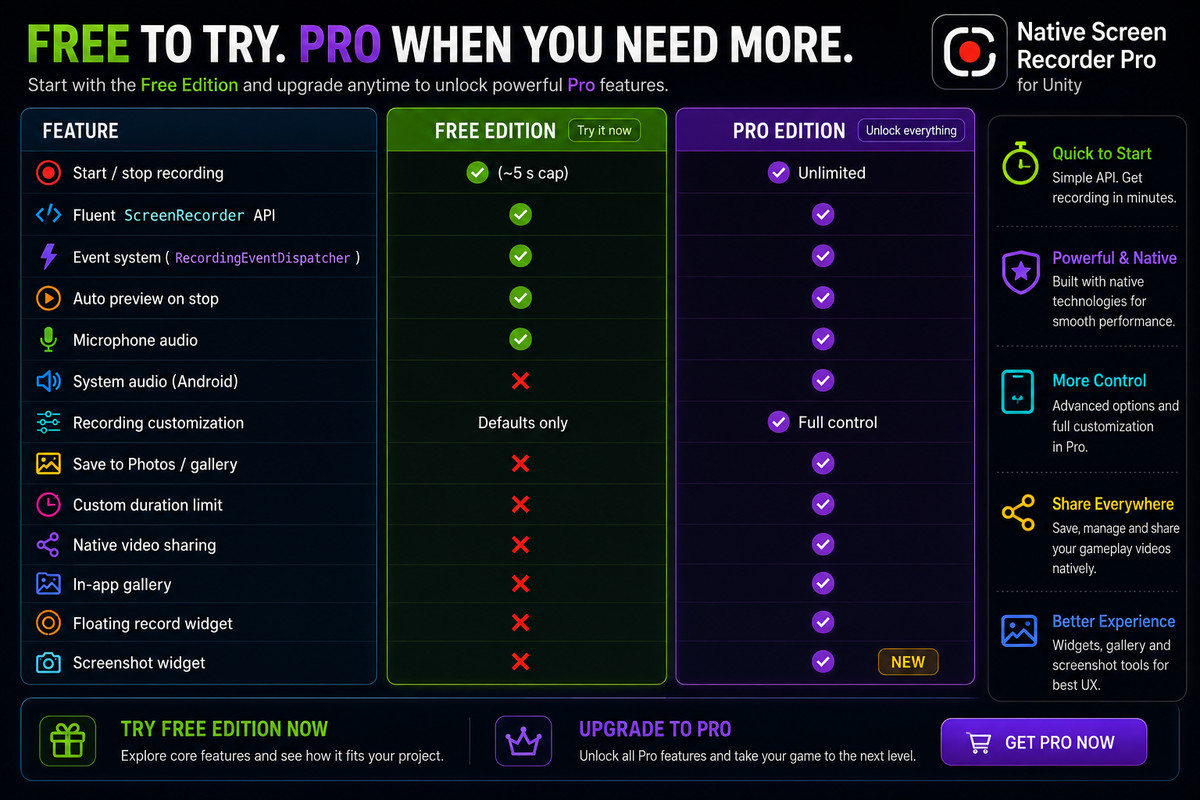
Test device compatibility first with our Free Edition on the Asset Store (5-second mic recording limit) or Github . Import Pro over Free anytime without changing your code!
- ✅ Unlimited video recording time (vs. 5s in Free)
- ✅ Internal System Audio + Microphone recording
- ✅ Screenshot Capture Widget (NEW) for instant still images
- ✅ Save to Gallery / Photos & Native Share Sheet
- ✅ Built-in Video Gallery (browse, preview, delete)
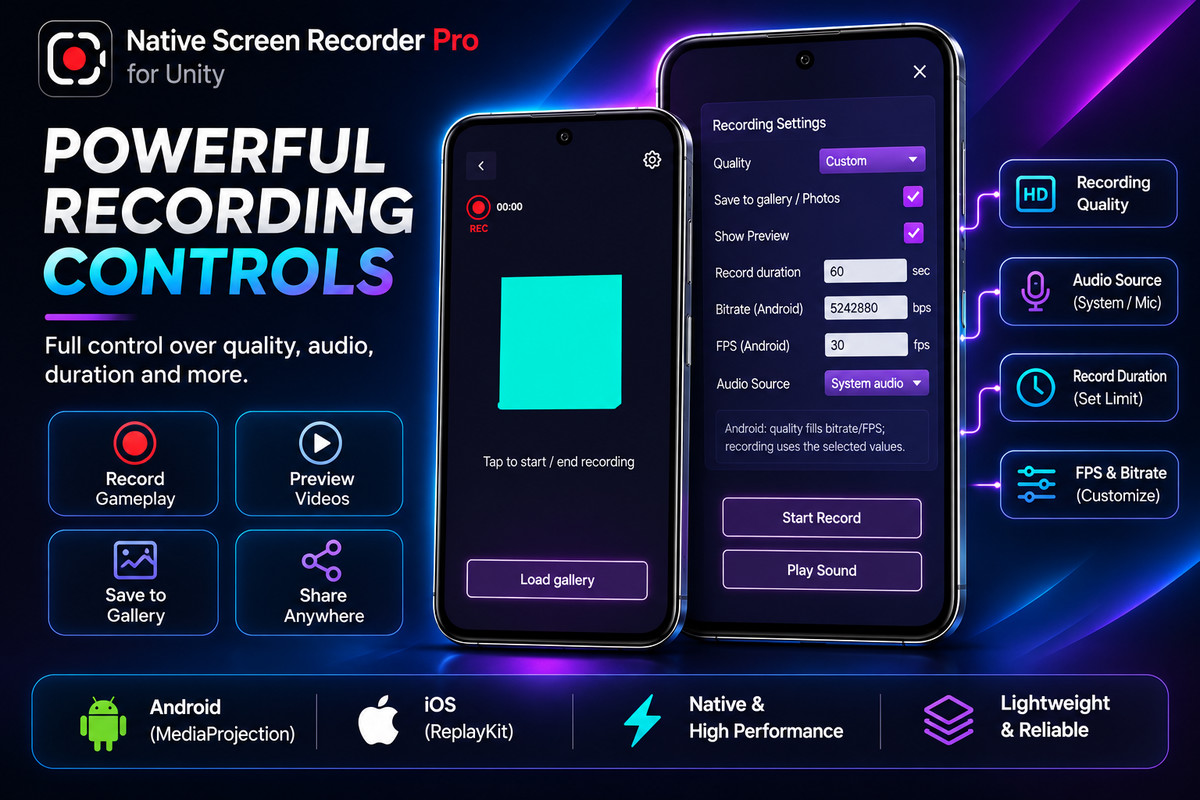
- ✅ Custom Bitrate, FPS, Resolution & Codec settings
- ✅ Floating Recording Widget prefab & full source code
SUPPORT & DOCUMENTATION
YOU MAY ALSO LIKE
Recorder Pro includes a built-in share sheet for your clips. For general file sharing across other apps, check out Native Share Plugin for Android & iOS (Pro) to share text, images, videos, and PDFs in one line.
From the publisher's Asset Store listing.
Technical details
NATIVE APIS & COMPATIBILITY
- Android: Native MediaProjection API with automatic Foreground Service and permissions.
- iOS / iPadOS: Native Apple ReplayKit (RPScreenRecorder).
- Supported Platforms: Physical Android (API 24+) and iOS (12.0+) devices.
- Unity Versions: Unity 2022.3 LTS, Unity 2023.x, and Unity 6 (6000.x+).
- Render Pipelines: Built-in, URP, and HDRP (captures directly from native OS screen buffer, including UI overlays).
- Build Support: Full IL2CPP, Mono, and ARM64 compliance. Safe mock callbacks included for Unity Editor Play Mode testing.
VIDEO, AUDIO & SCREENSHOT SPECS
- Encoding Controls: Presets (Low, Medium, High, Very High) or custom Bitrate, FPS (up to 60 FPS), and Resolution.
- Audio Options: Internal System Audio (Android 10+ & iOS), Microphone Audio, or Silent Mode.
- Recording Timer: Manual start/stop or auto-stop duration limit.
C# API, PREFABS & PERMISSIONS
- Fluent C# API: Simple chainable methods plus events for OnRecordingStarted, OnRecordingProgress, OnRecordingCompleted, and OnRecordingError.
- Included UI Prefabs: In-App Video Gallery (thumbnails, video player, delete), Floating Recording Widget (fixed-anchor overlay button with timer), and Screenshot Widget.
- Export & Privacy: Saves directly to Android Gallery / MediaStore and iOS Photos. Auto-injects required manifest permissions (FOREGROUND_SERVICE_MEDIA_PROJECTION, RECORD_AUDIO). 100% offline local storage with zero cloud fees.
Compatibility
| Unity version | Built-in | URP | HDRP | Custom |
|---|---|---|---|---|
| 6000.4.10f1 | Compatible | Compatible | Compatible | Compatible |
| 2022.3.62f3 | Compatible | Compatible | Compatible | Compatible |
As listed on the Asset Store.