
 View on Asset Store (opens in new tab)
Package details
- Latest version
- 1.1
- Last updated
- First released
- Unity version
- 2020.3.16 or later
- Package size
- 64.5 MB
- Files
- 170
- Favorites
- 2,091
- Views in the past week
- 263
Price tracking
- Last checked
- Tracked since
- Lowest recorded
- Free on
Keywords

Japanese Garden Pack
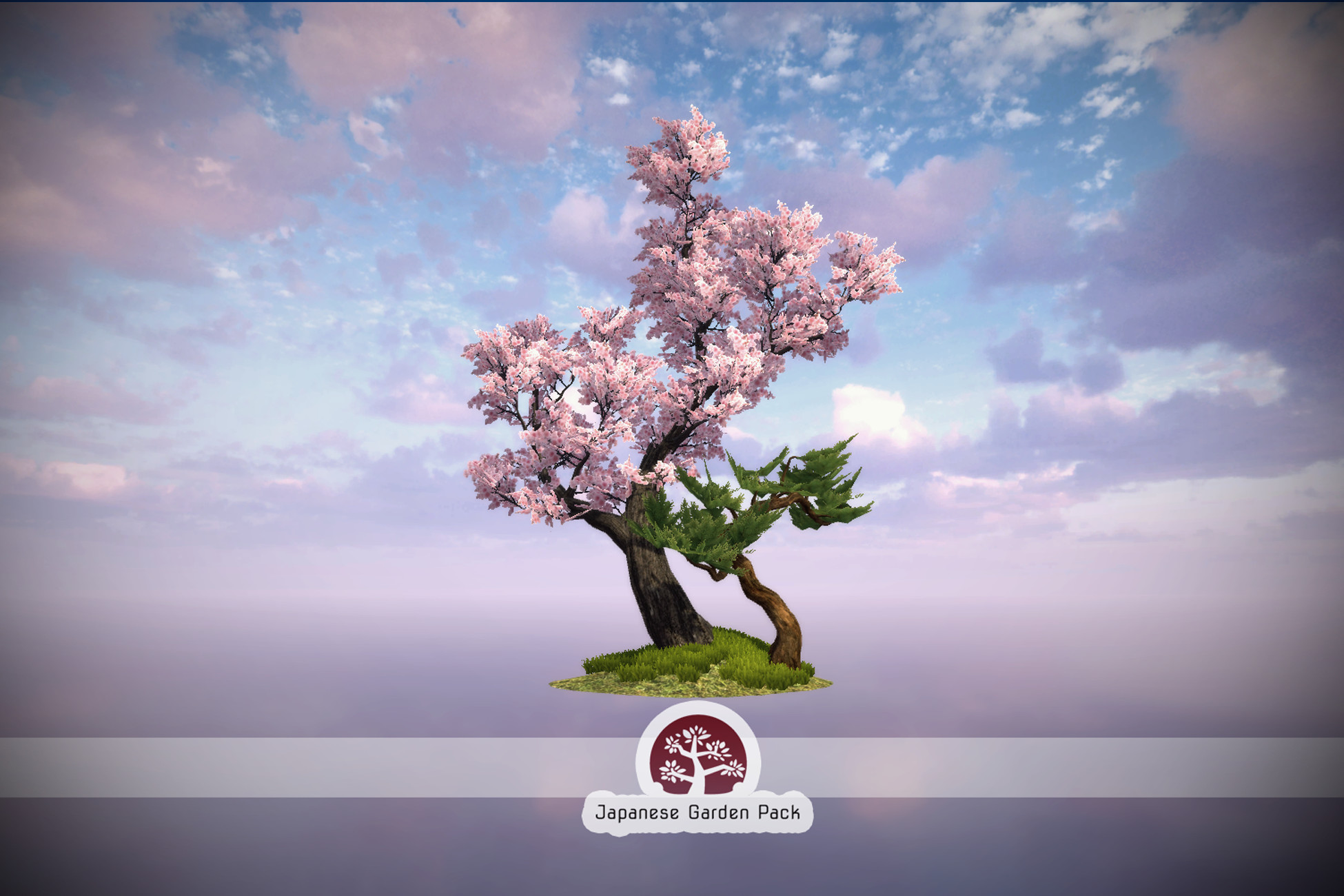
A collection of stylized tree assets built using Broccoli Tree Creator.
Affiliate link · Purchases support this site
Price history
Last 6 months
USDAsset preview
1 / 4

Japanese Garden Pack screenshot 1


About this asset
Site | Forum | Discord | Contact
A new package showcasing Broccoli Tree Creator has been release. It is the next iteration on Japanese Garde Pack, you can download it for free:
Japanese Garden Pack contains prefabs generated using the Broccoli Tree Creator modeling extension. These prefabs are free to use on your projects and come with 3 leves of details (LOD0, LOD1, Billboard). The vertex data for wind and materials applied to the trees use the SpeedTree7 shaders, thus SRP is supported by migrating these materials to HDRP/URP.
Trees in version 1.1:
- 6 Sakura tree prefabs.
- 4 Japanese maple tree prefabs.
- 5 Black pine tree prefabs.
- 2 Rocks and 1 Torii prefabs.
From the publisher's Asset Store listing.
Compatibility
| Unity version | Built-in | URP | HDRP | Custom |
|---|---|---|---|---|
| 2020.3.16f1 | Compatible | Compatible | Compatible | Compatible |
This package is saved using the built-in render pipeline. Please refer to the guides to convert the materials to either URP or HDRP if your project uses those pipelines:
https://docs.unity3d.com/Packages/[email protected]/manual/upgrading-your-shaders.html
https://docs.unity3d.com/Packages/[email protected]/manual/Upgrading-To-HDRP.html
As listed on the Asset Store.