
 View on Asset Store (opens in new tab)
Package details
- Latest version
- 1.6
- Last updated
- First released
- Unity version
- 2019.4.36 or later
- Package size
- 1.8 MB
- Files
- 42
- Favorites
- 41
- Views in the past week
- 12
Price tracking
- Last checked
- Tracked since
- Lowest recorded
- $7.49 on
Keywords
Ps Layer
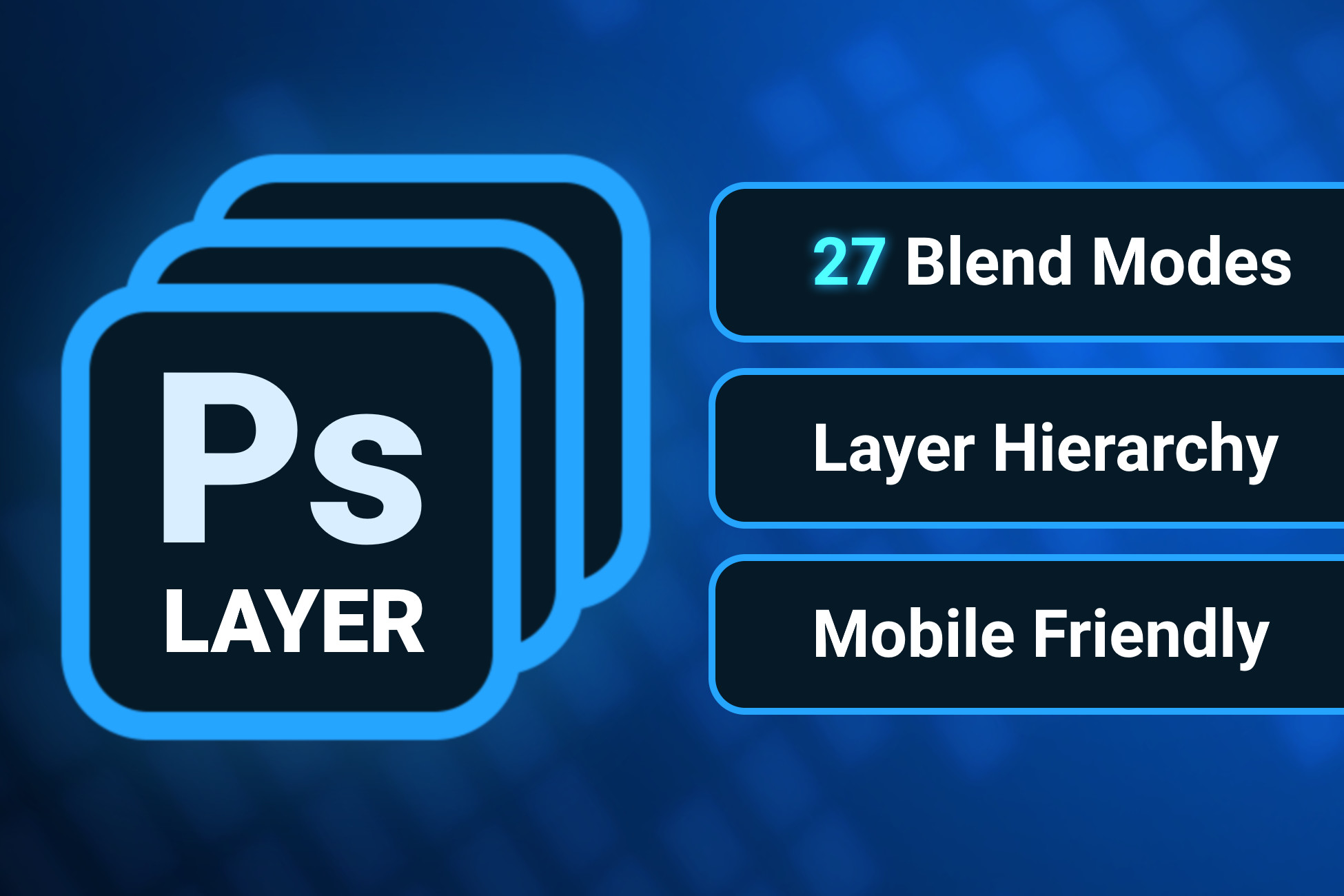
PS Layer allows you to create a layer hierarchy similar to Photoshop's in Unity. It also allows you to apply Photoshop blending modes to Sprites and UI images.
Affiliate link · Purchases support this site
Price history
Last 6 months
USDAsset preview
1 / 2

Ps Layer screenshot 1

About this asset
Demo | Documentation | Support Forum
• 27 different blending modes: normal, dissolve, darken, multiply, color burn, linear burn, darker color, lighten, screen, color dodge, linear dodge, lighter color, overlay, soft light, hard light, vivid light, linear light, pin light, hard mix, difference, exclusion, subtract, divide, hue, saturation, color, luminosity.
• Layer hierarchy to organize layers into groups and subgroups.
• 2 different shaders:
- Accurate: Grab-Pass shader that looks almost exactly like photoshop and supports all blending modes.
- Fast: Two-pass shader much faster than the Accurate shader, but it has some minor differences with photoshop and doesn't support all blend modes. (Mobile Friendly)
• Change sprite sorting order recursively.
From the publisher's Asset Store listing.
Technical details
Limitations:
• Blending modes only work in the Built-in render pipeline. Scriptable Render Pipelines (URP and HDRP) are not supported.
--<>--<>--<>--<>--<>--<>--<>--<>--<>--
This package is included in Psd Import. A Tool that allows you to load your Psd files straight into Unity's hierarchy.
Compatibility
| Unity version | Built-in | URP | HDRP |
|---|---|---|---|
| 2019.4.36f1 | Compatible | Not listed | Not listed |
Blending modes only work in the Built-in render pipeline. Scriptable Render Pipelines (URP and HDRP) are not supported.
As listed on the Asset Store.