
 View on Asset Store (opens in new tab)
Package details
- Latest version
- 1.3.7
- Last updated
- First released
- Unity version
- 2019.3.0 or later
- Package size
- 449 KB
- Files
- 11
- Favorites
- 222
- Views in the past week
- 18
Price tracking
- Last checked
- Tracked since
- Lowest recorded
- $30.00 on
Keywords
AR Simulation
- Price drop
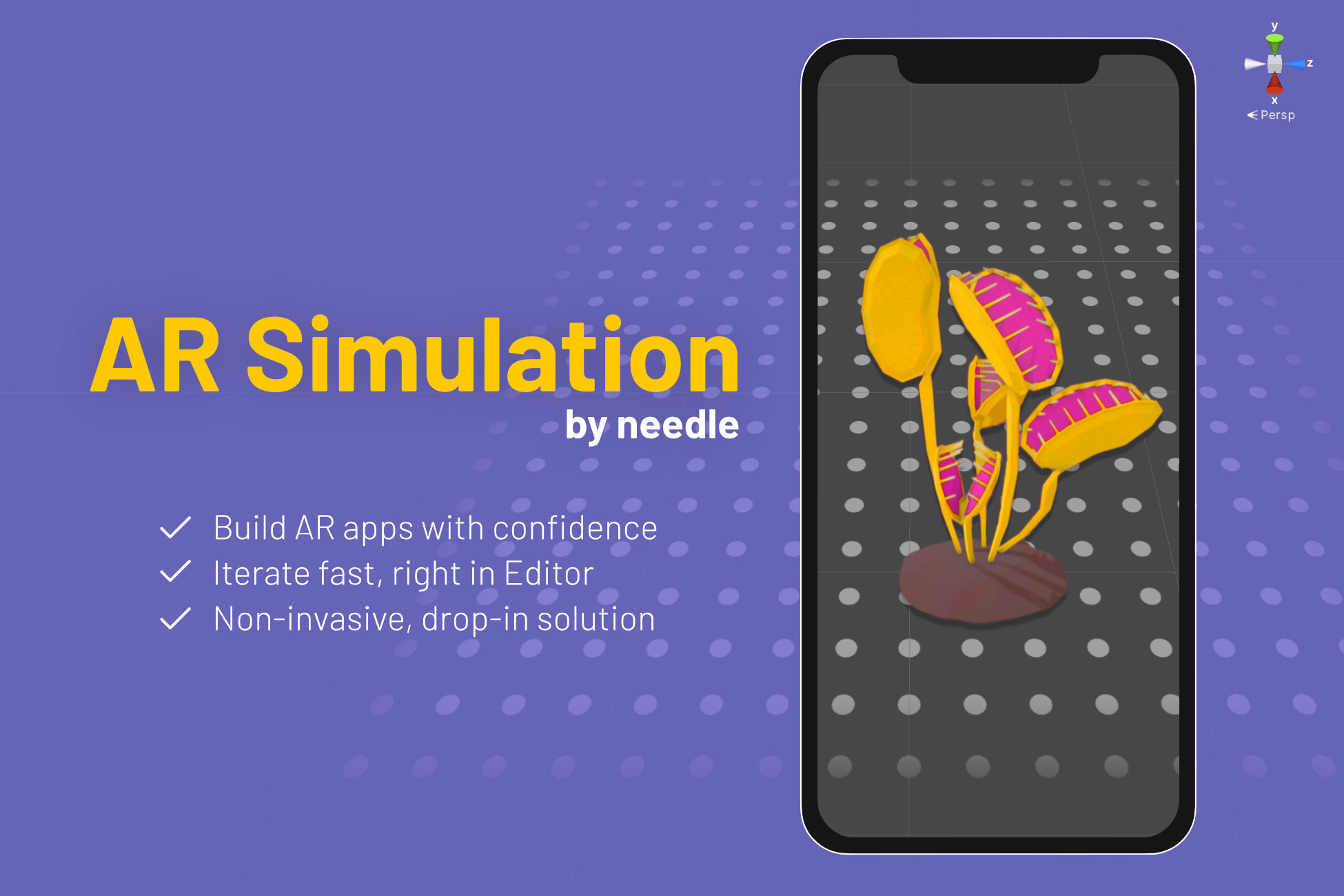
Build AR apps with confidence. Iterate fast, right in Editor. Non-invasive, drop-in solution.
Lowest recorded price
Get 50% off on Asset Store (opens in new tab)Affiliate link · Purchases support this site
Price history
Last 6 months
USDAsset preview
1 / 13

AR Simulation screenshot 1





About this asset
NOTE: This asset is updated via package manager scoped registry so the latest release date in Asset store does not reflect the latest version of this asset. Please refer to the changelog for that.
AR Simulation by needle
Build AR apps with confidence.
Iterate fast, right in Editor.
Non-invasive, drop-in solution. ✨
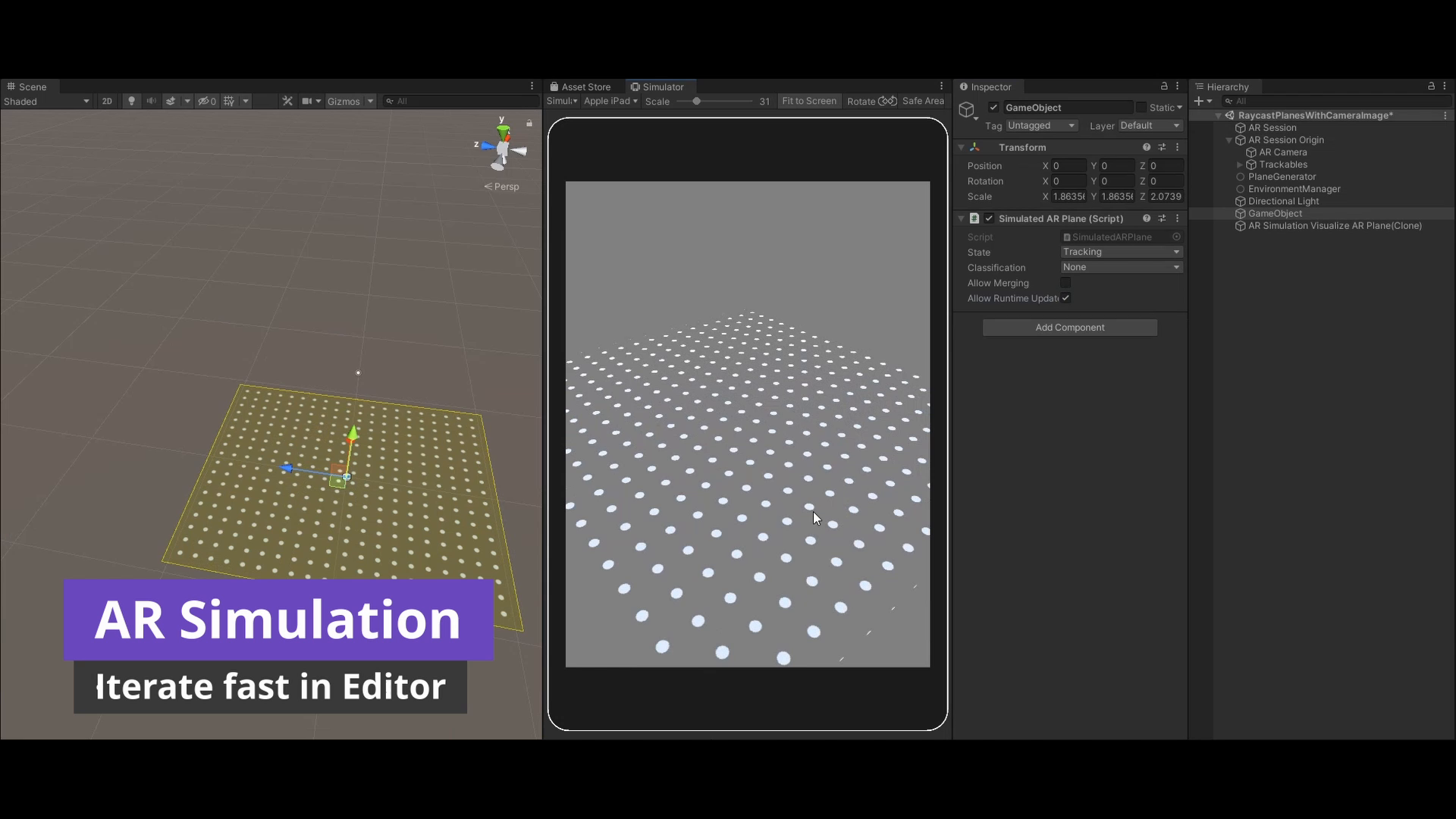
AR Simulation allows you to work on and test AR apps right in the Editor. No need for numerous deployments, no need to build complicated mock structures...
Just move around in the Editor, test your AR app, without having to change any code or structure. Iterate faster, test out more ideas, build better apps!
Features
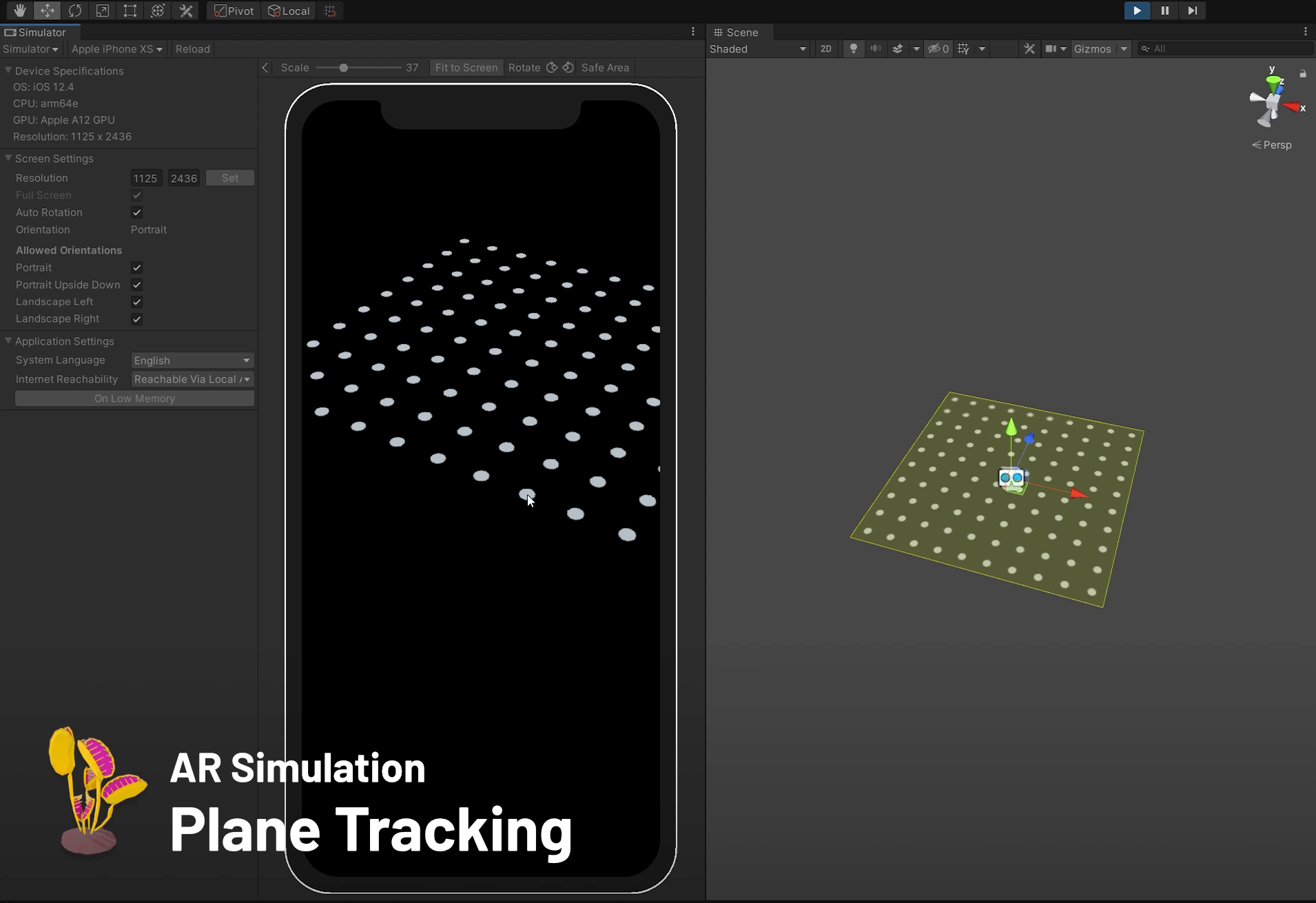
✔️ Plane Tracking
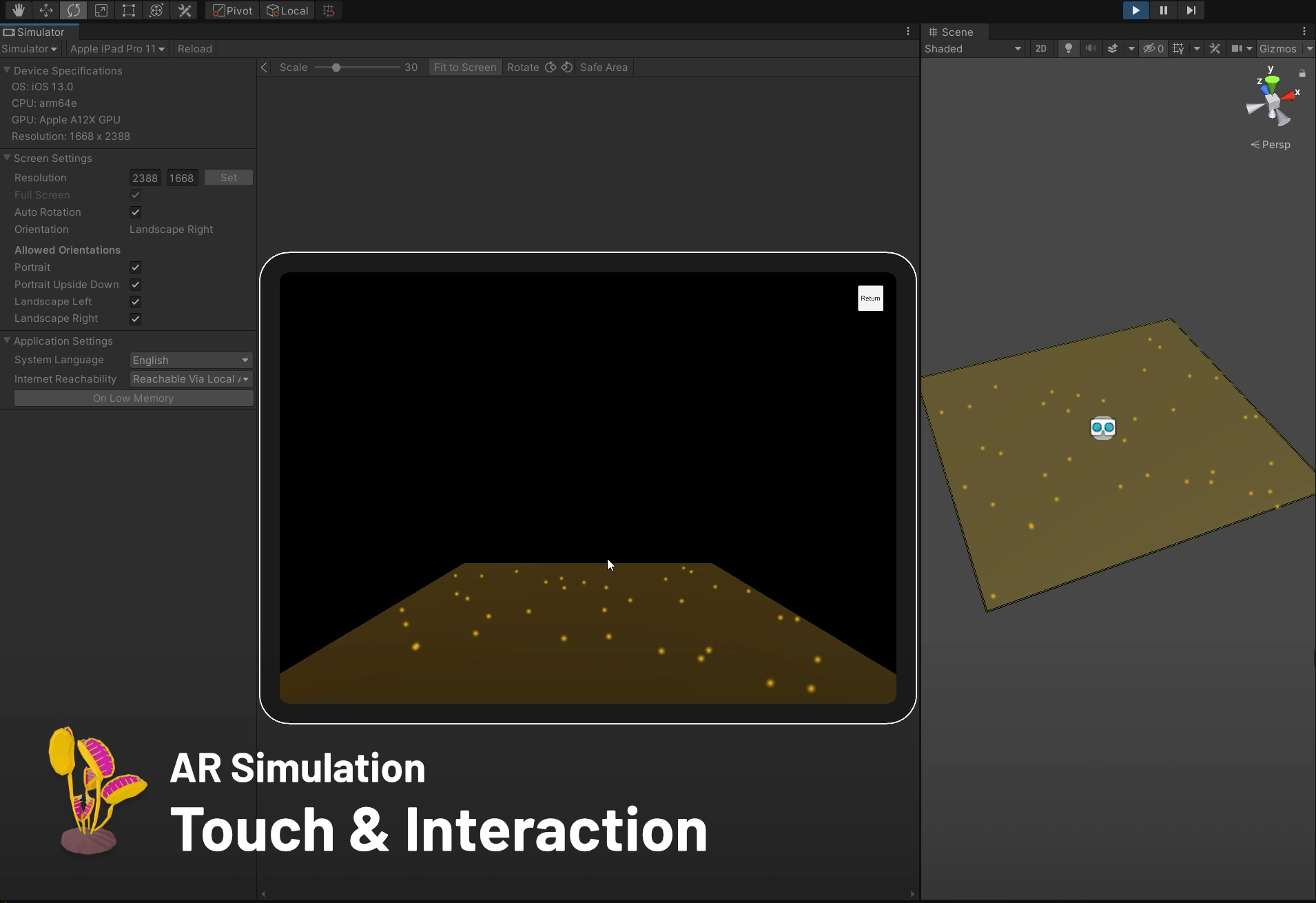
✔️ Touch Input (single touch for now)
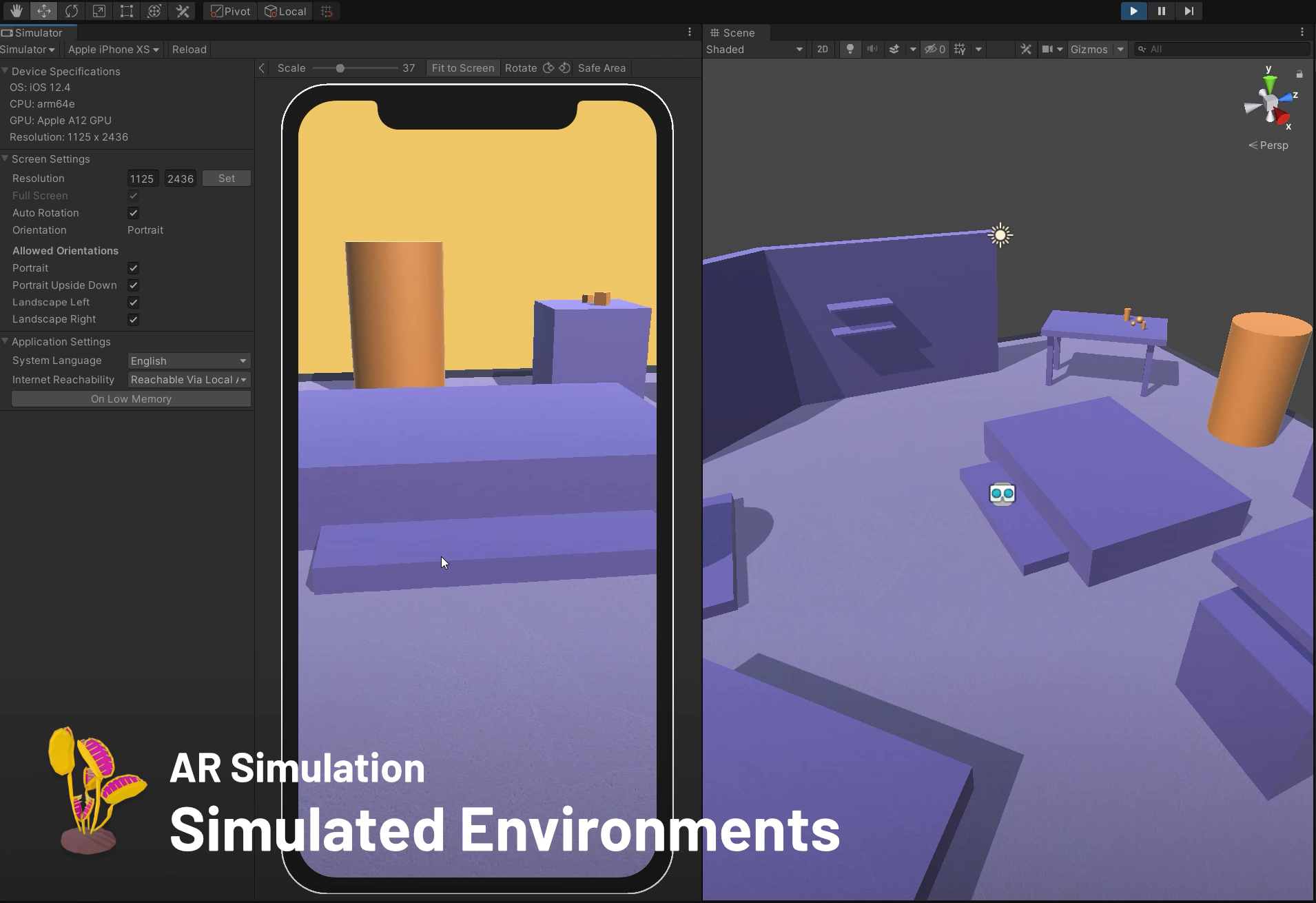
✔️ Simulated Environments
✔️ Device Simulator
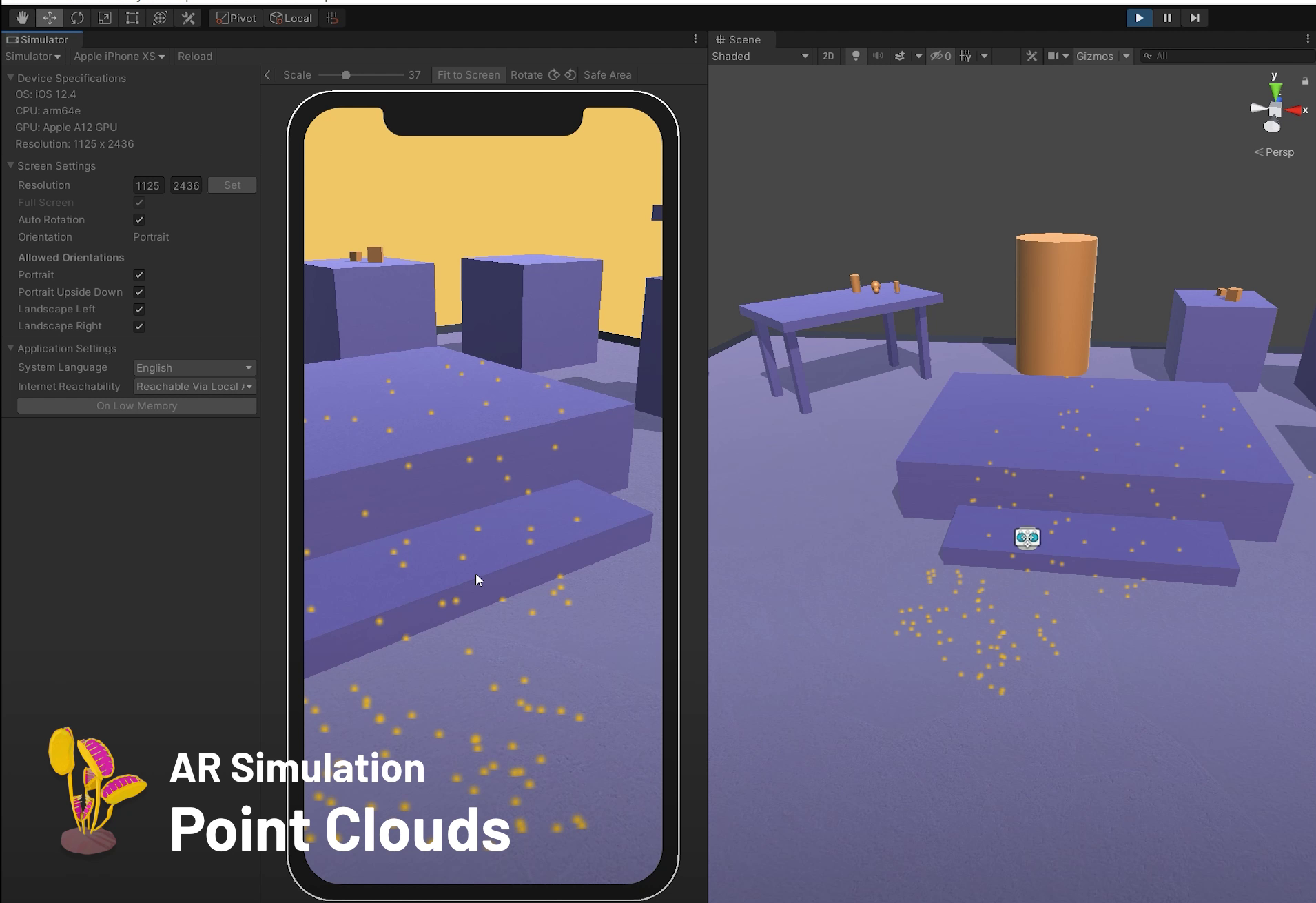
✔️ Point Clouds
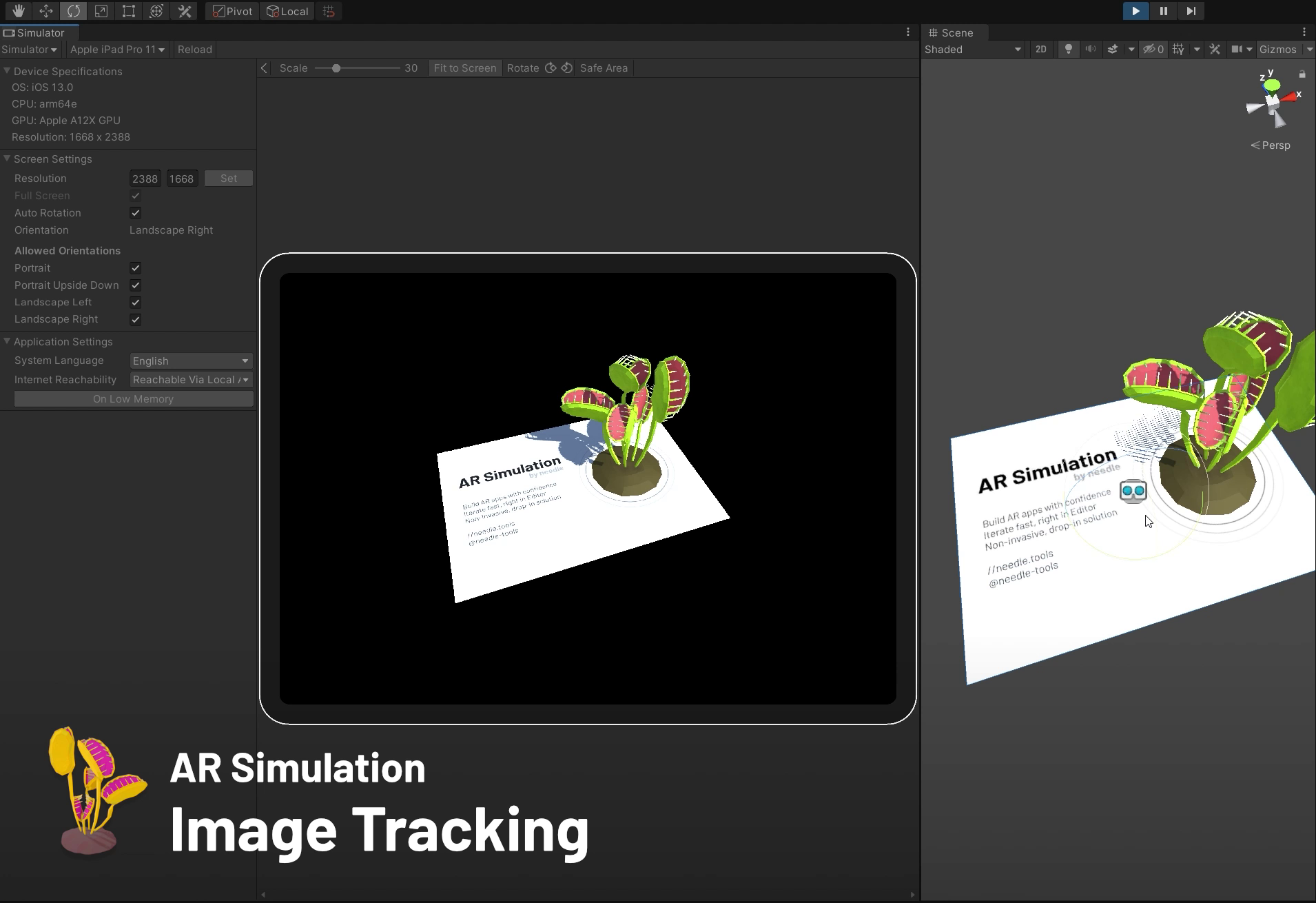
✔️ Image Tracking
✔️ Object Tracking
✔️ Light Estimation
✔️ Anchors
✔️ Camera Background Rendering
✔️ ARMeshManager / Meshing support
✔️ CPU Images
Verified to work with
• Unity 2019.3 • 2019.4 • 2020.1 • 2020.2
• ARFoundation 3.x • 4.x
• Device Simulator
• Built-In • URP
• "Old" Input System • "New" Input System • "Both"
ARSimulation is a custom XR backend, built on top of the XR plugin architecture.
Because it's "just" another XR Plugin and we took great care to simulate important features, it works with your existing ARFoundation app, new/old input system, XR Interaction Toolkit — zero changes to your code or setup needed! ✨
And if you need more control, there's a lot of knobs to turn.
From the publisher's Asset Store listing.
Technical details
✔️ Plane Tracking
✔️ Touch Input (single touch for now)
✔️ Simulated Environments
✔️ Device Simulator
✔️ Point Clouds
✔️ Image Tracking
✔️ Object Tracking
✔️ Light Estimation
✔️ Anchors
✔️ Camera Background Rendering
✔️ ARMeshManager / Meshing support
✔️ CPU Images
Compatibility
| Unity version | Built-in | URP | HDRP |
|---|---|---|---|
| 2019.3.0f6 | Compatible | Compatible | Not listed |
As listed on the Asset Store.