
 View on Asset Store (opens in new tab)
Package details
- Latest version
- 1.4.1
- Last updated
- First released
- Unity version
- 5.6.3 or later
- Package size
- 1.1 MB
- Files
- 259
- Favorites
- 151
- Views in the past week
- 12
Price tracking
- Last checked
- Tracked since
- Lowest recorded
- Free on

uPI(e) Menu - Radial Menu FREE
Affiliate link · Purchases support this site
Price history
Last 6 months
USDAsset preview
1 / 8

uPI(e) Menu - Radial Menu FREE screenshot 1


About this asset
Works with Unity versions 5.X, 2017.X, 2018.X and 2019.X
FREE Version
this version contains full funcationality and adds a watermark. If you like this package just upgrade to the basic version here or get the PRO version here
Note: When upgrading from this version to the PRO version please read the upgrade guide BEFORE replacing the old uPIe version (link to documentation below)
[Forum]
[Web Demo]
[Full Documentation]
[Upgrade Guide]
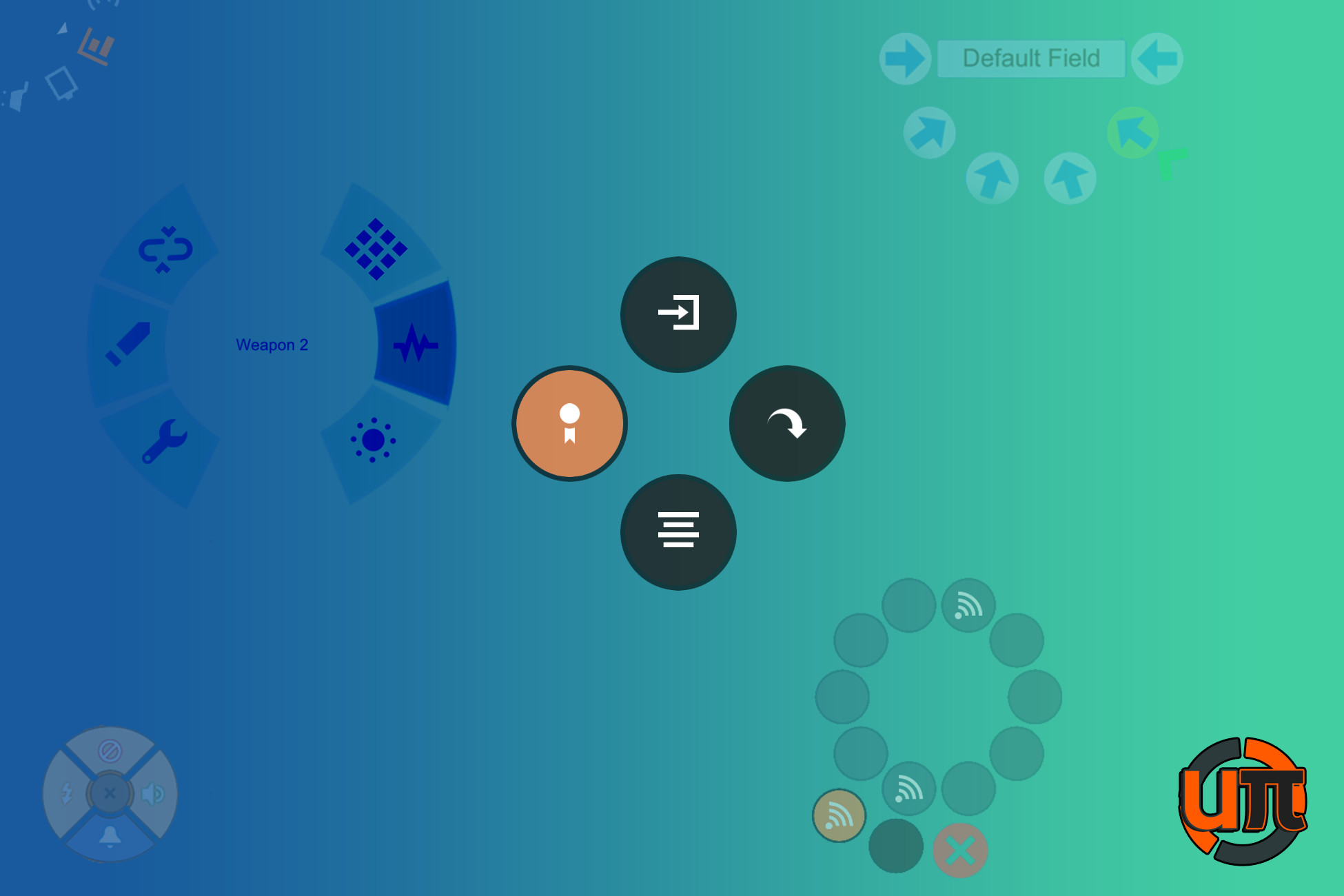
Here are some of the core features, that make uPI(e) Menu unique:
* Lets you create a new menu in just a few clicks, without knowing how to code
* Supports controller and mouse (or any other kind of pointing device)
* Intuitive and user friendly inspector
* Integrates with Unitys classic Input Manager by default, but lets you use any 3rd party or custom input system smoothly and extremely easily
* Designed to work with the new Unity UI system
* Works with all canvas render modes:
screen space - overlay, screen space camera and world camera
* Highly generic: You want to make a menu, that consists of input fields instead of buttons? No problem! You can use any kind of selectable the new Unity UI system has to offer!
* Highly customizable: You don't want a full circle radial menu, but a semi circle menu? Or just 30° of the circle? You want a submenu and a sub-submenu? Done in just a few clicks!
From the publisher's Asset Store listing.
Compatibility
| Unity version | Built-in | URP | HDRP |
|---|---|---|---|
| 2019.3.0f5 | Compatible | Not listed | Not listed |
As listed on the Asset Store.