
 View on Asset Store (opens in new tab)
Package details
- Latest version
- 2.0
- Last updated
- First released
- Unity version
- 2019.3.2 or later
- Package size
- 1.3 MB
- Files
- 107
- Favorites
- 37
- Views in the past week
- 7
- Requires
Price tracking
- Last checked
- Tracked since
- Lowest recorded
- $4.99 on
Keywords
Geo Triangulation
Turn OpenStreetMap, GeoJSON or any Vector2 outline into 3D buildings, roofs and streets at runtime. Chunked, multithreaded meshes for Unity 6 and URP. Full C# source and 5 demo scenes included.
Affiliate link · Purchases support this site
Price history
Last 6 months
USDAsset preview
1 / 23
Geo Triangulation screenshot 1



About this asset
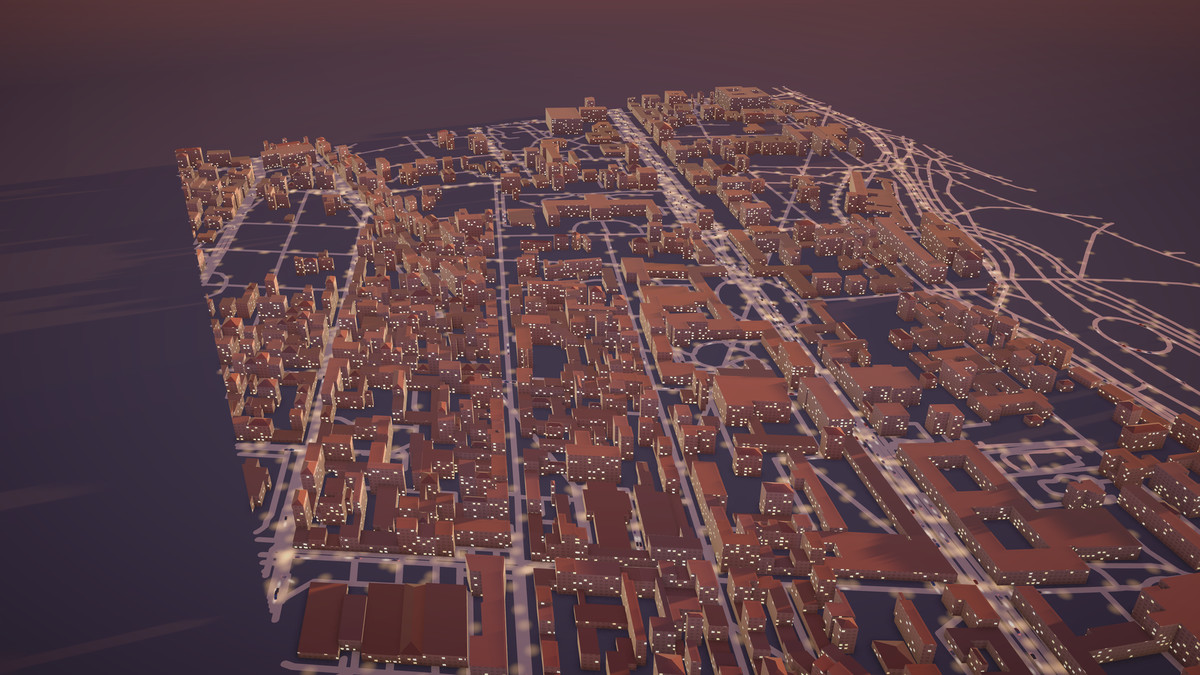
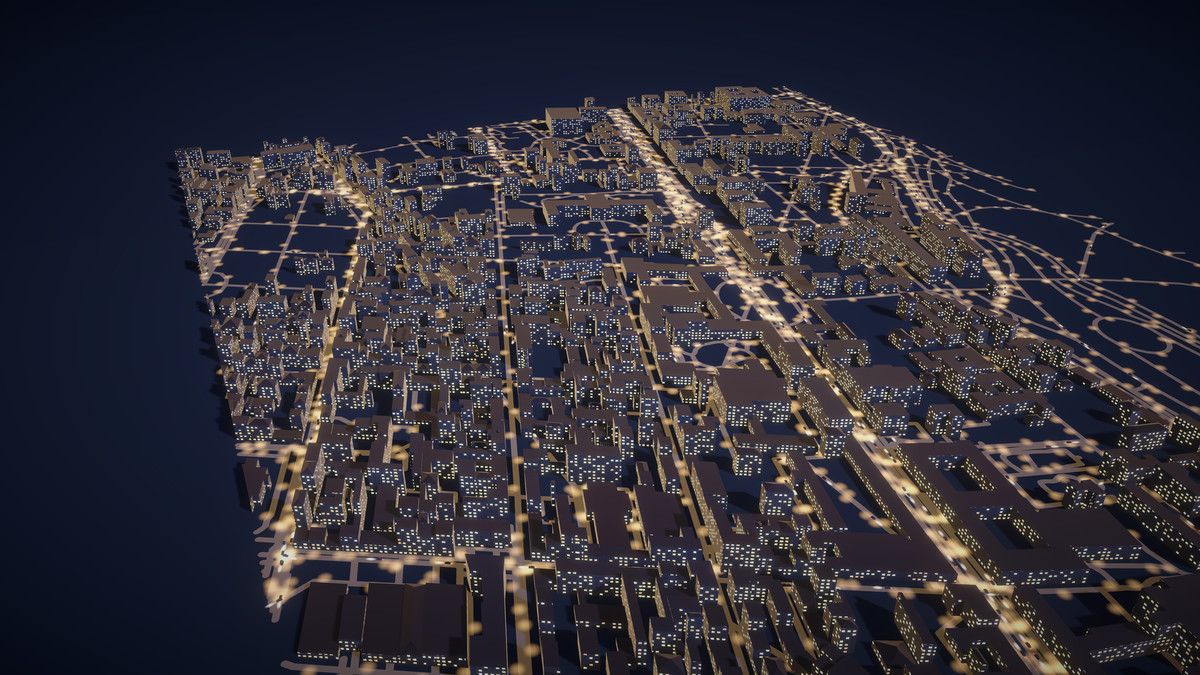
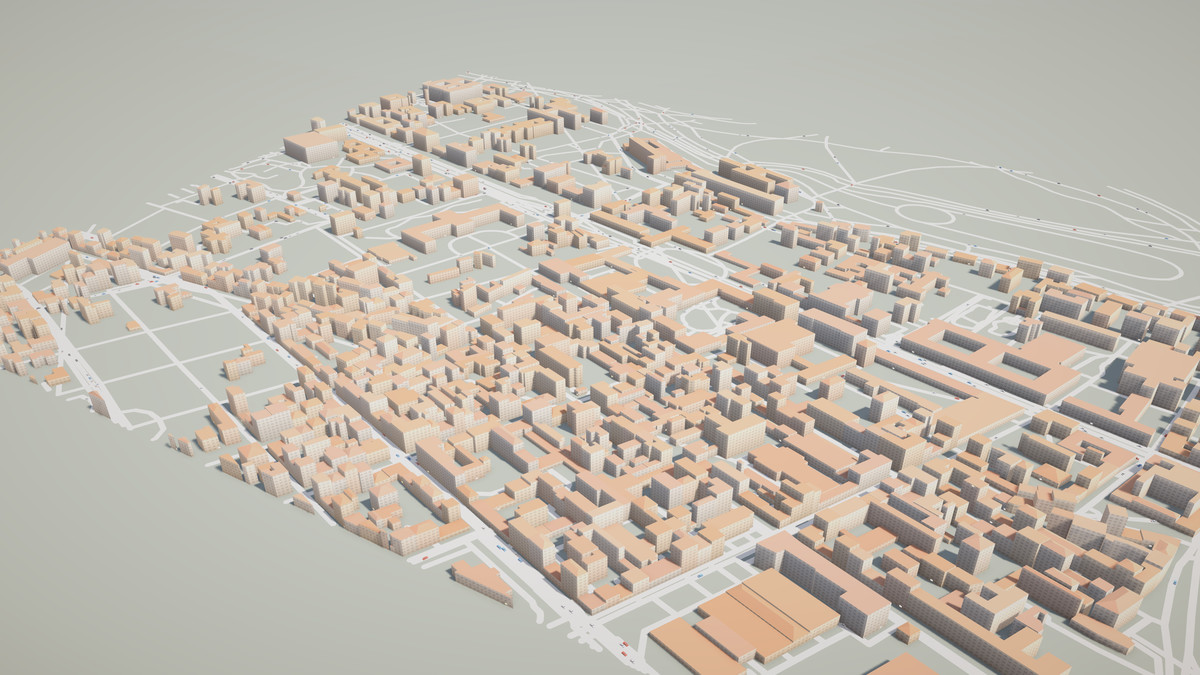
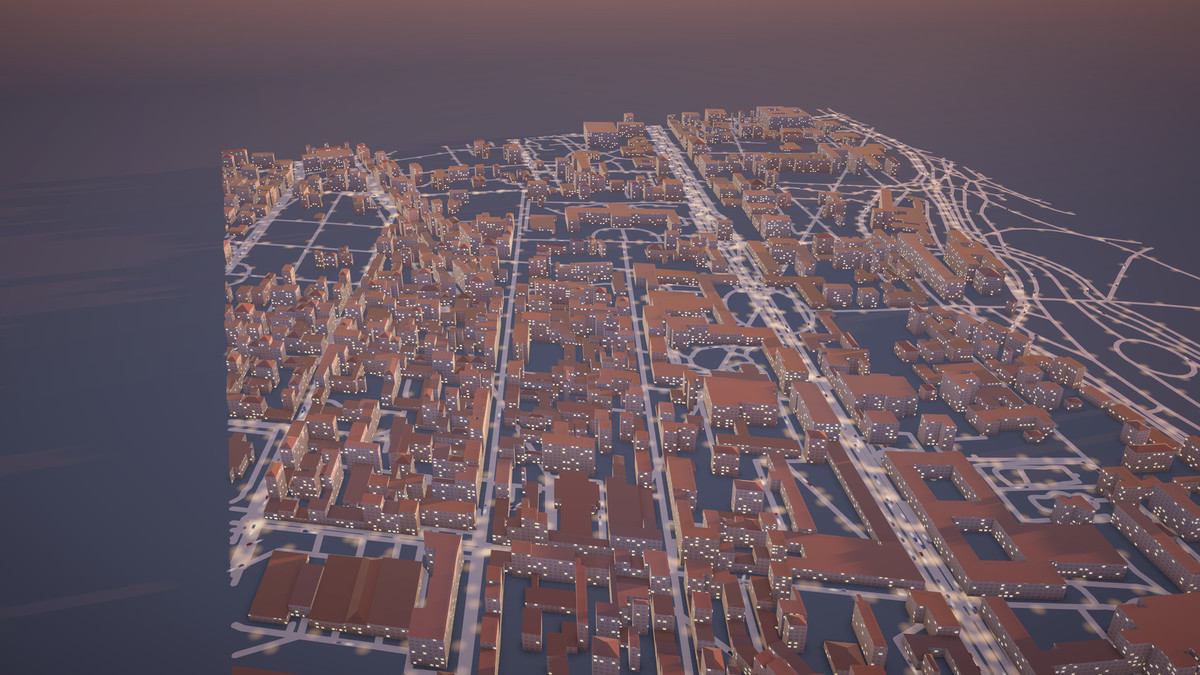
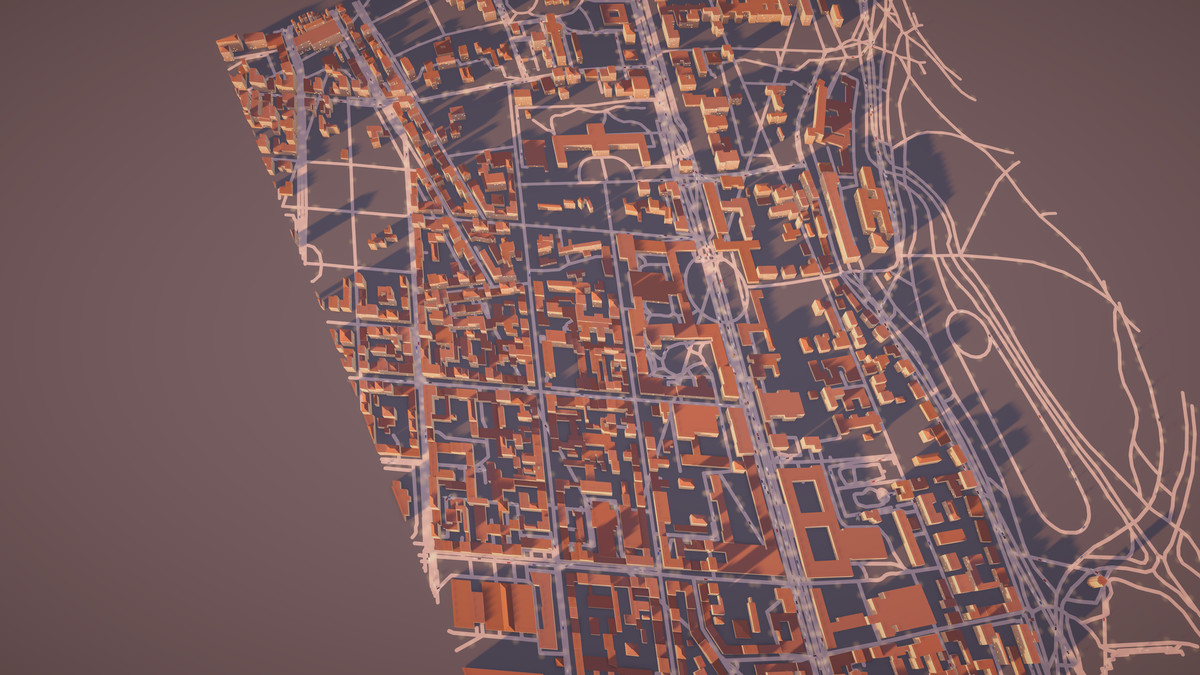
MPTriangulation turns map data and 2D outlines into ready-to-render 3D meshes while your game is running. Feed it OpenStreetMap or GeoJSON and get buildings with walls and pitched roofs, and streets with clean joins and caps. Feed it a Vector2 array and get a filled, triangulated shape.
Version 2.0 is a major update: much faster chunked and multithreaded mesh generation, async loading without frame spikes, roof shapes, configurable street joins, feature picking, a URP shader and five new demo scenes. Updated for Unity 6000.6 and the Universal Render Pipeline 17.6.
WHAT YOU CAN BUILD
- Location-based games and AR: generate the city around the player's GPS position.
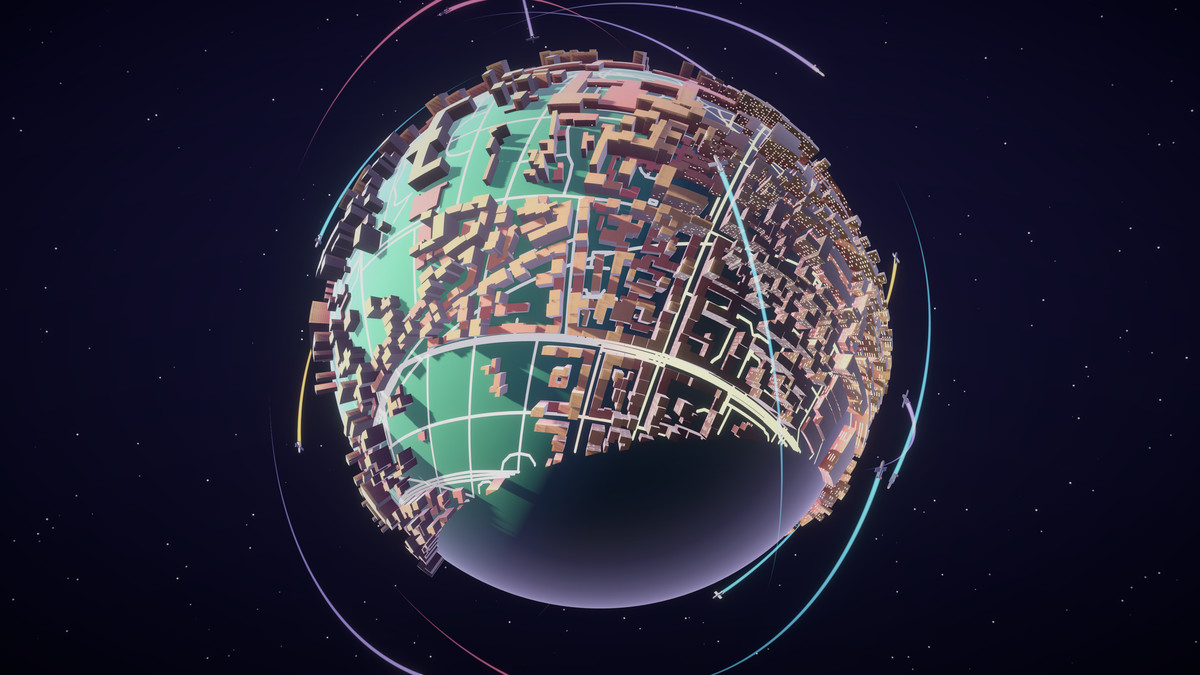
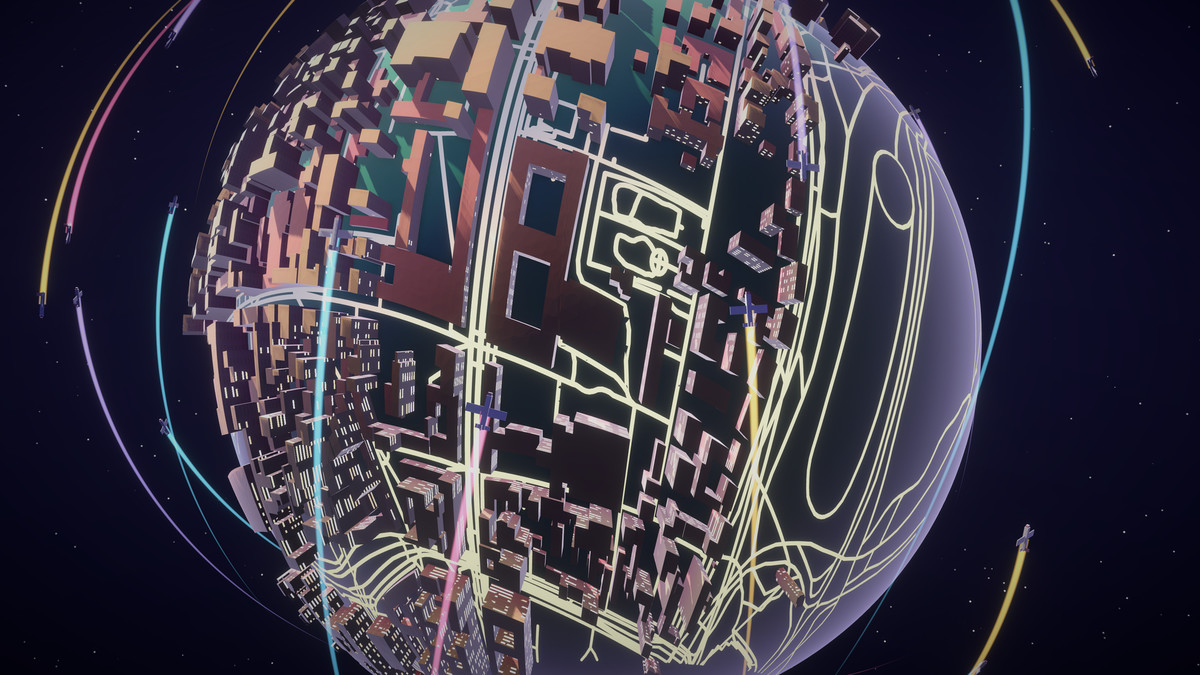
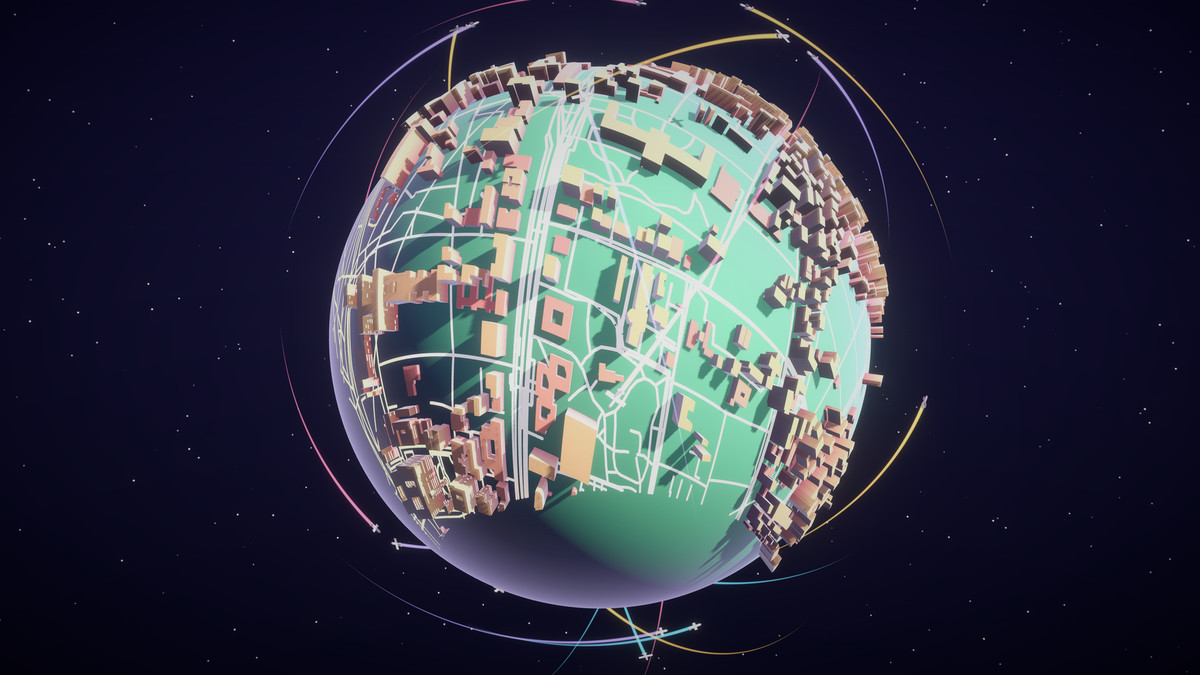
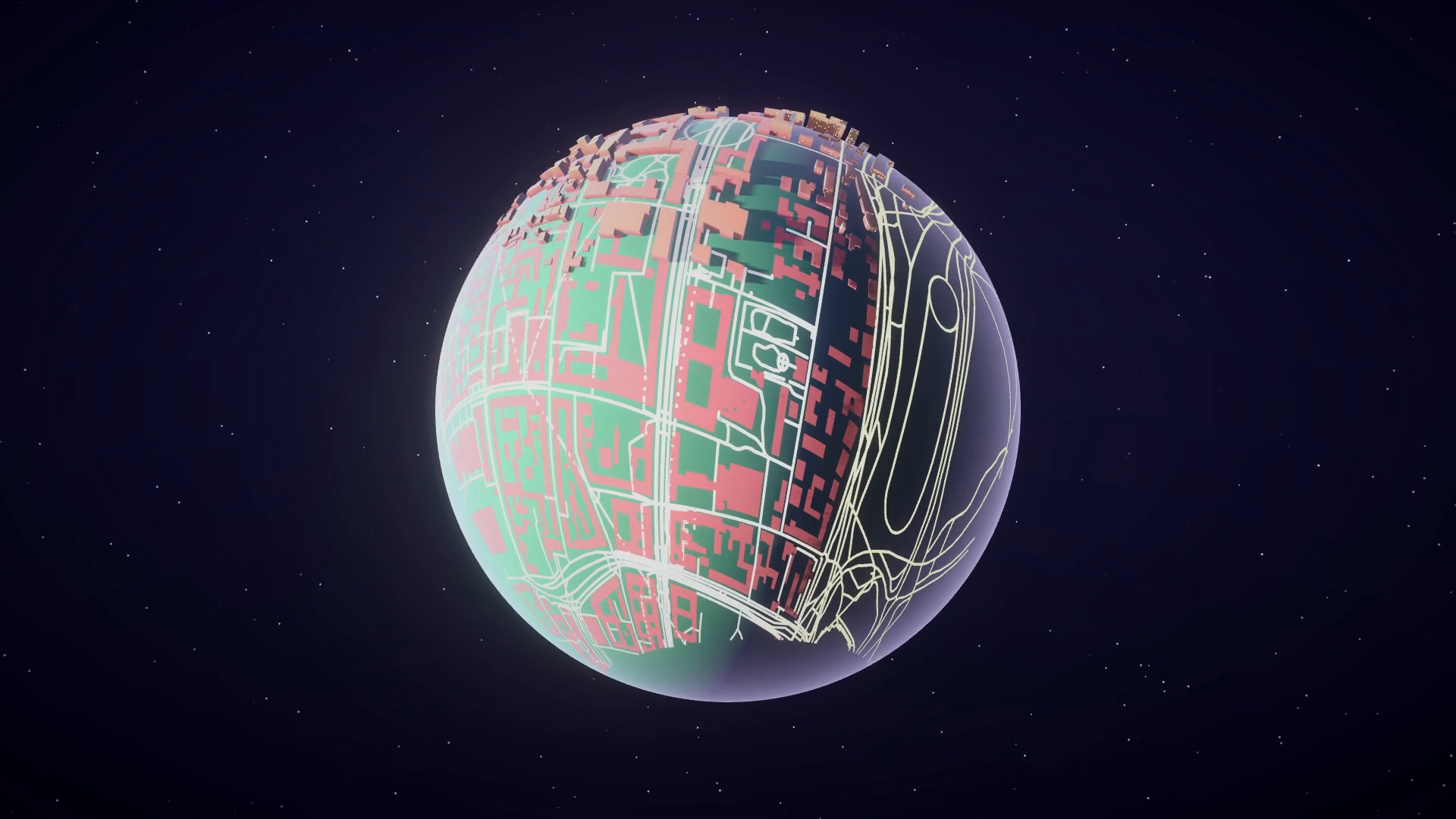
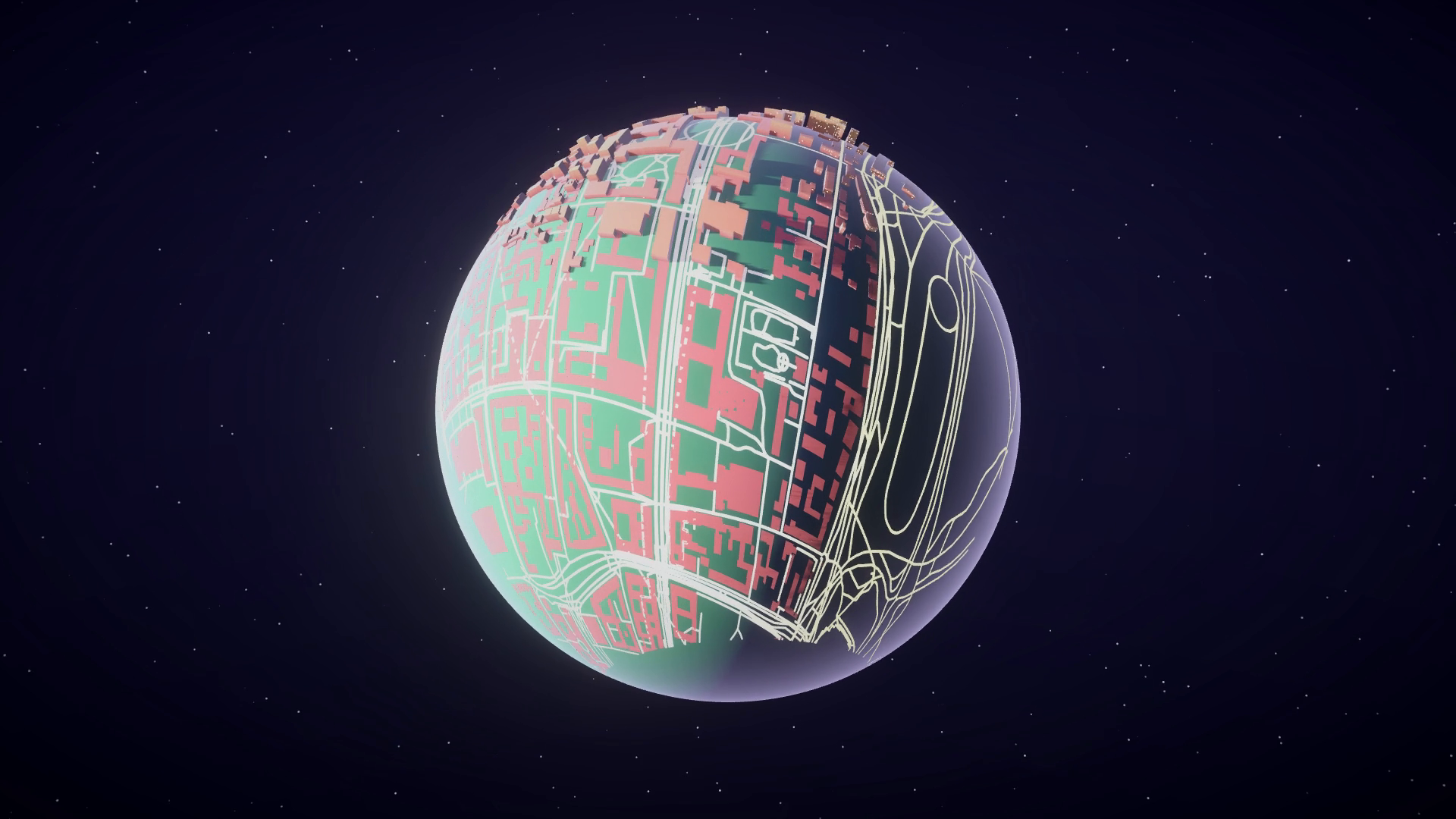
- City and world visualisation: stylised dioramas, a city bent around a tiny planet, 3D map dashboards.
- Procedural shapes: polygons and concave outlines from your own code or from sensors, for example contours from a depth camera.
HIGHLIGHTS
- Real-world data in: OpenStreetMap JSON, GeoJSON (for example an export from mygeodata.cloud) or plain Vector2 arrays.
- Buildings with walls and roofs: heights from the OSM tags (height, building:levels and the min_ variants) or fixed and random heights. Flat, gabled, hipped and pyramidal roofs with an adjustable pitch. Related OSM roof:shape values such as half-hipped, mansard or dome map to the closest shape.
- Streets with proper geometry: miter, bevel or round joins, butt, square or round caps, width from the highway and lanes tags.
- Fast: features are merged into spatial chunk meshes, so a whole city needs only a handful of draw calls. Geometry is built on worker threads.
- Loads without stalling: RenderJsonDataAsync and RenderJsonTextAsync triangulate (and parse) off the main thread and create the GameObjects within a per-frame time budget you set.
- Styling built in: solid, random-from-palette or height-gradient colors written to the vertex colors, darkened wall bases, smooth or hard wall corners, UV scaling, shadow settings. Includes the lit URP shader MPTriangulation/MapSurface; any other material works too.
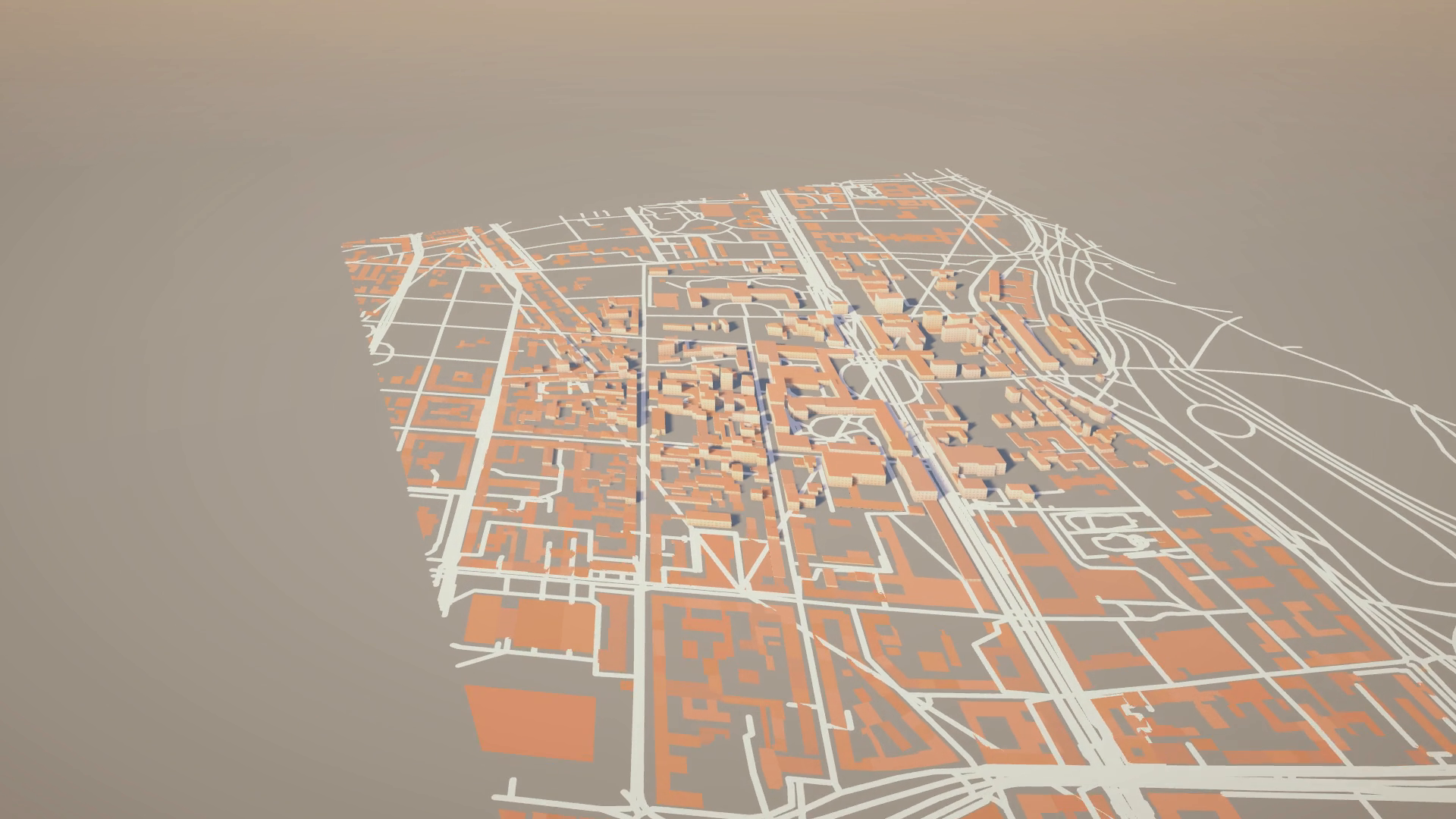
- Grow animation: buildings rise from the ground, staggered from the center of the map outwards.
- Feature picking: raycast the map and find out which building or street was hit, get its name from the data and highlight all of its triangles.
- Your own features: fill a GeoFeatureSet from code, render it, and read the projected points back, for example to place props along a street.
- Low level triangulators: an Earcut port with hole support and allocation-free per-thread instances, plus a simple polygon triangulator. Safe on worker threads.
- Polygon and street settings are ScriptableObject assets (Assets > Create > PolygonConfig / StreetConfig).
HOW IT WORKS
1. Add MeshGenerator and DataConnector to a GameObject.
2. Create a PolygonConfig and a StreetConfig, give them a material.
3. Call DataConnector.RenderJsonData (or the async versions) with your data and a center point. The map is built around that point.
FIVE DEMO SCENES
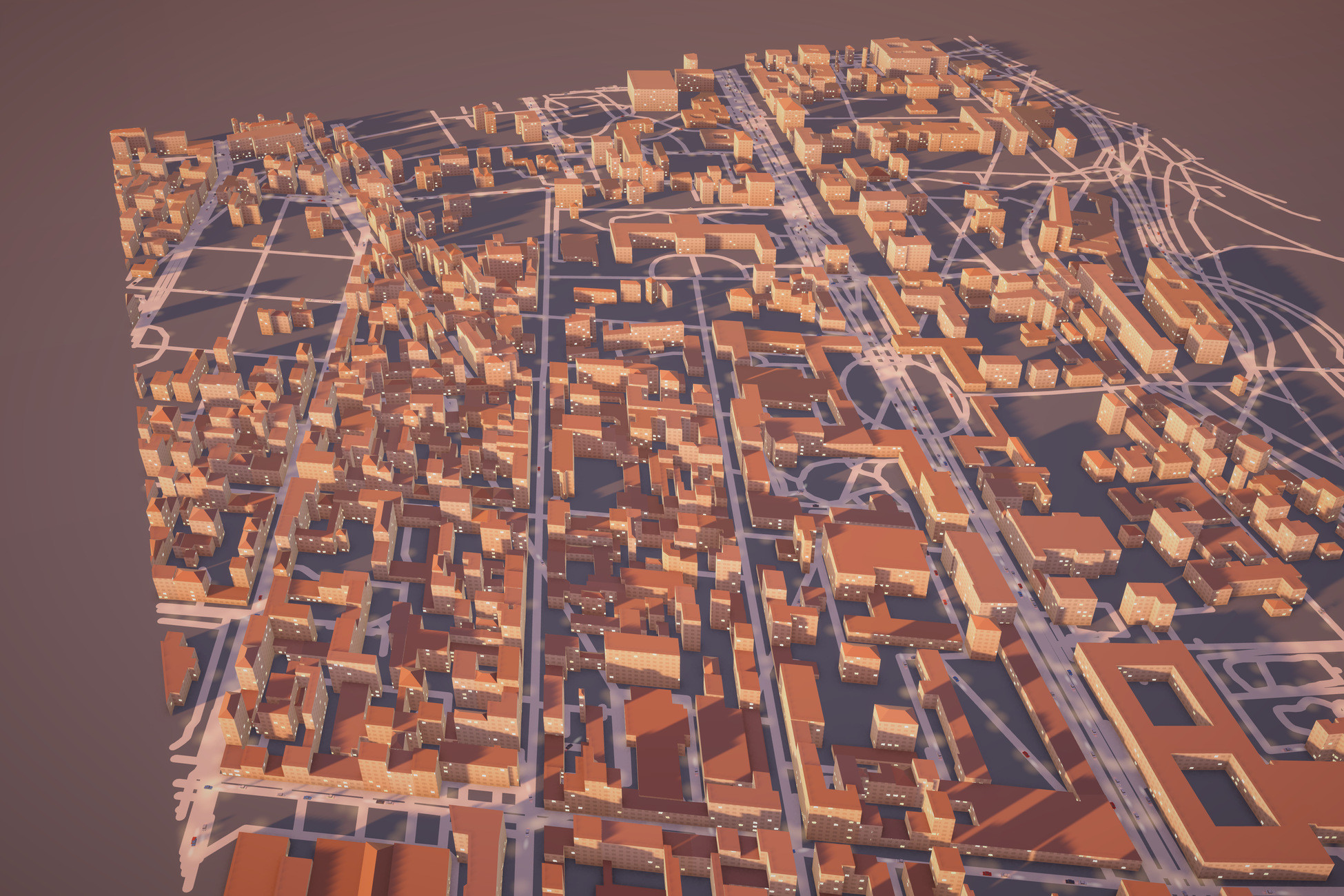
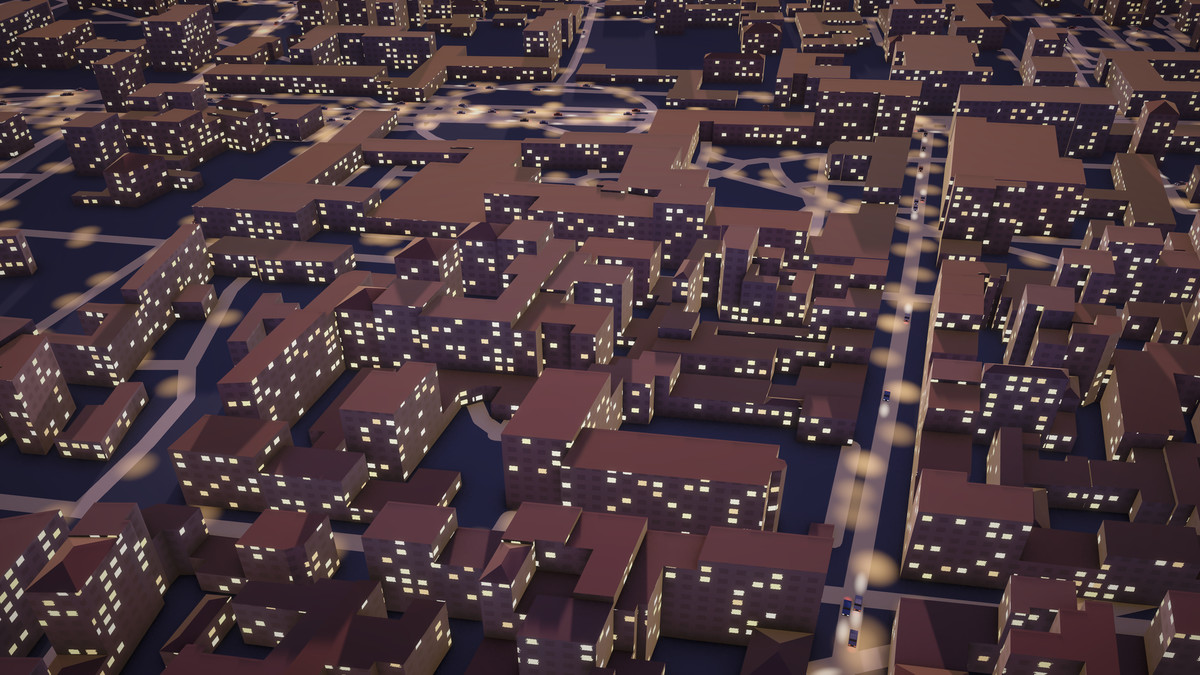
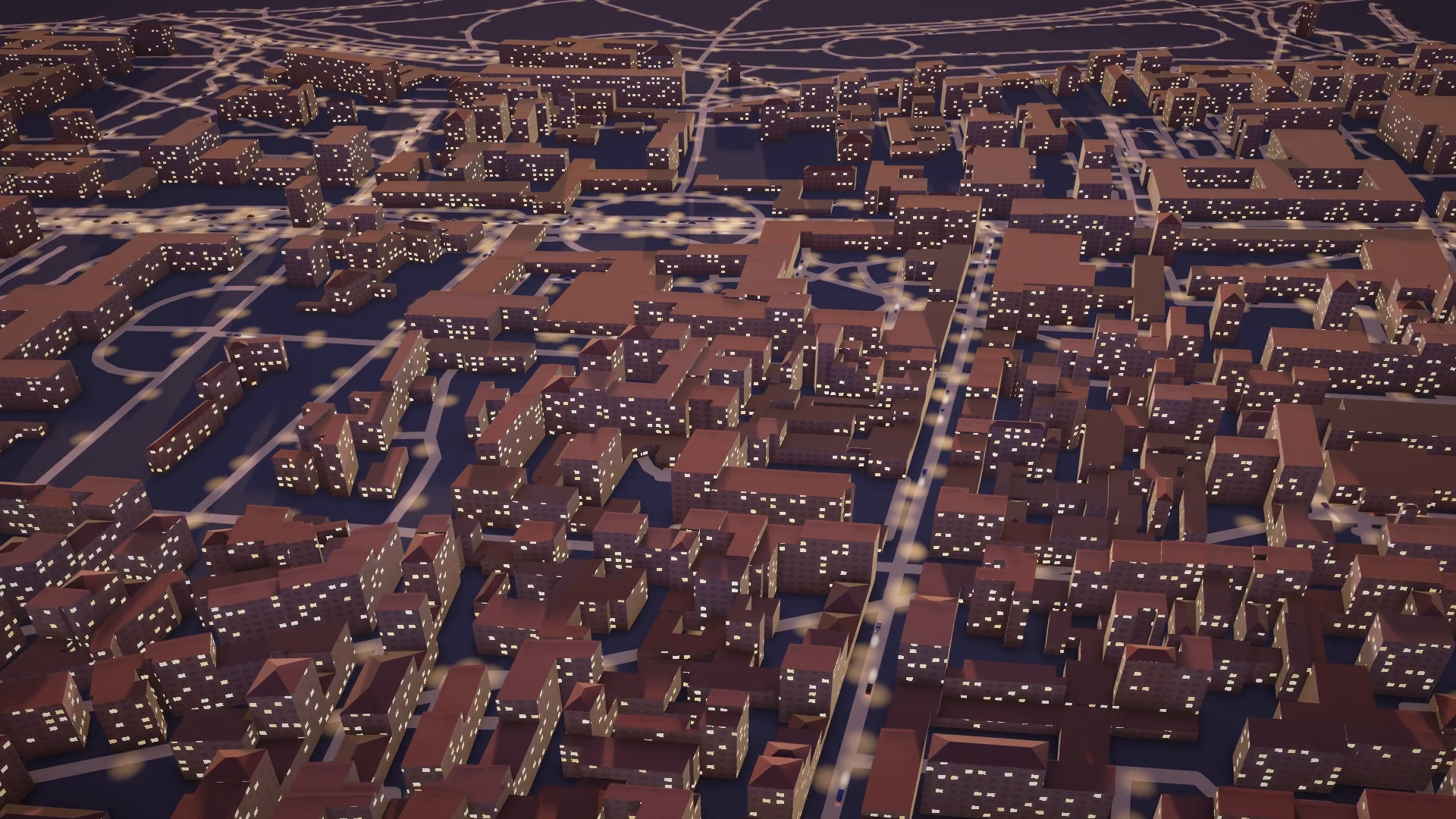
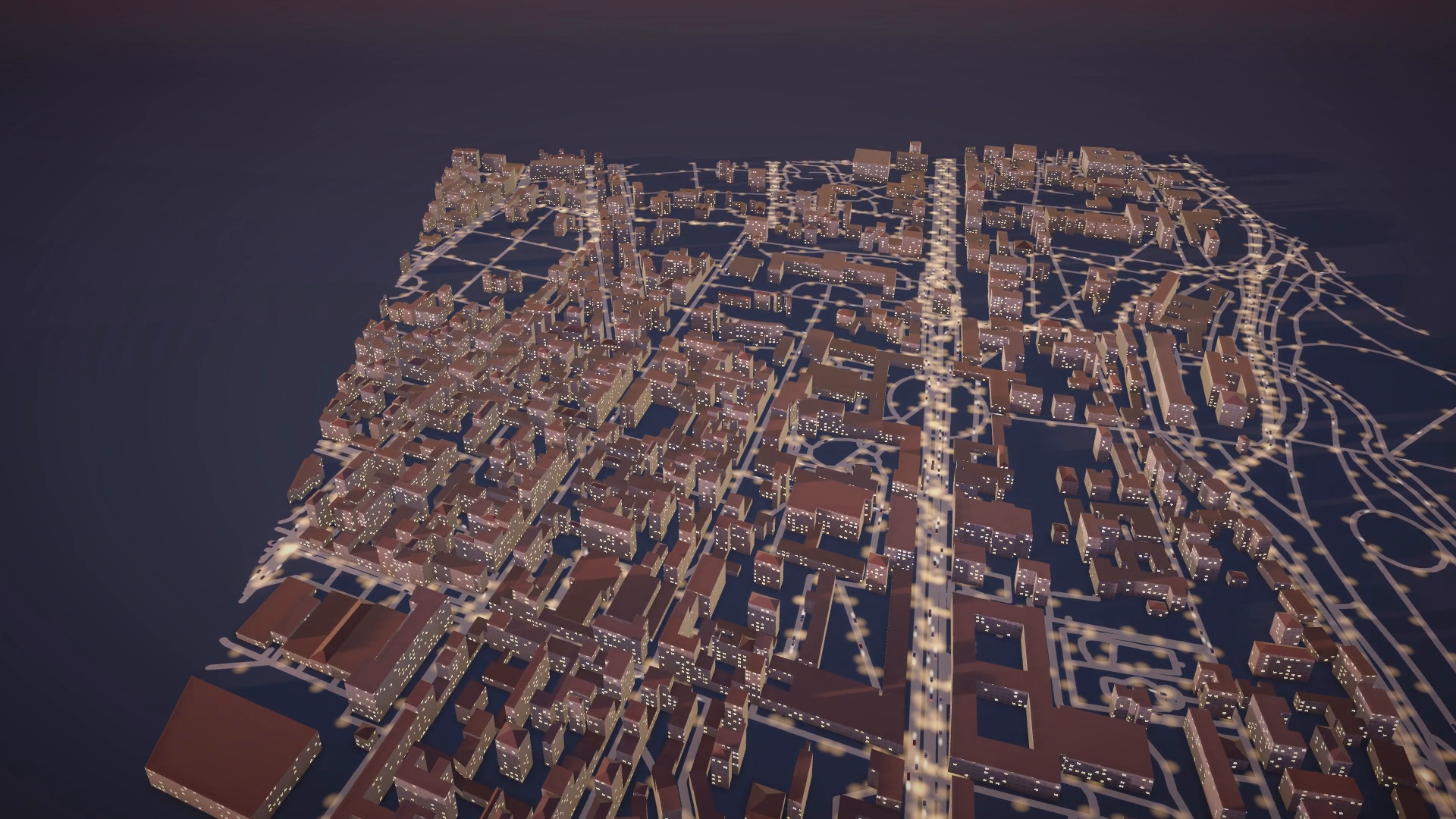
- Munich from an OpenStreetMap dump with a day / night time-lapse: lit windows, street lamps and cars driving along the streets, all drawn with GPU instancing and no extra GameObjects.
- The same city bent around a tiny planet, with a sun that sweeps day and night over the surface and planes flying over the city on light trails.
- Custom data: regular polygons and concave stars from Vector2 outlines.
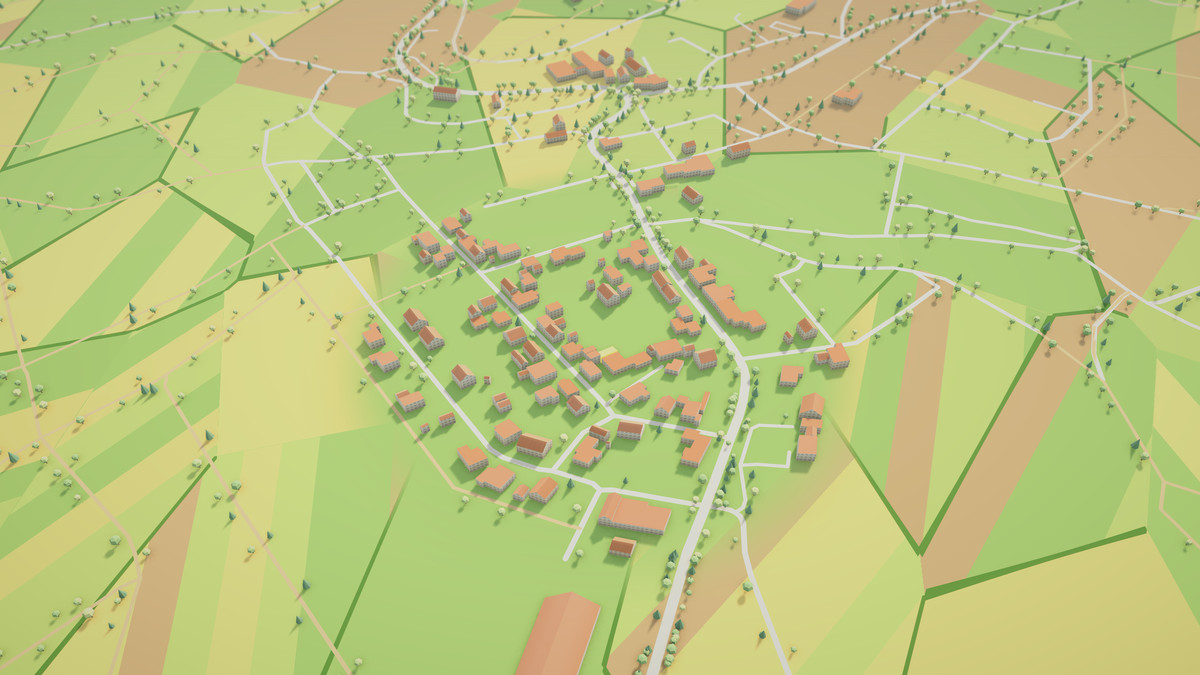
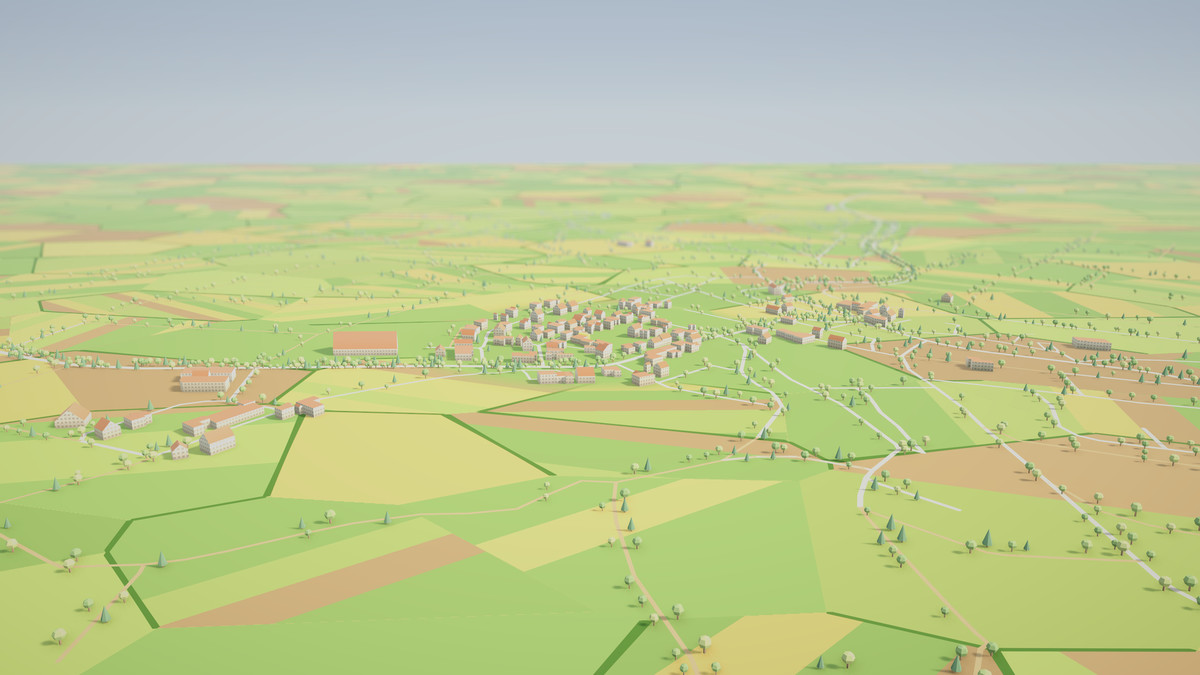
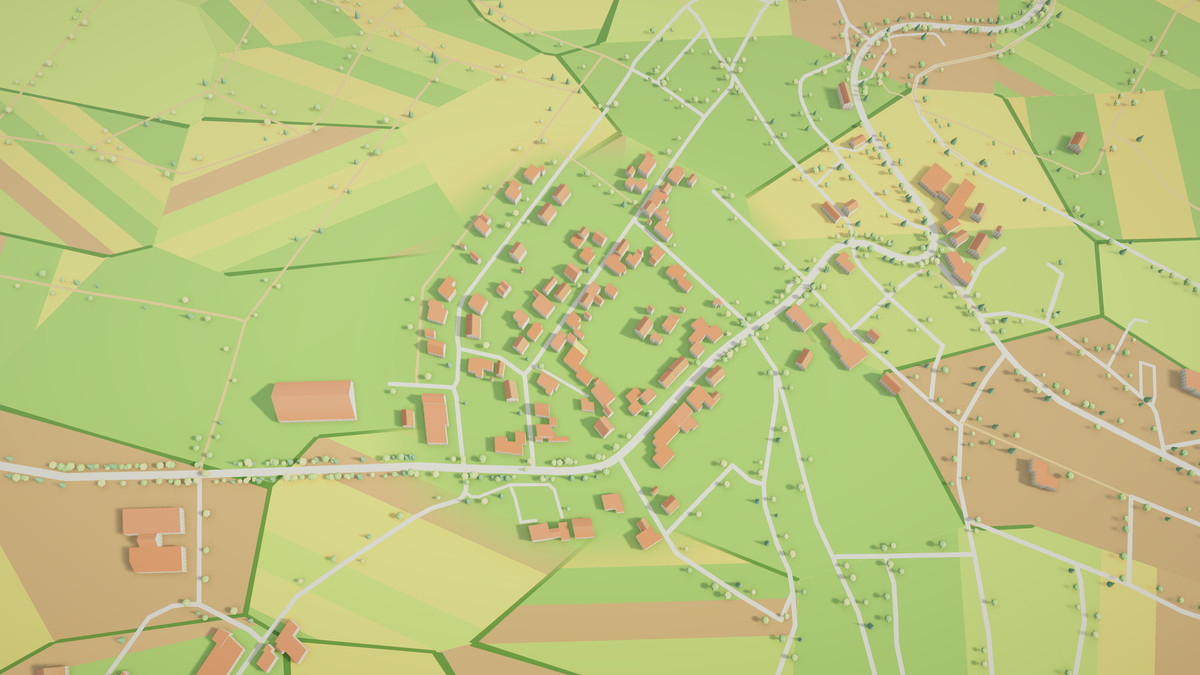
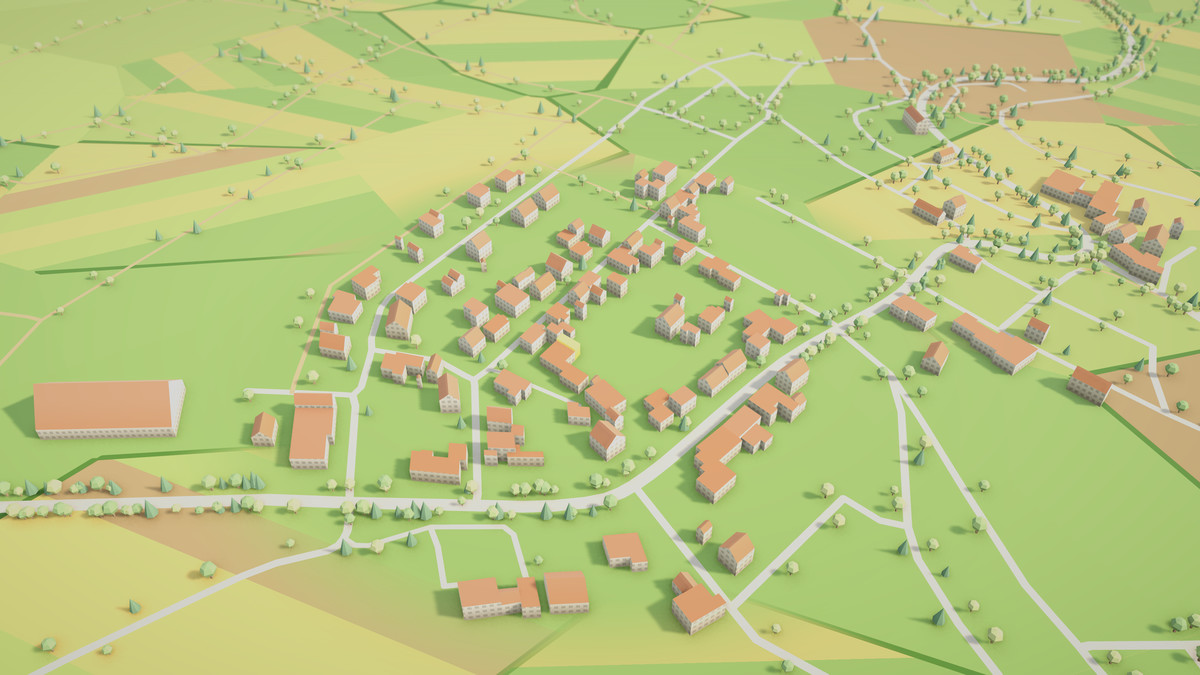
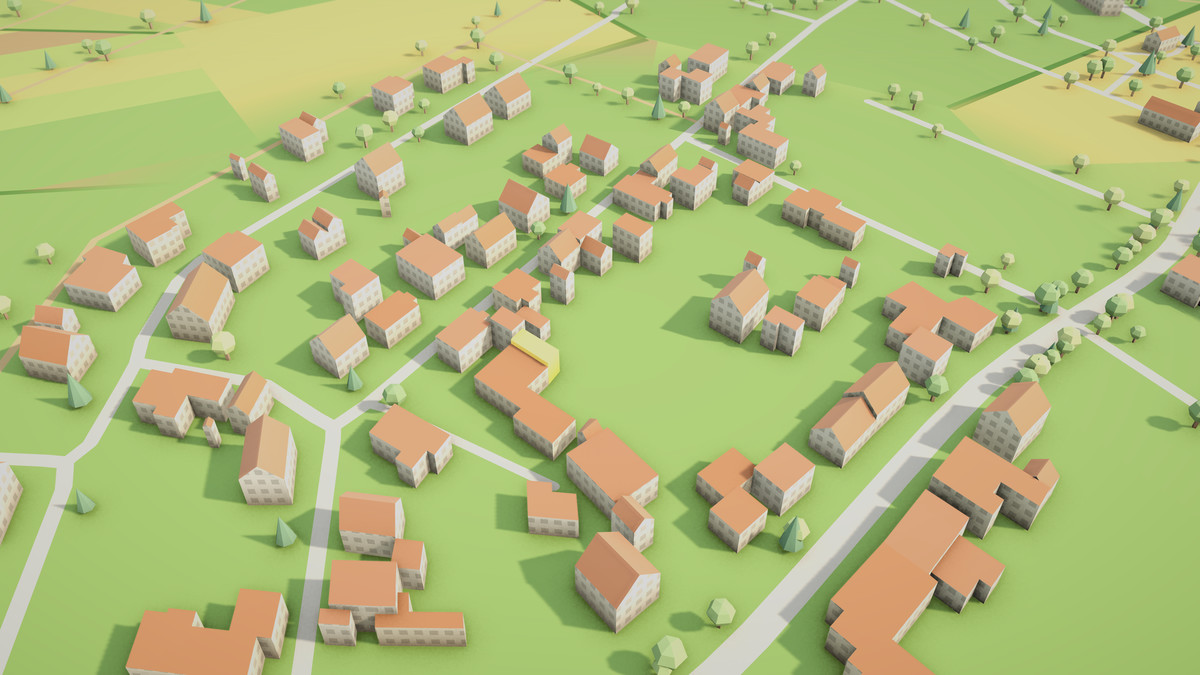
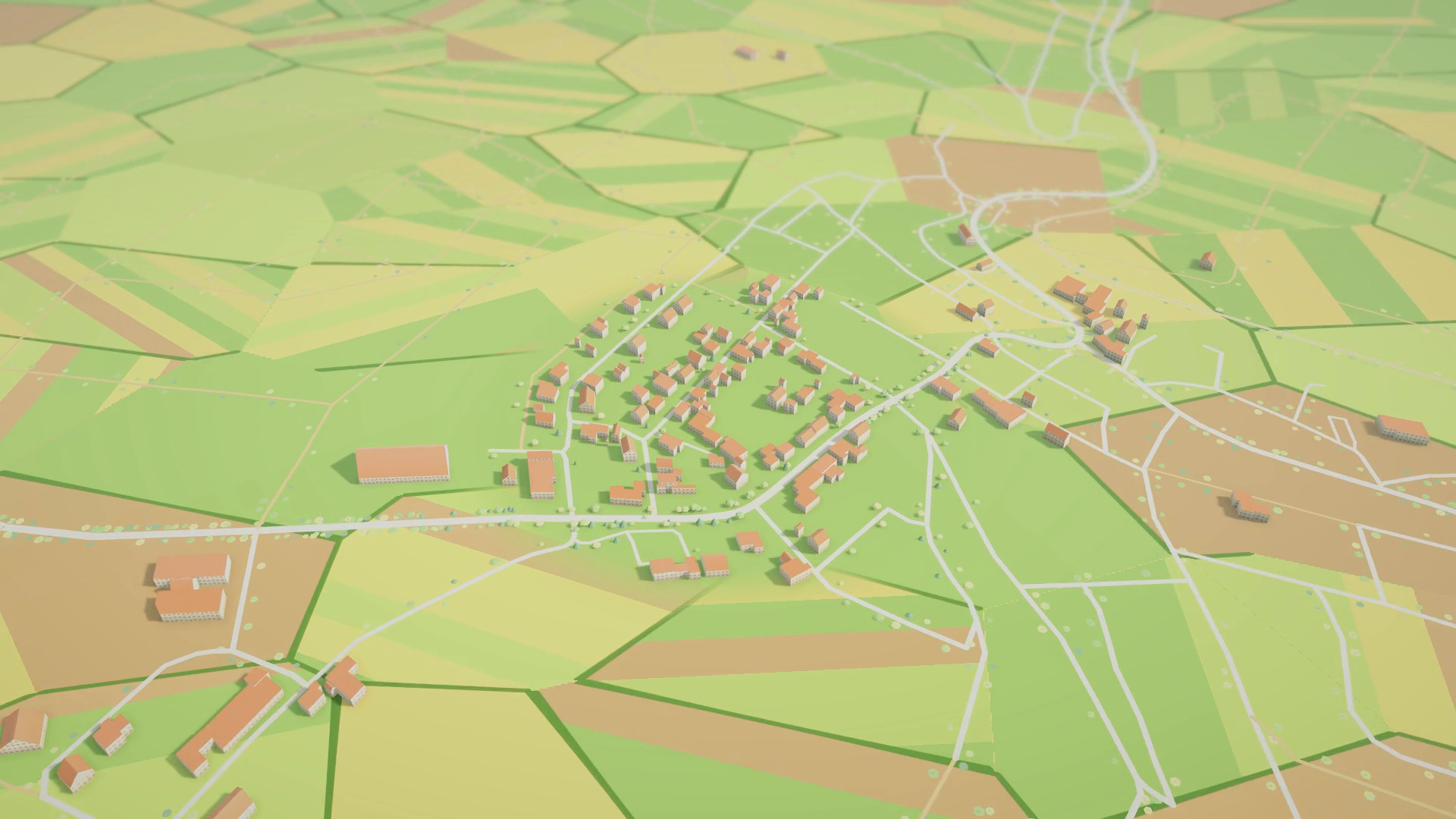
- A countryside diorama from a GeoJSON export: gabled houses, patchwork fields, roadside trees, farm tracks and hover picking that highlights a building and shows its name.
- The city drawing itself feature by feature from the center outwards.
DOCUMENTATION
A full documentation file is included in the package: quick start, API reference, data formats, a reference for every setting, shader properties and notes on threading and memory. A changelog and an upgrade guide for users of version 1.0 are included as well.
UPDATING FROM 1.0
Delete the old MPTriangulation folder before importing 2.0, files were moved and renamed. All types are now in namespaces (MPTriangulation, Triangulation). RenderJsonData and RenderPointData keep their signatures, but you should pass a center and set batching to PerFeature if you rely on one GameObject per feature. See the changelog for details.
From the publisher's Asset Store listing.
Technical details
Key features
- Runtime triangulation of OpenStreetMap JSON, GeoJSON and Vector2 outlines into meshes
- Buildings with walls, flat / gabled / hipped / pyramidal roofs, heights from OSM tags
- Streets with miter / bevel / round joins and butt / square / round caps
- Polygons with holes (Earcut), concave outlines, MultiPolygon and MultiLineString input
- Chunked batching (few draw calls) or one GameObject per feature
- Multithreaded geometry building, async render API with a per-frame time budget
- Grow-in animation, per-feature color modes, vertex color shading
- Feature picking: RaycastHit.triangleIndex to feature name, index and triangles
- GeoFeatureSet API to feed in your own features and read projected points back
- Optional MeshCollider per config, optional release of CPU mesh data to save memory
Compatibility
- Developed and tested with Unity 6000.6 and Universal Render Pipeline 17.6
- Example scenes, example shaders and the MapSurface shader target URP. The generated meshes are regular meshes, so you can assign your own materials and shaders. HDRP and the Built-in Render Pipeline have not been tested.
- Pure C#, no native plugins and no third-party packages needed
- No assembly definitions, the scripts compile into the default assemblies
- Multithreaded geometry building is switched off automatically on WebGL, the data is then built on the main thread
- Works with Enter Play Mode Options (domain reload disabled): the library keeps no scene references in static fields
- The example camera and mouse / keyboard controls use the legacy Input Manager. With the new Input System only they are inactive, the scenes still compile and run.
Package contents
- Full C# source code: DataConnector, MeshGenerator, MapChunk, configs, geometry builder, parsers, Earcut and polygon triangulators, JSON parser (Boomlagoon.JSON)
- MPTriangulation/MapSurface URP shader
- 5 demo scenes with their config assets, materials, volume profiles and baked lighting
- Example shaders: Stylized (gradient, night windows, rim light), GradientSky, Glow, Trail
- Example scripts: DayNightCycle, StreetLife, PlanetBender, PlanetSun, PlanetFlights, RoadsideTrees, FeatureInspector, ShowcaseCamera, Orbit
- Sample data: OpenStreetMap JSON of Munich and a GeoJSON countryside export (examples/json-data)
- Editor helper scripts that were used to build the example looks (Tools > MPTriangulation)
- Documentation.md and CHANGELOG.md
API at a glance
- DataConnector.RenderJsonData / RenderPointData / RenderJsonDataAsync / RenderJsonTextAsync
- MeshGenerator.GetMapPoint / CreateFeatureSet / Render / SetPolygonConfig / SetStreetConfig
- GeoFeatureSet.BeginFeature / AddPoint / AddLocalPoint / EndFeature / GetRingPoints
- MapChunk.GetFeatureIndex / GetFeatureName / GetFeatureTriangles
- Triangulation.Earcut, Triangulation.Triangulator, Triangulation2D
- Namespaces: MPTriangulation, Triangulation
Compatibility
| Unity version | Built-in | URP | HDRP | Custom |
|---|---|---|---|---|
| 6000.6.6f1 | Compatible | Compatible | Compatible | Compatible |
| 2019.4.7f1 | Compatible | Compatible | Compatible | Not listed |
| 2019.3.2f1 | Compatible | Not listed | Not listed | Not listed |
As listed on the Asset Store.