
 View on Asset Store (opens in new tab)
Package details
- Latest version
- 1.0
- Last updated
- First released
- Unity version
- 2019.3.5 or later
- Package size
- 3.6 MB
- Files
- 117
- Favorites
- 50
- Views in the past week
- 9
Price tracking
- Last checked
- Tracked since
- Lowest recorded
- Free on
Keywords
Drag Me
- Price drop
Discount -100%
Previous price
$19.99
Price Free
Get it free on Asset Store (opens in new tab)
Affiliate link · Purchases support this site
Price history
Last 6 months
USDAsset preview
1 / 7

Drag Me screenshot 1

About this asset
Drag Me is a 2d and 3d 'drag & drop' solution for Unity.
Built on-top of familiar unity components, Drag Me brings several years of development experience into an elegant solution to make 'drag & drop' behavior more accessible to both developers, and non-developers.
Drag Me was initially developed for a tactics card game, but its uses don’t stop there.
Supporting an editor-first approach, DragMe components can be configured and extended directly within the editor without writing any code. On the other hand, if coding is your forte, DragMe components and events are completely extensible with detailed documentation to help you develop the functionality you need.
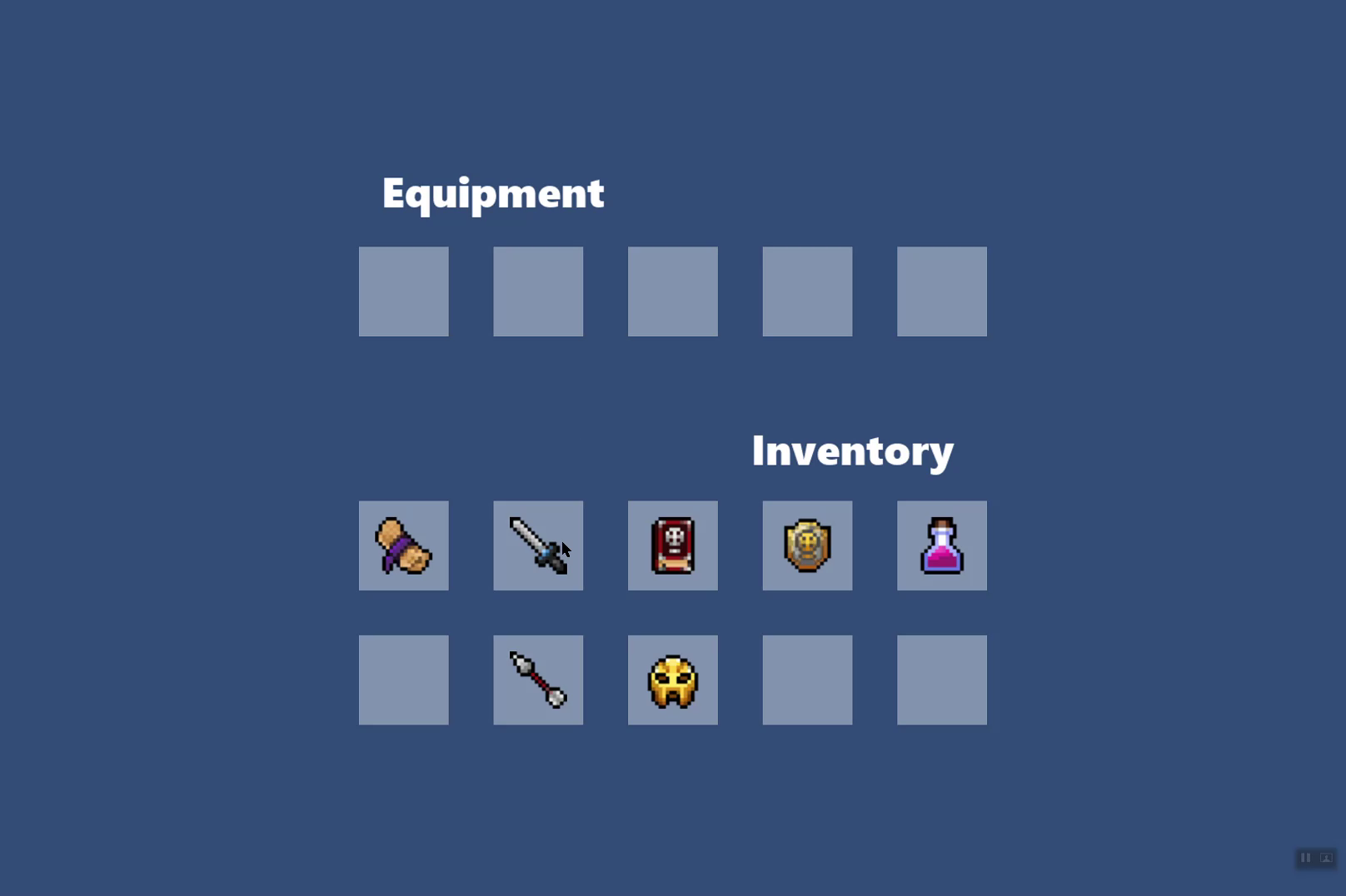
Drag Me 2d support for sprites uses Rigidbody2D with 2d colliders. The DragMe 2d Demo scene demonstrates how Drag Me works directly with Sprite Renderers, sorting layers, 2d Box Colliders, and Audio Sources to create an inventory system.
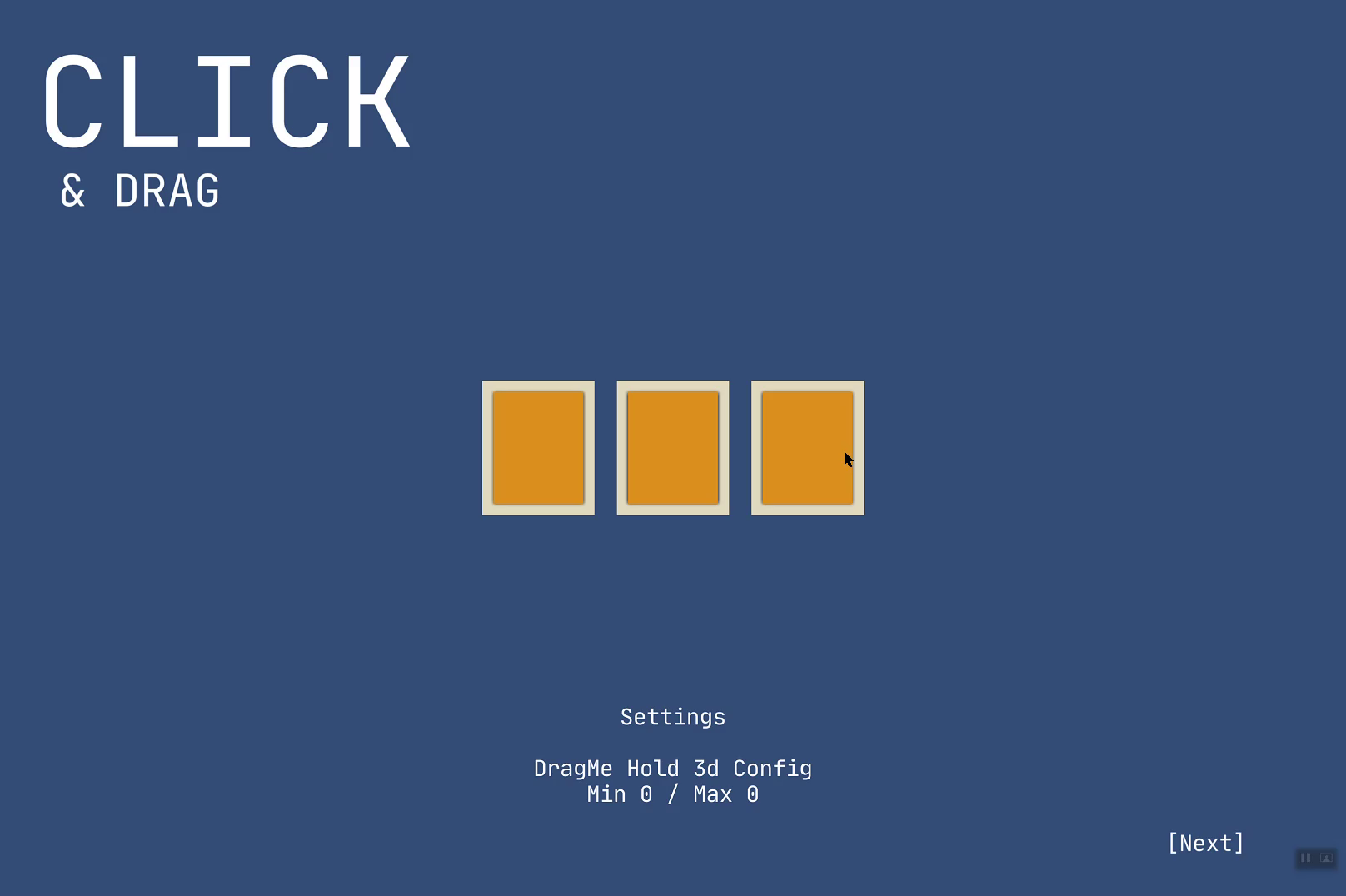
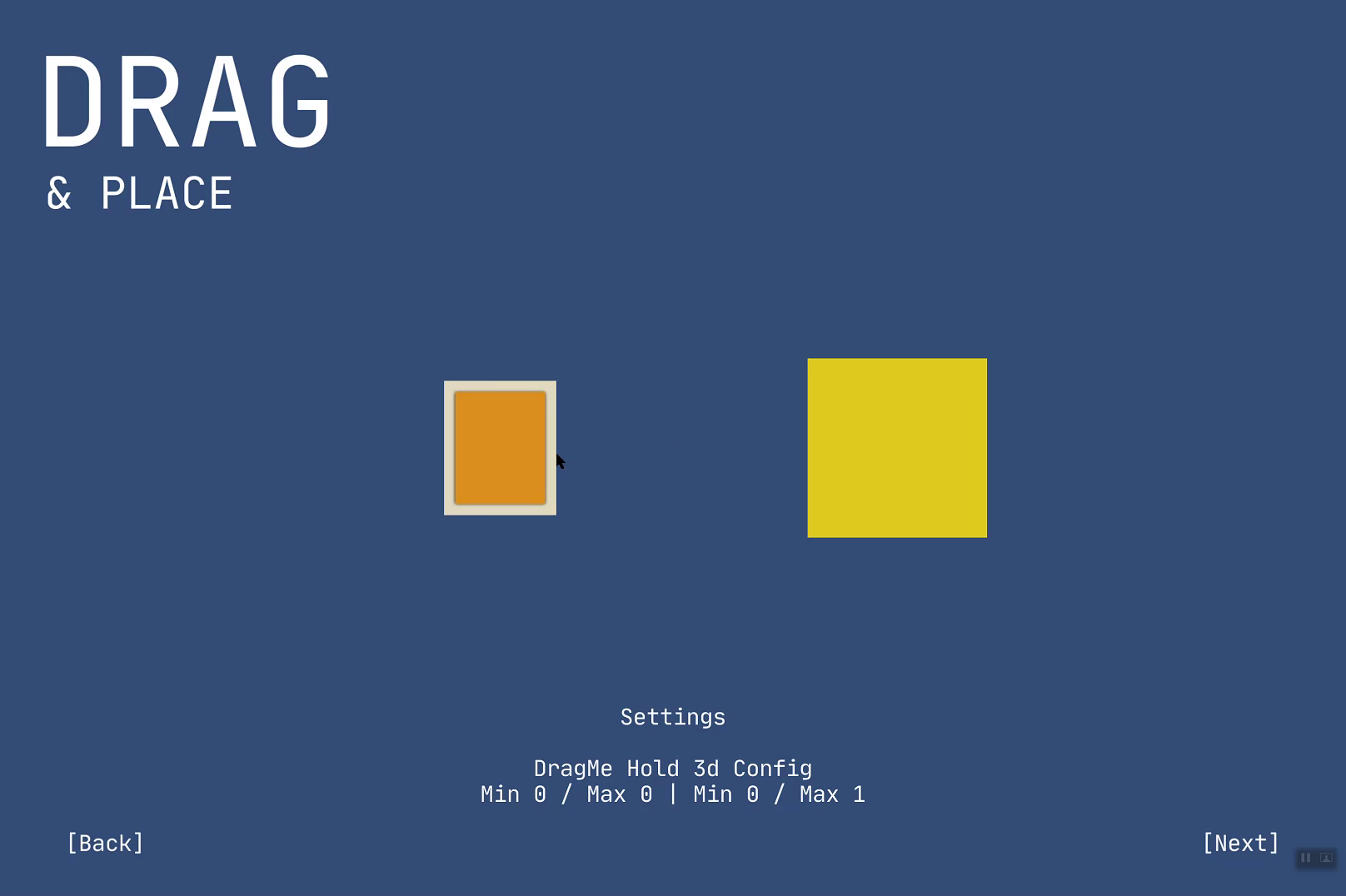
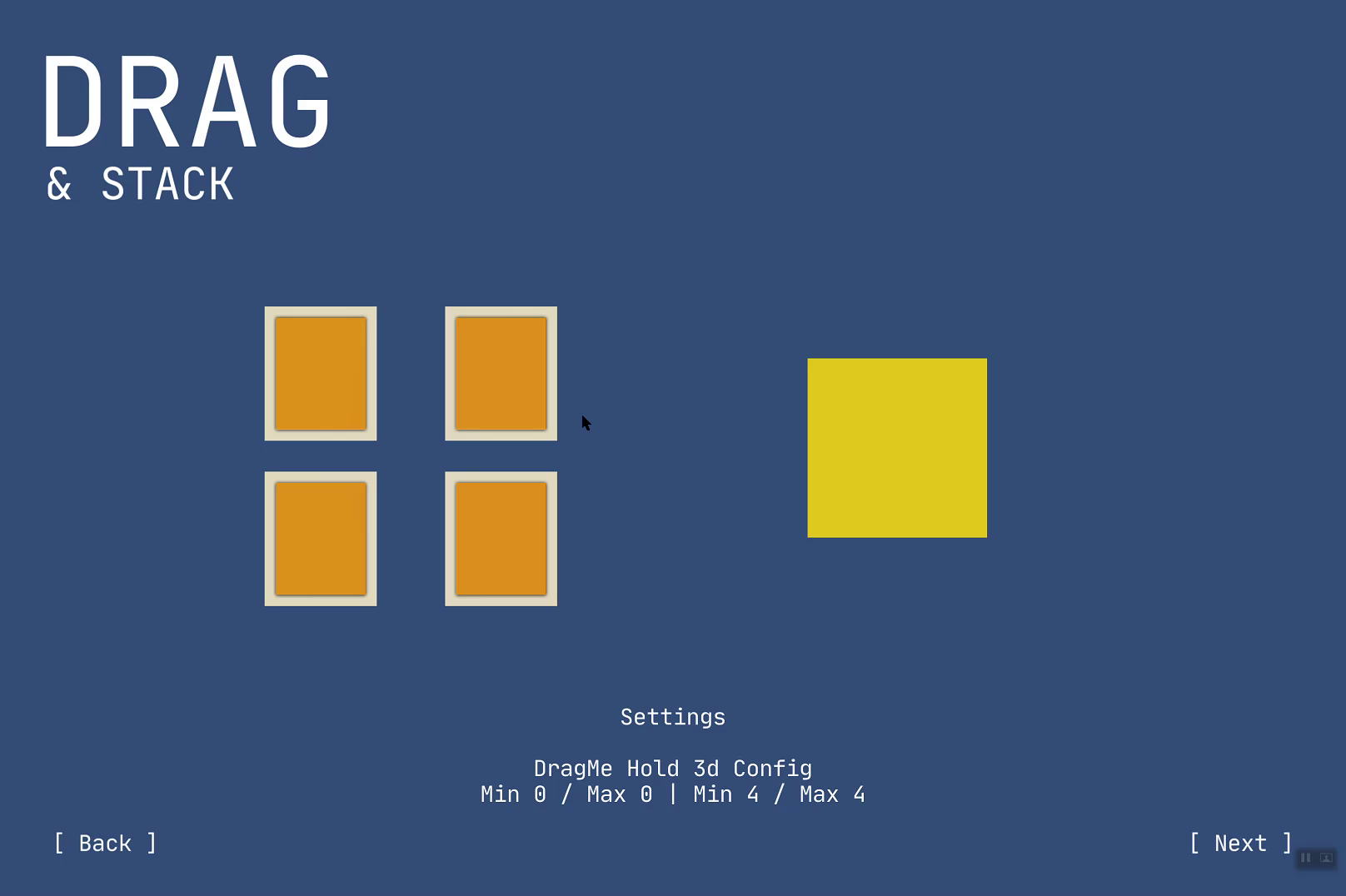
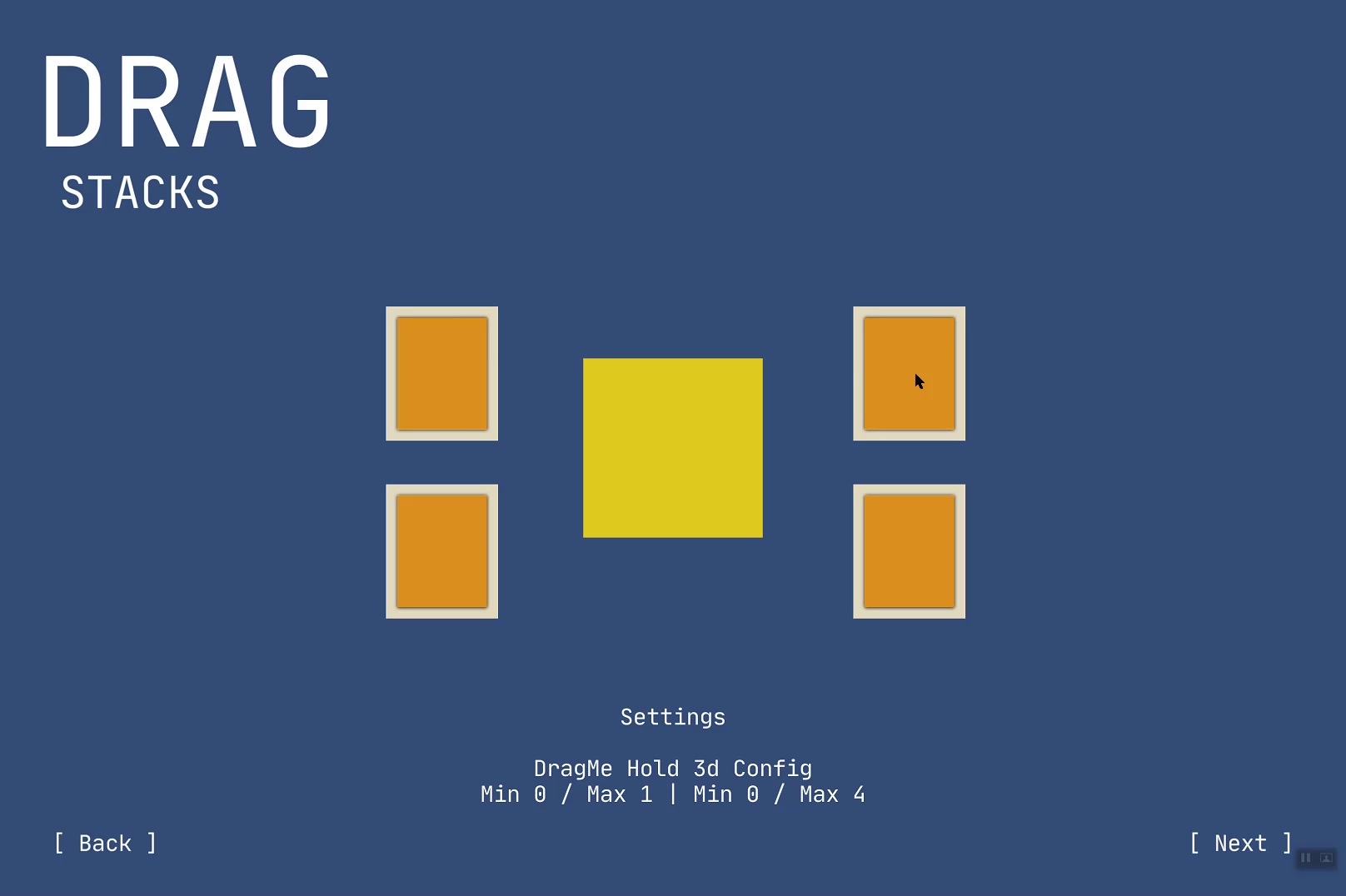
Drag Me 3d support for models uses Rigidbody and 3d colliders. The DragMe 3d Demo scene demonstrates through several examples how Drag Me works directly with Mesh Renderers, Depth Rendering, 3d Box Colliders, Audio Sources and Unity's Animator to create animated, draggable, and stackable components.
Drag Me provides:
▶ Built-in editor support for creating and configuring draggable components.
▶ Documented source code leveraging the VS Code extension Better Comments.
▶ In-depth documentation available in both .docx and .pdf.
▶ Configurable component 'stacking' with child offsets.
▶ Includes 'hold' and 'toggle' behavior.
▶ supports several orientations in which components can be grabbed (XY, XZ, YX, YZ, ZX, ZY).
▶ Supports world-space 'drag & drop' support (camera).
▶ Individual layer masking for identifying 'grabbed' and 'placement' components.
▶ Limiting the range (distance from the camera) in which components can be dragged.
▶ Supports both trigger and non-trigger colliders.
▶ Supports Hiding the mouse when dragging components.
▶ Provides a de-bounced selection of dragged components.
From the publisher's Asset Store listing.
Compatibility
| Unity version | Built-in | URP | HDRP |
|---|---|---|---|
| 2019.3.5f1 | Compatible | Compatible | Compatible |
As listed on the Asset Store.