
 View on Asset Store (opens in new tab)
Package details
- Latest version
- 1.2.0
- Last updated
- First released
- Unity version
- 2019.4.37 or later
- Package size
- 388 KB
- Files
- 69
- Favorites
- 17
- Views in the past week
- 15
Price tracking
- Last checked
- Tracked since
- Lowest recorded
- $9.99 on
Keywords
Volt Spriter
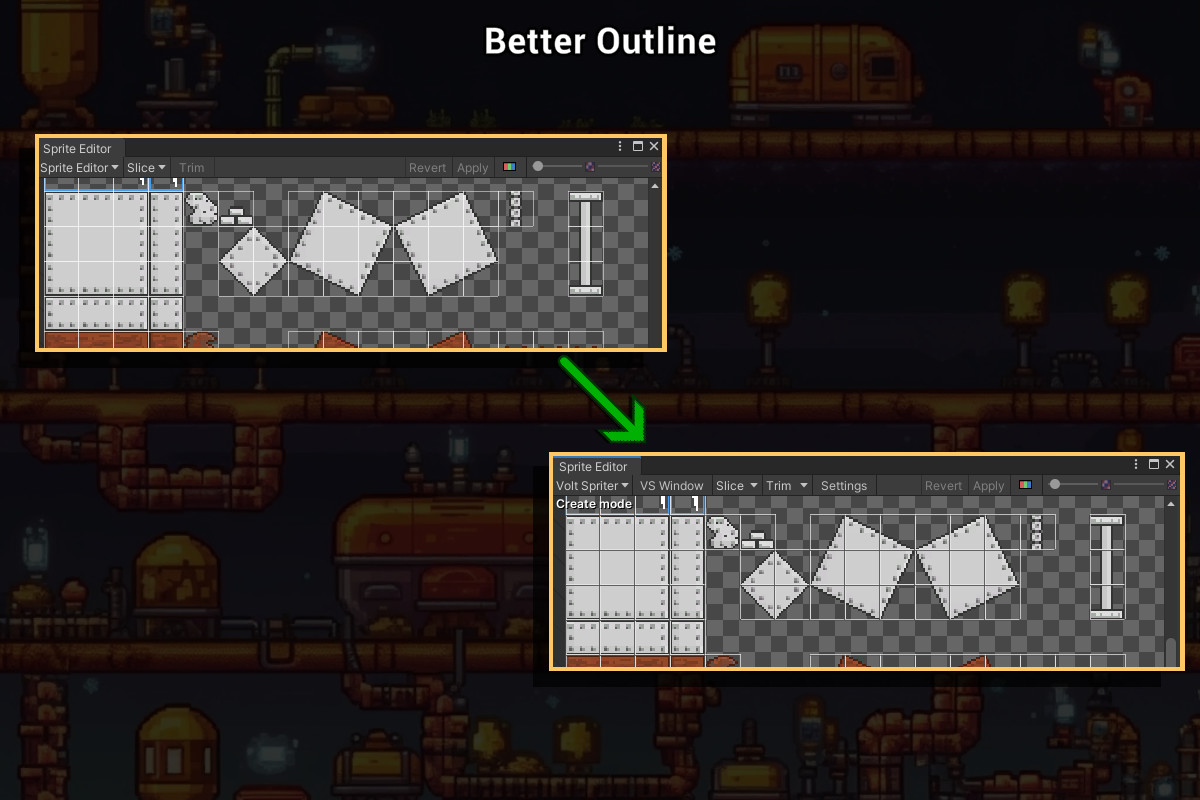
Volt Spriter enhances Unity's sprite editor by adding multi-sprite selection, trimming, slicing, and more. It streamlines sprite sheet workflows, improving productivity and ease of use.
Affiliate link · Purchases support this site
Price history
Last 6 months
USDAsset preview
1 / 7

Volt Spriter screenshot 1

About this asset
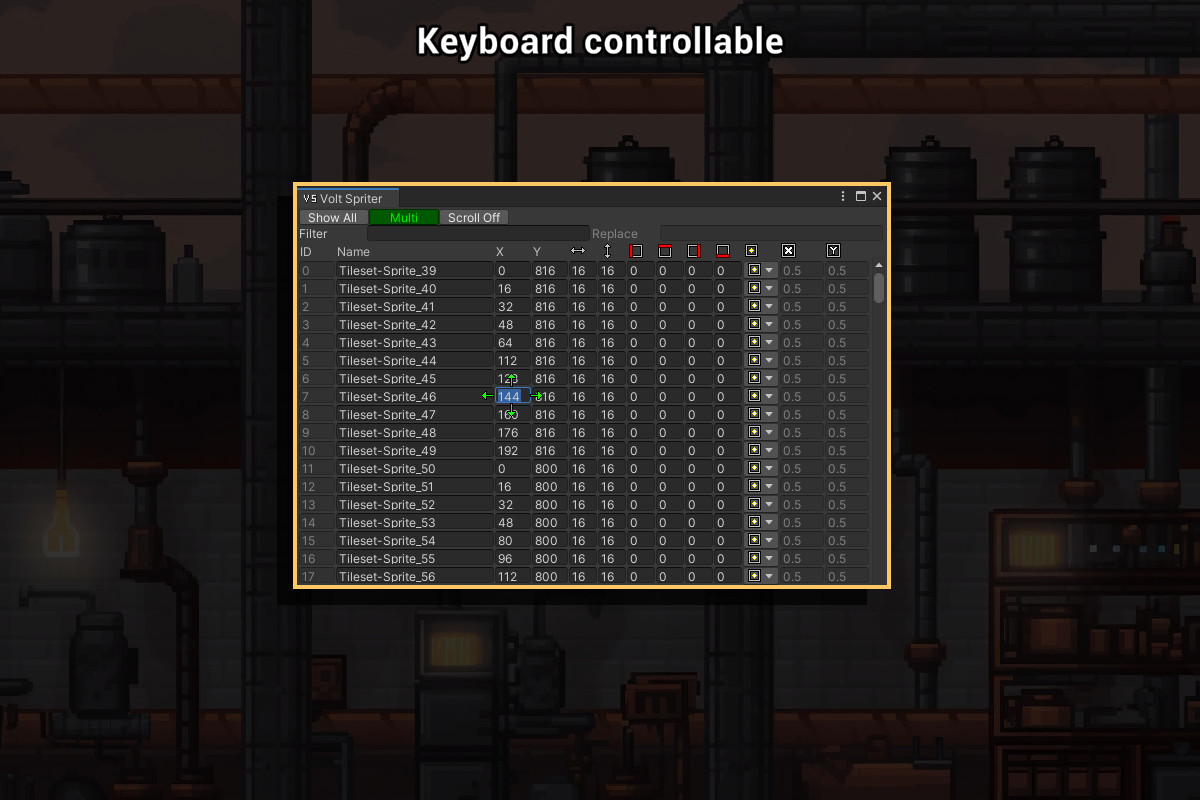
Introducing Volt Spriter: a powerful enhancement to Unity's built-in sprite editor, designed to streamline your sprite workflow and boost productivity. With multi-sprite selection support and an array of advanced features such as trimming, slicing, filtering, and auto-indexing, Volt Spriter is the ultimate solution for working with sprite sheets. Enjoy optimized UI, keyboard navigation, and customizable styles, all in a plug-and-play installation. Compatible with Unity versions 2019.4 to 2023.x, Volt Spriter doesn't replace, but elevates your sprite editing experience.
But why?
While Unity's built-in sprite editor offers essential functionality for handling single sprites, it falls short when it comes to managing sprite sheets. Its limitations stem from the lack of multi-selection capabilities, forcing users to perform repetitive tasks and manual adjustments for multiple sprites. This absence of multi-selection results in a cumbersome and time-consuming process, impacting overall efficiency and hindering the creative workflow. By not addressing these optimization needs, the built-in sprite editor leaves room for improvement in delivering a more seamless and productive experience for sprite sheet editing.
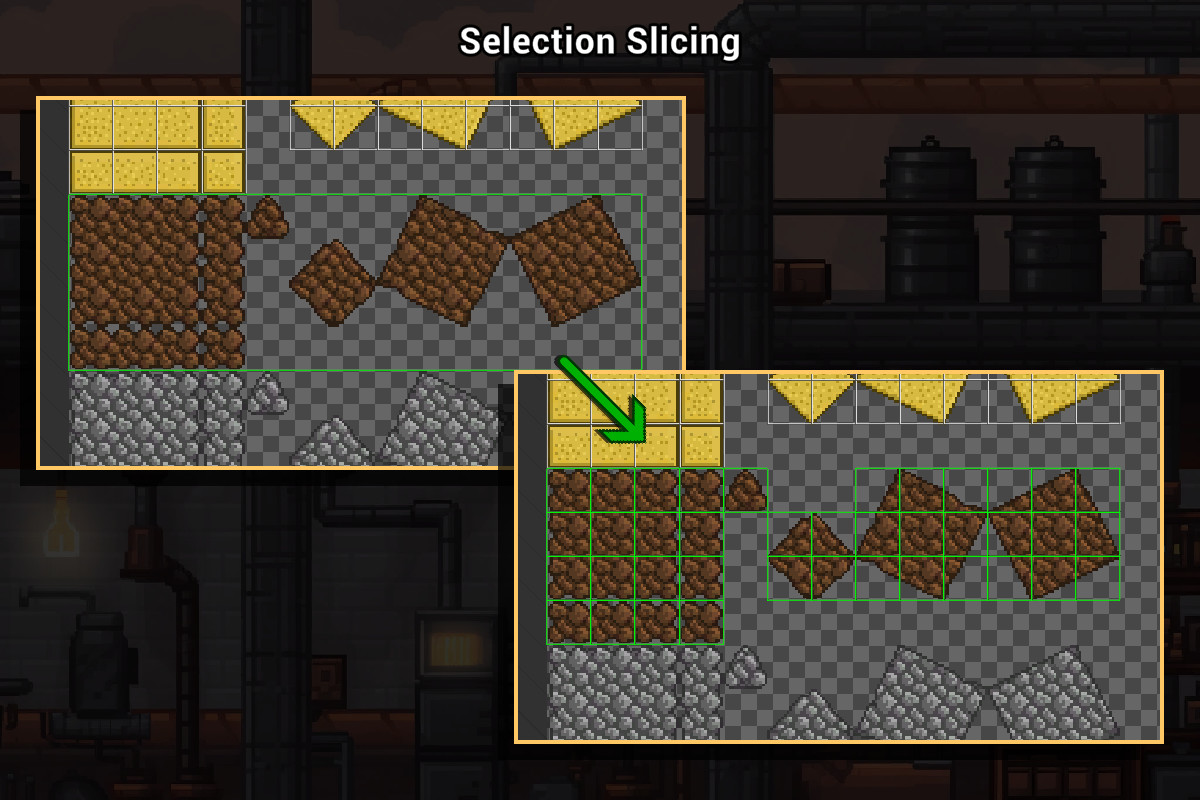
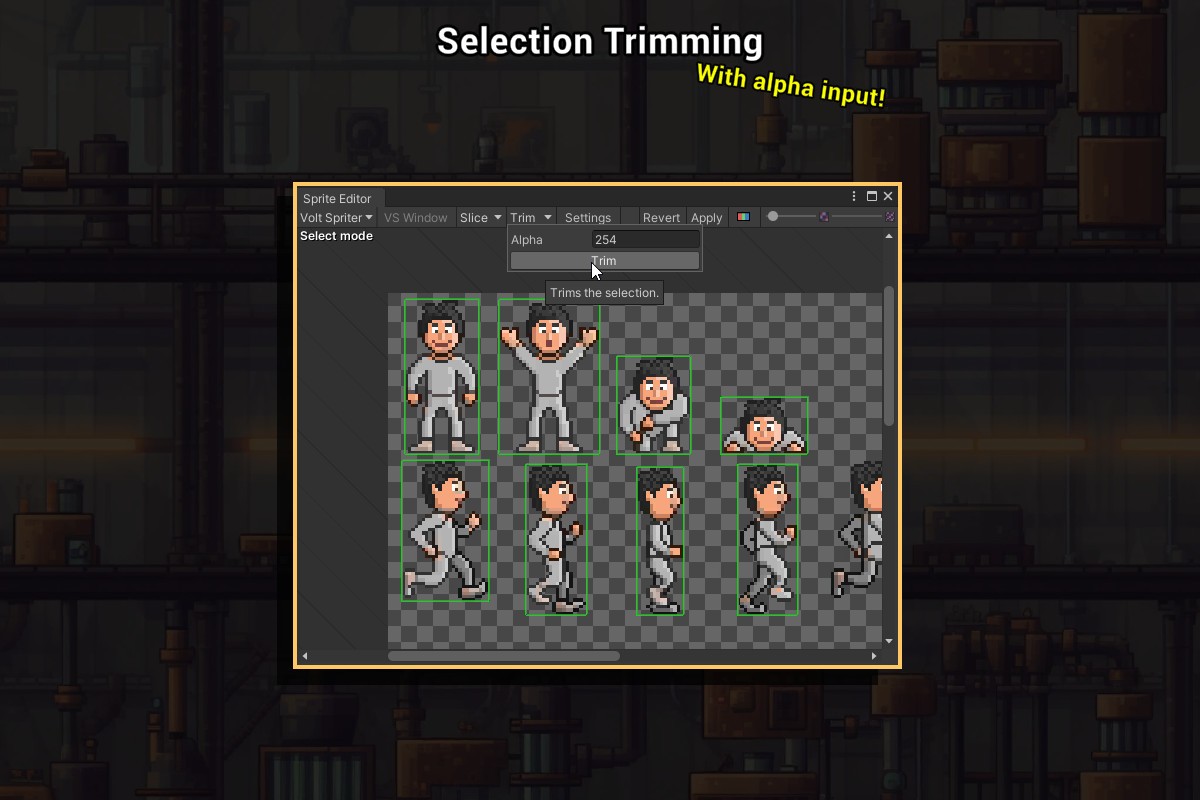
The built-in sprite editor also lacks advanced configurability options, such as defining custom alpha values for trimming sprites, which restricts users from achieving precise results tailored to their specific needs. Additionally, the absence of selective region slicing functionality hinders the ability to efficiently work with only specific portions of a sprite sheet. This limited flexibility and the absence of these crucial features contribute to a suboptimal user experience, demanding a more comprehensive and configurable solution for sprite sheet editing tasks.
Supported Unity versions
2019.4
2020.x
2021.x
2022.x
2023.x
Community
From the publisher's Asset Store listing.
Technical details
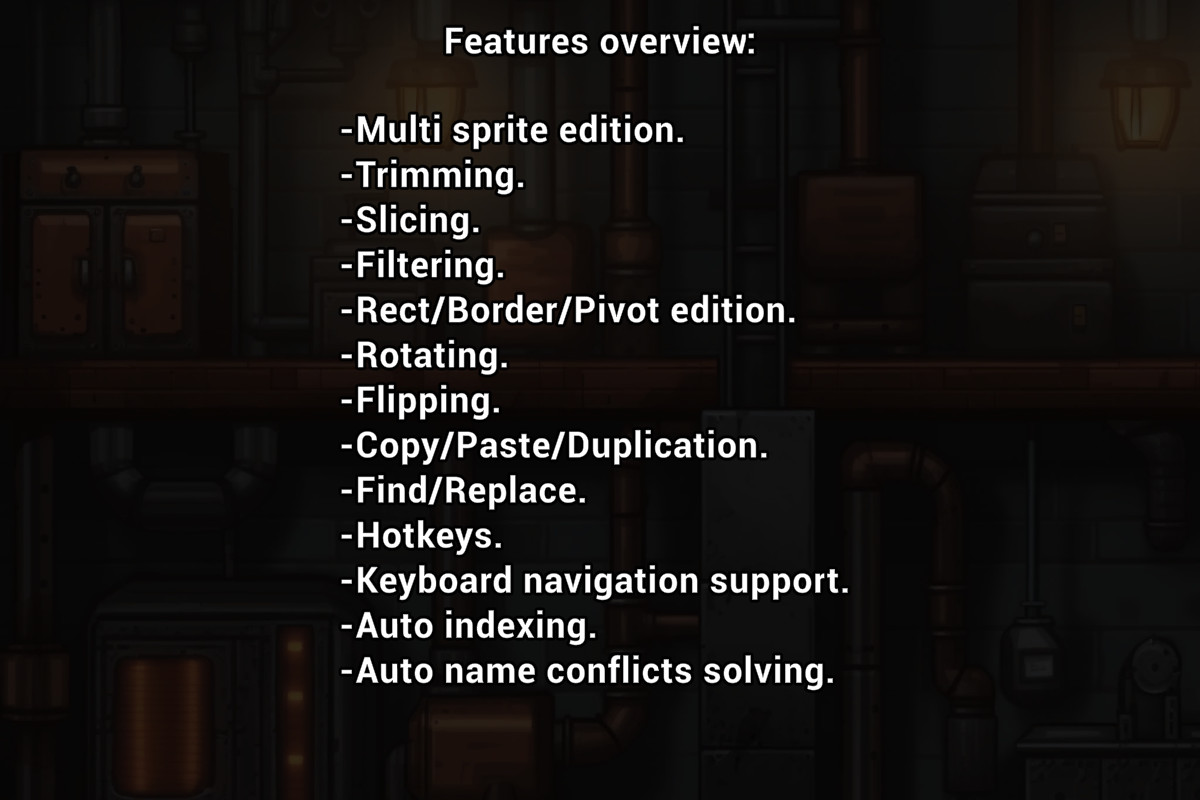
Main Features:
- Multi sprite edition.
- Trimming.
- Slicing.
- Filtering.
- Rect/Border/Pivot edition.
- Rotating.
- Flipping.
- Copy/Paste/Duplication.
- Find/Replace.
- Hotkeys.
- Keyboard navigation support.
- Auto indexing.
- Auto name conflicts solving.
Other Features:
- Doesn't replace, but improves the built-in sprite editor.
- Works with enter play mode settings.
- Trimming alpha value configuration.
- Slice by selection only.
- Optimized UI.
- Easy to use.
- Plug and play installation.
- Allows style customization.
- Source included.