
 View on Asset Store (opens in new tab)
Package details
- Latest version
- 2.0
- Last updated
- First released
- Unity version
- 6000.6.8 or later
- Package size
- 275 KB
- Files
- 36
- Favorites
- 74
- Views in the past week
- 17
Price tracking
- Last checked
- Tracked since
- Lowest recorded
- $4.99 on
Keywords

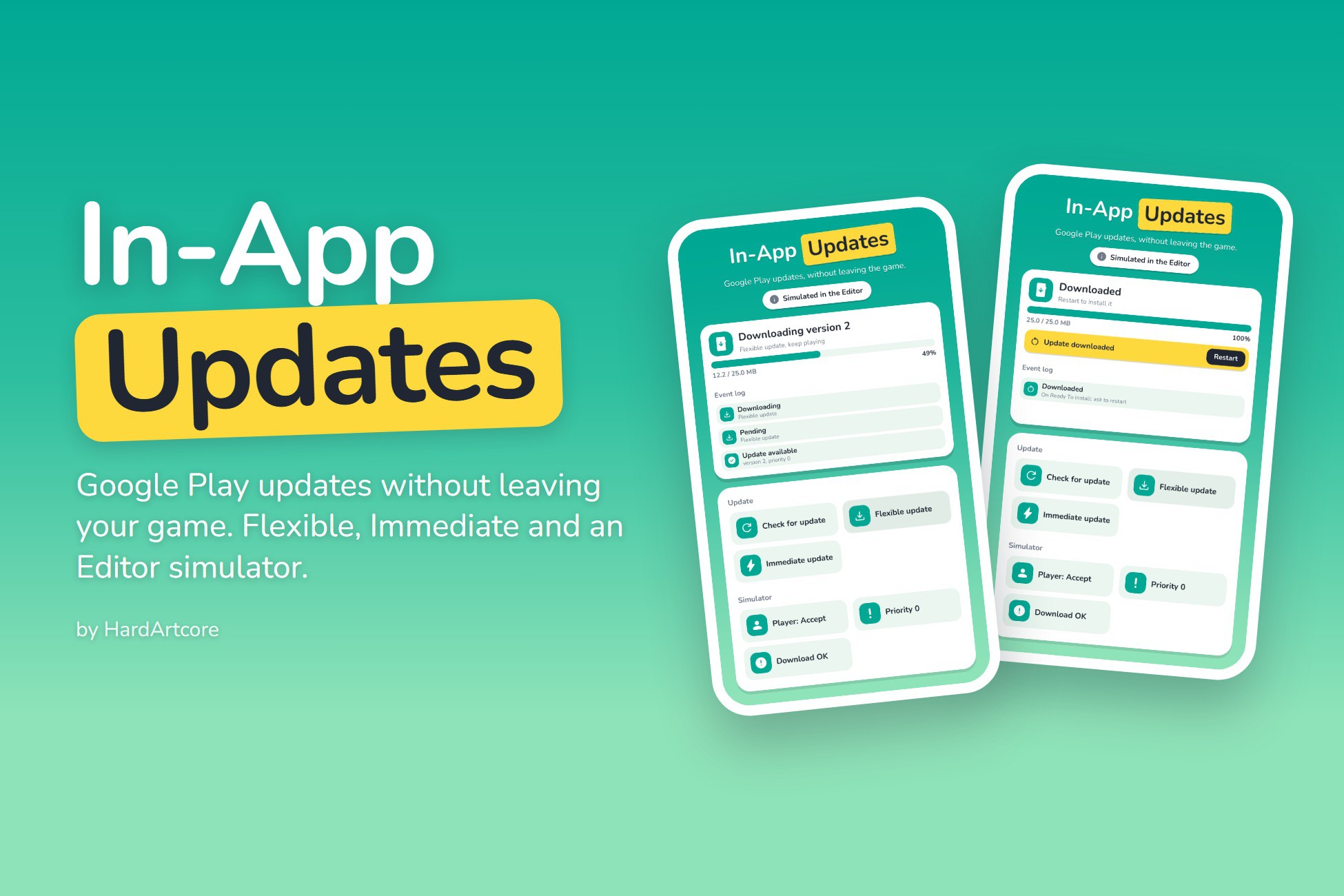
In-App Updates for Google Play
- Price drop
Google Play in-app updates for Unity: a drop-in prefab with a Flexible / Immediate update policy, a simple C# API, and an Editor simulator for every flow.
Lowest recorded price
Get 80% off on Asset Store (opens in new tab)Affiliate link · Purchases support this site
Price history
Last 6 months
USDAsset preview
1 / 7
In-App Updates for Google Play screenshot 1
About this asset
Ask Android players to update without ever leaving your game.
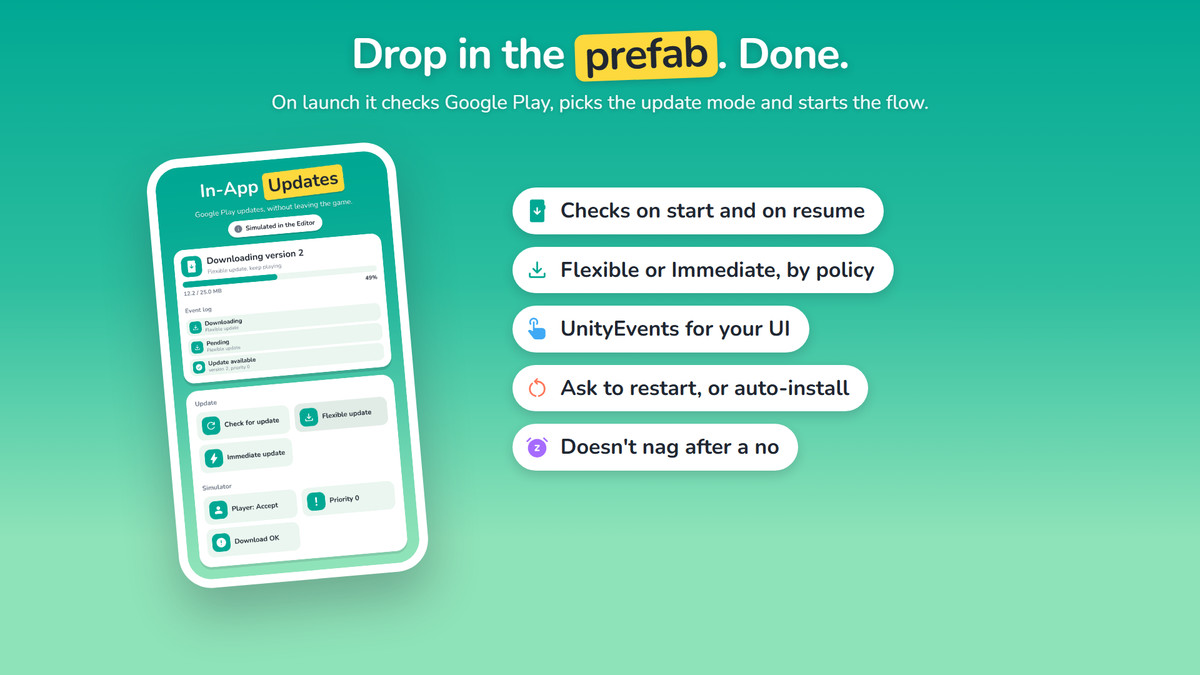
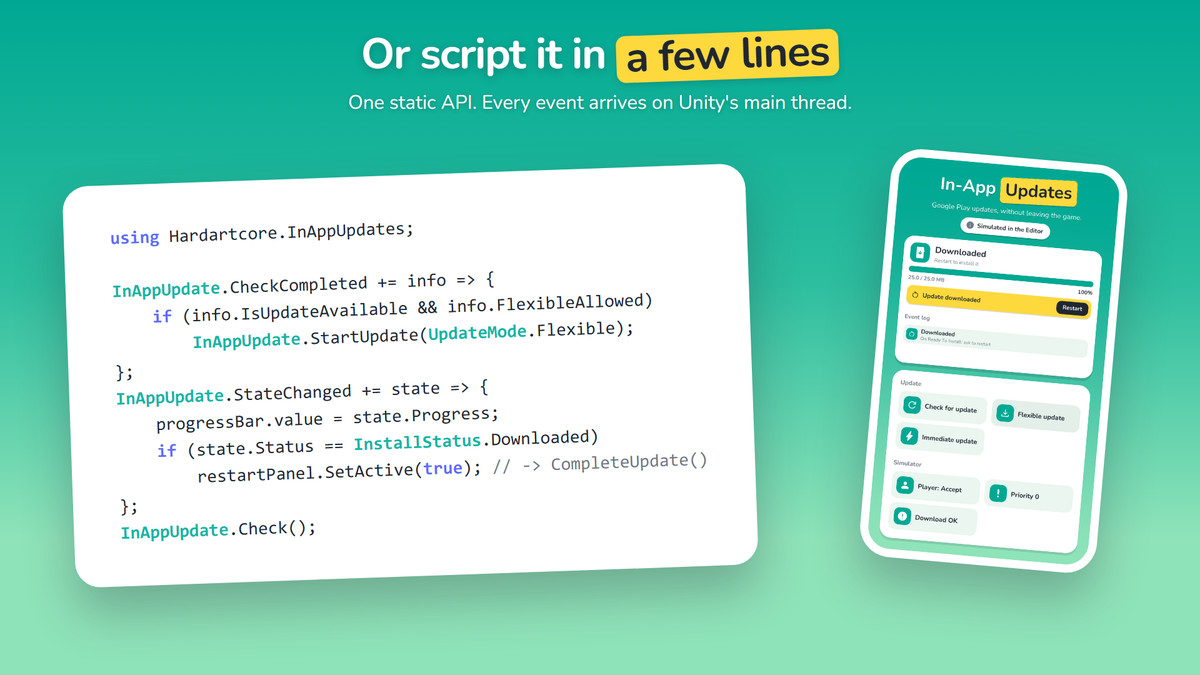
In-App Updates wraps Google's official Play In-App Updates plugin in a component you drop into your first scene. On launch it asks Google Play for a newer version, picks a Flexible update (a background download while the player keeps playing) or an Immediate one (full screen, for the releases that can't wait) with a simple policy, and raises UnityEvents for your UI. Prefer code? A small static API gives you the same flows with C# events.
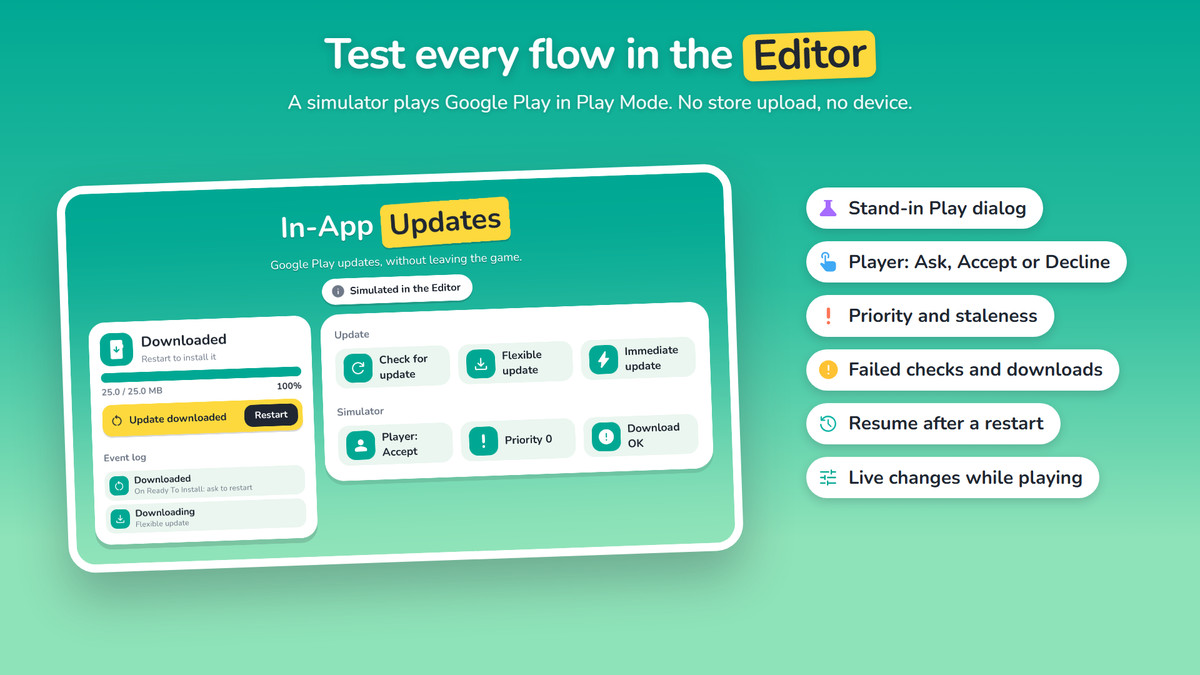
The part you will like most: a simulator plays Google Play's side in the Editor. Test the update dialog, the download progress, declines, failed downloads and resuming after a restart in Play Mode, without uploading a single build.
UPDATES
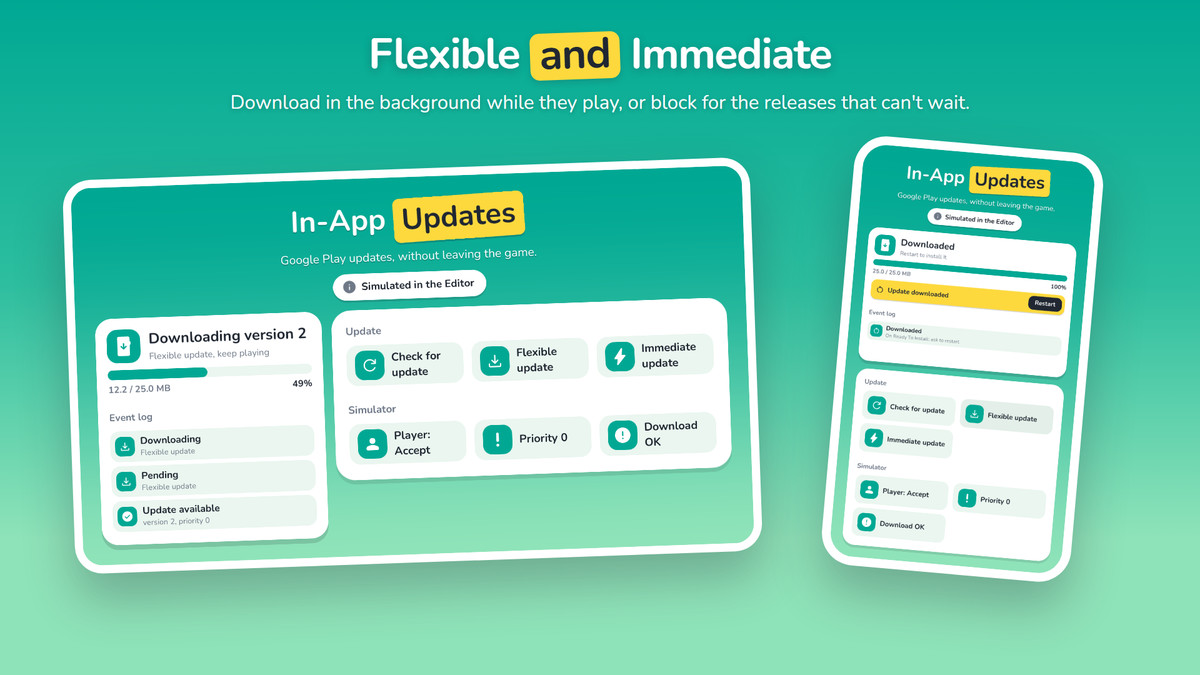
• Flexible updates: download in the background, then ask the player to restart (or install automatically)
• Immediate updates: Google Play's full-screen flow that blocks until the update is installed
• Checks on start and when the app returns to the foreground
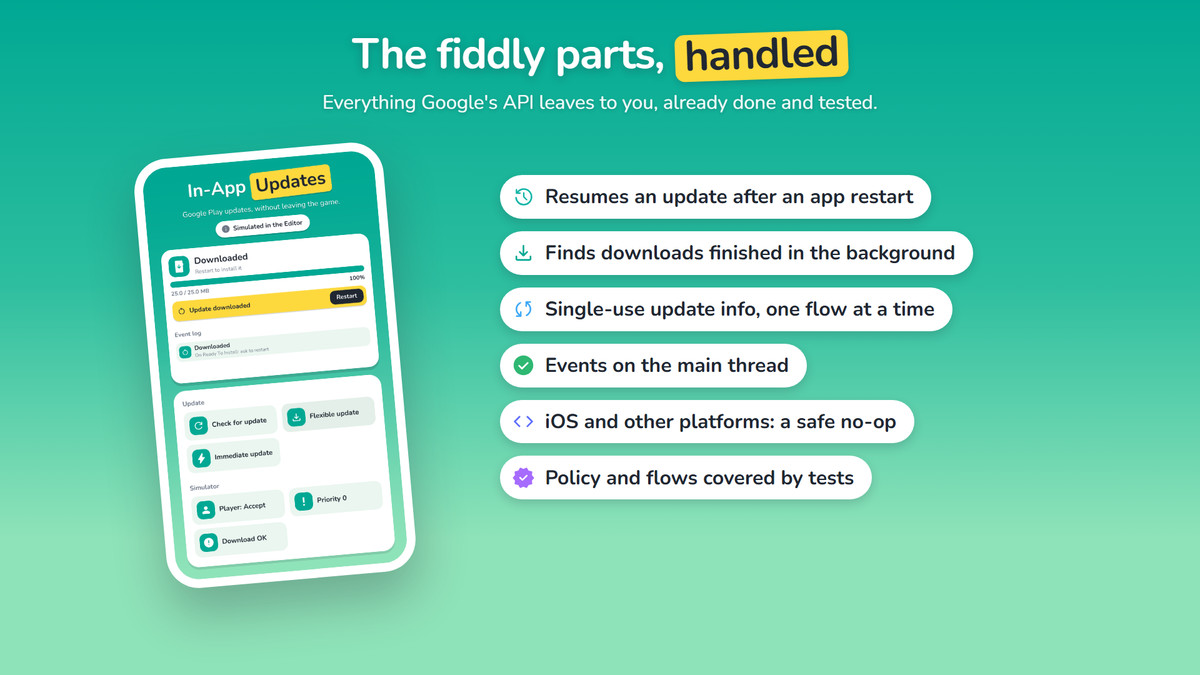
• Resumes an update interrupted by an app restart, as Google requires
• Finds Flexible downloads that finished while the game was in the background
UPDATE POLICY
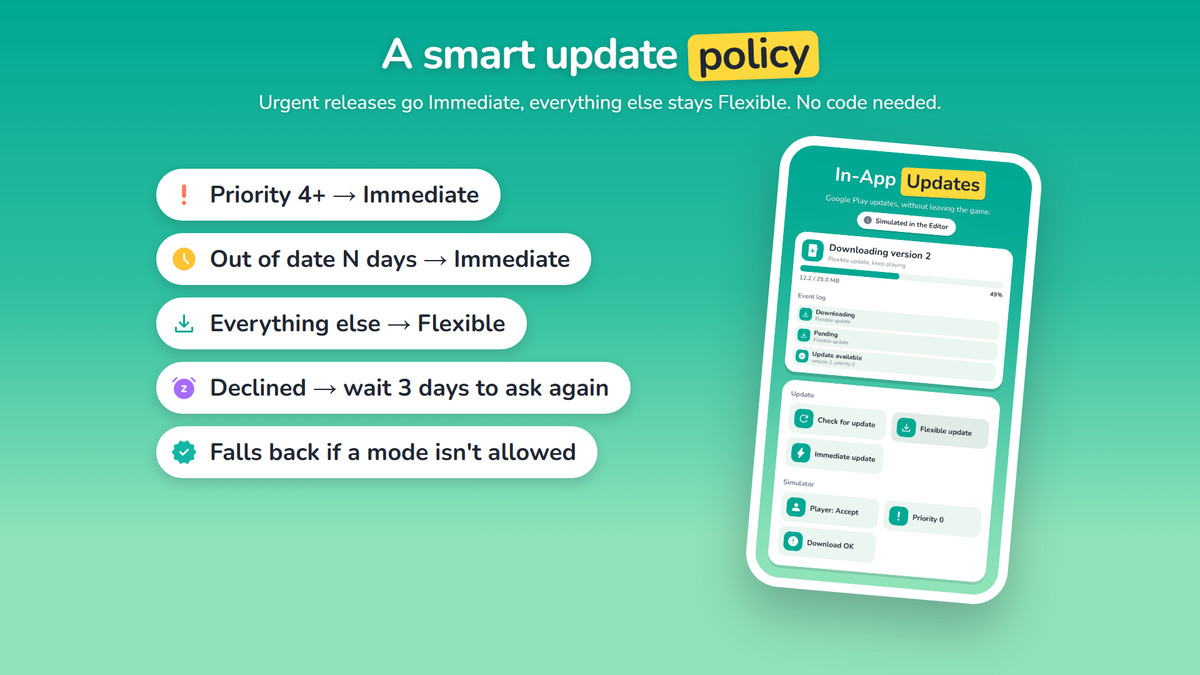
• Urgent releases go Immediate by priority (default: 4 and up) or by how many days Google Play has known about them
• Everything else stays Flexible; the policy never turns a non-urgent update into a blocking one
• Falls back to the other mode when Google Play doesn't allow one
• Doesn't nag: after a Flexible decline it waits a few days (default 3) before offering it again
• Offers an update once per session, even when scenes reload
EDITOR SIMULATOR
• Every call goes to a simulator in the Editor: no Play Store upload, no device
• A stand-in Play dialog in the Game view, or a simulated player who always accepts or declines
• Set availability, version code, priority, staleness and the allowed modes
• Simulate failed checks, failed downloads, network delay, download time and size
• Live state and test buttons in the Inspector while playing; settings change live
• Optional: run the simulator in Development builds on a device to test your UI
SETUP
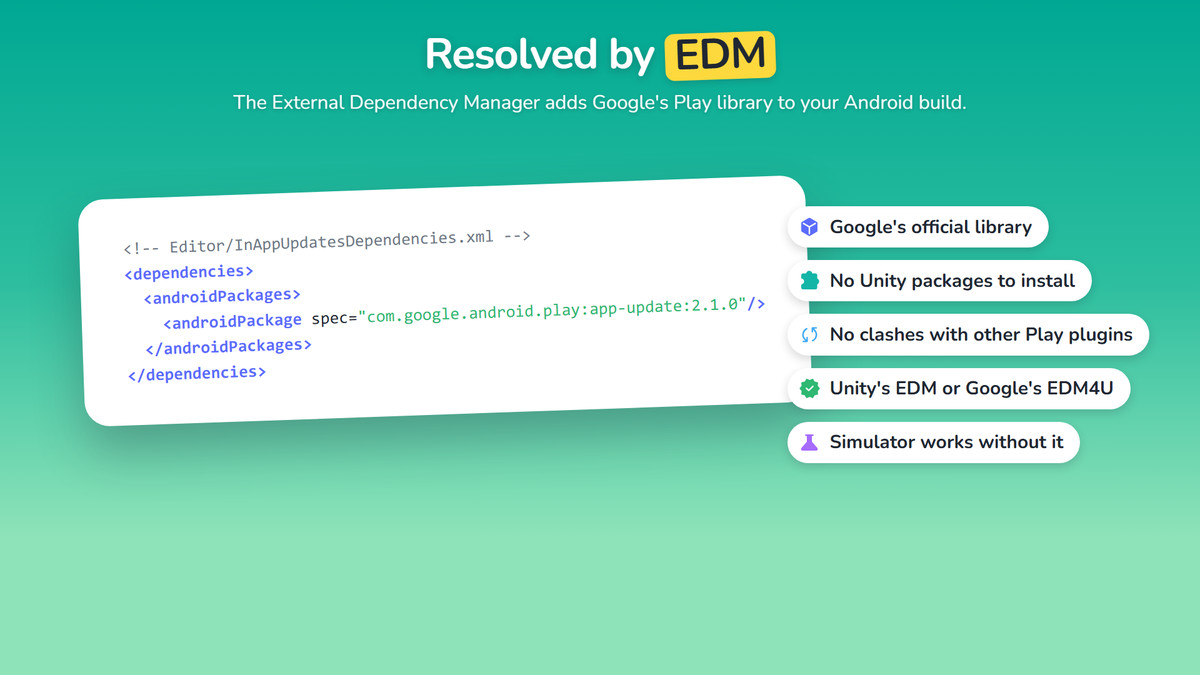
• One click in the Inspector downloads Google's official packages and adds them to your project
• Works with Google's .unitypackage too
• iOS and other platforms: every call is a safe no-op, so the same code ships everywhere
DEMO
• One scene: status, download progress, a restart prompt and a live event log
• Tiles to check, start Flexible or Immediate updates, and change the simulated player's answer, the priority and download failures
• Portrait and landscape
FOR PROGRAMMERS
• Static InAppUpdate API: Check, StartUpdate, CompleteUpdate, with CheckCompleted, StateChanged, Declined and Failed events
• Every event on Unity's main thread
• Full C# source in assembly definitions, with automated tests of the policy and the simulator flows
• Works with Enter Play Mode Options (domain reload off)
REQUIREMENTS
• Unity 6 or newer, with Android Build Support for device builds
• Google Play In-App Updates (com.google.play.appupdate 1.8.0+), installed from the Inspector
• Real updates appear only for an app installed from Google Play (internal testing tracks and internal app sharing work)
THIRD-PARTY
Includes the Nunito font (SIL Open Font License 1.1) and Material Symbols icons (Apache License 2.0) in the demo. Google's Play In-App Updates plugin is not included; it is downloaded from Google. See the Third-party notices in the package's Documentation.html.
Support: [email protected]
From the publisher's Asset Store listing.
Technical details
• Unity 2021.3+; Android (Google Play). Other platforms compile and report NotSupported
• Uses Google's com.google.play.appupdate 1.8.3 (with play.core 1.8.5, play.common 1.9.2, External Dependency Manager 1.2.189), installed by the Inspector into <project>/GooglePackages
• Assemblies: Hardartcore.InAppUpdates (runtime), Hardartcore.InAppUpdates.Editor, Hardartcore.InAppUpdates.Tests
• Drop-in InAppUpdater prefab with UnityEvents; static InAppUpdate API with C# events on the main thread
• Update modes: Flexible and Immediate; policy by priority (0-5), staleness (days) and a re-prompt delay after a decline
• Editor simulator with a stand-in Play dialog, live Inspector state and test buttons
• Demo: 1 scene (uGUI), Nunito font, Material Symbols icons
• Includes full C# source and documentation (Documentation.html, also online)
Compatibility
| Unity version | Built-in | URP | HDRP | Custom |
|---|---|---|---|---|
| 6000.6.8f1 | Compatible | Compatible | Compatible | Compatible |
As listed on the Asset Store.