
 View on Asset Store (opens in new tab)
Package details
- Latest version
- 1.0.4.7
- Last updated
- First released
- Unity version
- 2021.3.45 or later
- Package size
- 14.5 MB
- Files
- 322
- Favorites
- 1,614
- Views in the past week
- 242
Price tracking
- Last checked
- Tracked since
- Lowest recorded
- $13.20 on
Keywords

Legs Animator
Multi Purpose Leg IK Animating Plugin for any type of 3D character.
Affiliate link · Purchases support this site
Price history
Last 6 months
USDAsset preview
1 / 14

Legs Animator screenshot 1


About this asset
⚡ Solve all of your leg animating problems with Legs Animator!
Legs Animator is component which provides a lot of features for characters with legs... so for almost all kinds of creatures.
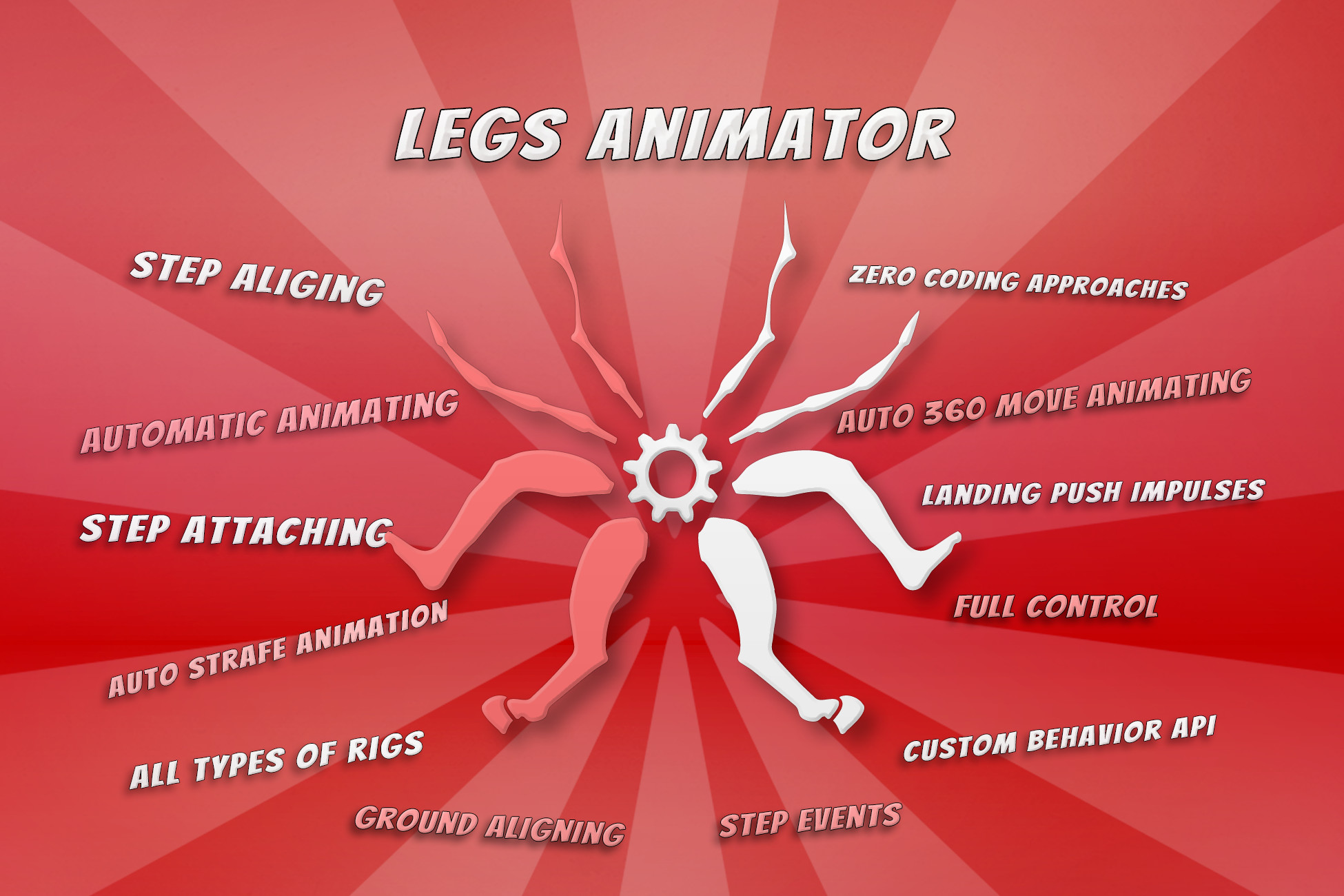
⭐ List of features:
- Aligning legs on uneven terrain
- Handling leg attachement points (gluing)
- Executing complex attachement transition animations (idle gluing)
- Automatic turning-rotating in place leg animation (idle gluing)
- Fixing sliding feet for no-root motion animations (movement gluing)
- Animating hips stability giving realistic feel to the animations
- Providing API for custom extensions of Legs Animator
- Automatic strafe and 360 movement animating module (using single clip)
- Push Impulses API (for landing bend impacts and others)
- Extra helper features for automatic animations enchancing
- Step Events handling for step sounds and particles
- Fast setup and setup speedup tools
- Works on any type of rig - humanoids / animals / creatures
- Highly Optimized + Compact performance profiler
- Check Manual for more
✍ This component will NOT generate running animations out of standing animations! It can improve running animations (Legs Animator is working in sync with played animation), but it works on already existing running animation clips. In the other hand, Legs Animator can animate procedurally simple steps/walk animations.
(running insects are actually possible to animate with Legs Animator)
⚙️ Component is highly optimized : 1 Leg = similar performance as one Unity's Character Movement controller move. But if you want to use multiple spider like creatures :
[8 legs to compute] *TIMES* [spiders count] = it can cost some performance of your project.
(There are plans for jobs implementation in the future for performance upgrade)
☄️ Use Legs Animator's built in IK solution or use any other IK solver.
Legs Animator is computing positions/rotations which can be used by other IK solvers or custom scripts. Plugin provides implementations of Unity's Mecanim Foot IK and Final IK (links in the plugin's readme file).
Demos Package to see what you find in Demo Scenes and for performance check:
Package works on all SRPs! It's not shader related package.
(You just need to covert standard Demo materials for demo examples)
Built In ✅ LWRP ✅ URP ✅ HDRP ✅ Custom RP ✅
~Legs Animator was nominated for Best Artistic Tool of the Year 2023
~Legs Animator was nominated for Best Development Tool of the Year 2024
Demo Scenes are including Legs Animator setup on the various rigs (humanoids, quadrupeds, spiders) Demo Scenes are focusing on showing-off different features of the plugin and providing examples of character movement.
Our Discord for Support
From the publisher's Asset Store listing.
Technical details
Base Requirements:
In order to make Legs Animator work with your character model, there are few simple requirements:
1: If you use a rigged model: Disable “Optimize Game Objects” in your model file.
(This option is disabled by default when importing models to unity, so in most cases you don’t need to check it)
It’s in the inspector window, “Rig” bookmark.
(with “Optimize Game Objects”, doing procedural animations is impossible)
2: Your character model skeleton needs to be created in a standard-parented way. There are very rare rigs, where all skeleton bones are detached.
(99.99% models are using standard parented structure)
The Hips bone needs to be a parent of leg bones.
3: Recommended for your model to face the Z-Forward axis (unity standard, asset store models require it, in order to be visible on the store), to avoid problems with helper algorithms. You can always create additional transform and adjust your model rotation within local space.
4: Keep in mind that different models will require individual tweaking, of Legs Animator’s parameters, in order to get best out of it. Adding component -> Assigning Bones -> Run -> will not give you immediately, beautiful and perfect animation. So it will require more or less effort, per model.
Not working with Unity's Animation Rigging Package "Two Bones Constraint IK":
Animation Rigging is discarding source animation before LateUpdate, making impossible to control "Two Bones Constraint" by Legs Animator. May be fixed in the future.
Compatibility
| Unity version | Built-in | URP | HDRP | Custom |
|---|---|---|---|---|
| 2022.3.62f2 | Compatible | Compatible | Compatible | Compatible |
This plugin is not related with rendering.
Demo scenes are using built-in materials, you can convert them on your own or use .unitypackages which are inside demos directory. (after unpacking demos package)
As listed on the Asset Store.