
 View on Asset Store (opens in new tab)
Package details
- Latest version
- 3.1.2
- Last updated
- First released
- Unity version
- 2020.3.0 or later
- Package size
- 1.4 MB
- Files
- 192
- Favorites
- 189
- Views in the past week
- 10
Price tracking
- Last checked
- Tracked since
- Lowest recorded
- Free on
Keywords

Audio Manager | CG
An automated audio manager setup to handle storing and playing audio in your projects.
Affiliate link · Purchases support this site
Price history
Last 6 months
USDAsset preview
1 / 4
Audio Manager | CG screenshot 1
About this asset
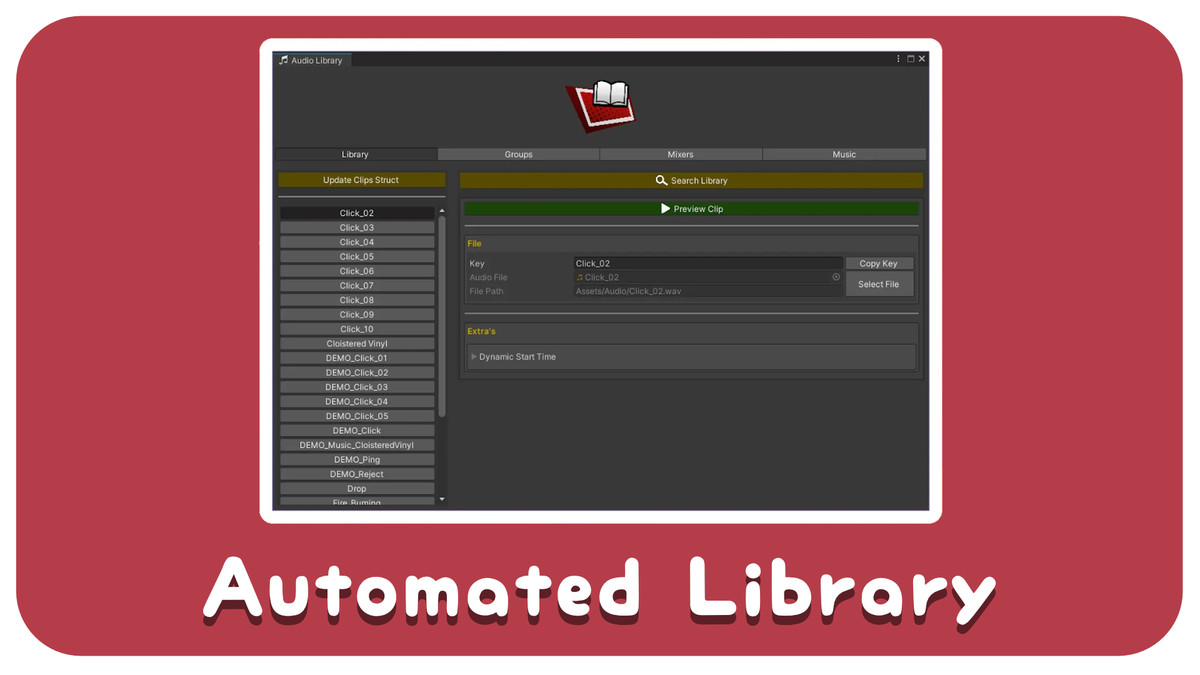
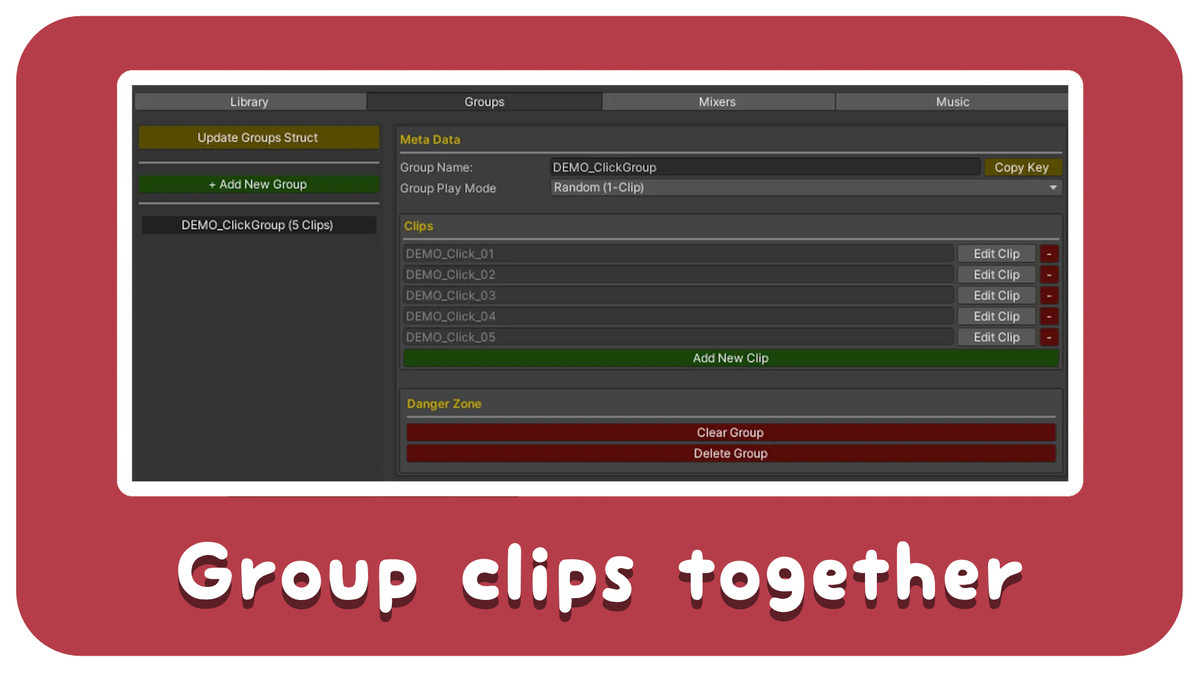
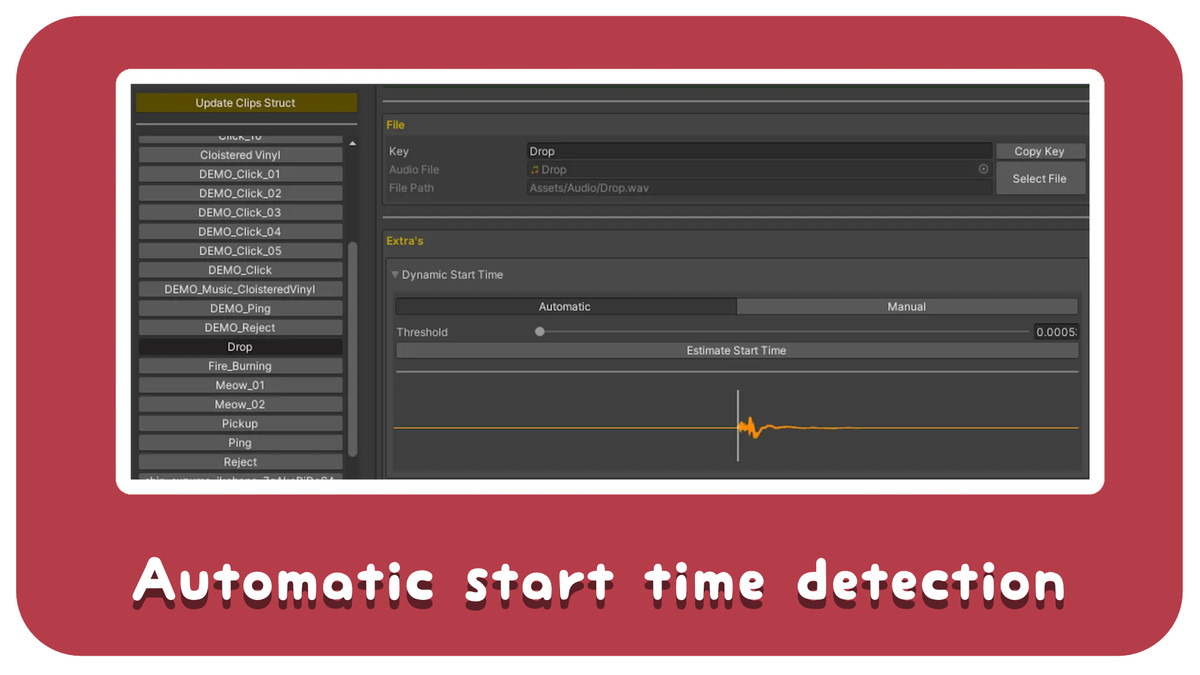
The audio manager is built with the intention of handling all the hard work for you and just letting you get out with making your games. The manager automatically detects the audio clips in your project and sorted them into a library for use. From there you can assign clips and music tracks, define groups of clips to play from a single call and more.
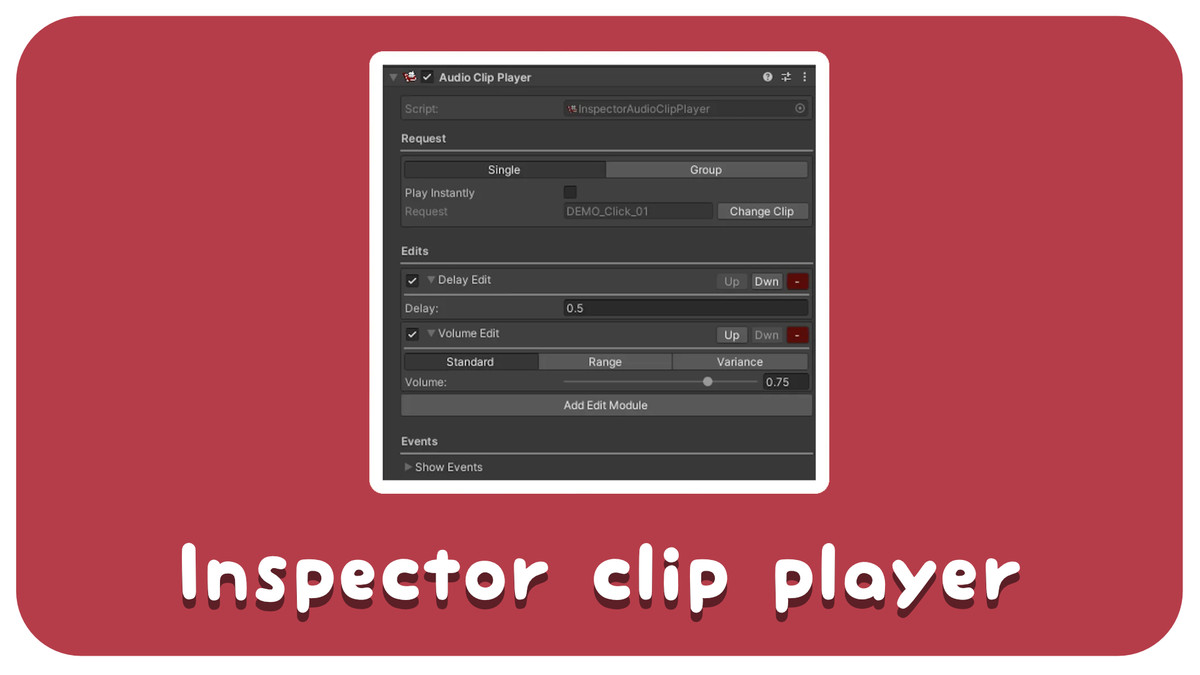
The asset is focused on code based audio playing, where you provided the calls and parameters in your codebase to have the audio play. There are inspector players for quick prototyping without needing to write any extra code should that be your use-case. But functionaility may be limited.
All audio provided in the project's demo's are under CC0 licences. Demo scenes can be removed on import and will not break the asset.
Example project provided here
🟥 Supported Versions
The asset is developed and maintained in 2020.3.x and make use for available .Net updates in the version. Older versions of Unity are not supported for this asset and likely will not work.
🟥 Important Links
- Docs
- Github
- Contact Email: [email protected]
🟥 How to Install
- Import the package into your project.
- That should be it!
- The asset has all other setup done already as it is automated. If you get prompted to perform an initial audio scan, please do so.
🟥 Usage
Manage your audio in the library. Found under Tools/Carter Games/Audio Manager/Audio Library
Playing a clip called "myClip" from the library:
AudioManager.Play(“myClip”);
Playing a group called "myGroup" from the library:
AudioManager.PlayGroup(“myGroup”);
From the publisher's Asset Store listing.
Technical details
✔️Custom Inspectors for all scripts.
✔️Expandable.
✔️Several methods for playing sound.
✔️Automatically adds audio files, no need to do it yourself.
✔️Script to play audio anywhere on a single method call.
✔️Script to play background music in your game and transition between tracks with ease.
✔️Regularly updated and maintained with ❤️
The asset support the same audio file types as unity, as long as the audio registers as an AudioClip, it wil work twith the asset. See the officially suported types here.
Compatibility
| Unity version | Built-in | URP | HDRP | Custom |
|---|---|---|---|---|
| 2020.3.0f1 | Compatible | Compatible | Compatible | Compatible |
As listed on the Asset Store.