
 View on Asset Store (opens in new tab)
Package details
- Latest version
- 1.0
- Last updated
- First released
- Unity version
- 2019.1.7 or later
- Package size
- 7.9 MB
- Files
- 185
- Favorites
- 85
- Views in the past week
- 7
Price tracking
- Last checked
- Tracked since
- Lowest recorded
- $9.99 on
Keywords

Inventory,Equipment,Trader System-JRPG style
- Price drop
Discount -50%
Previous price
$20.00
Price $9.99
Lowest recorded price
Get 50% off on Asset Store (opens in new tab)Affiliate link · Purchases support this site
Price history
Last 6 months
USDAsset preview
1 / 7

Inventory,Equipment,Trader System-JRPG style screenshot 1


About this asset
This is JRPG style classic inventory, trader, equipment script, system, UI.
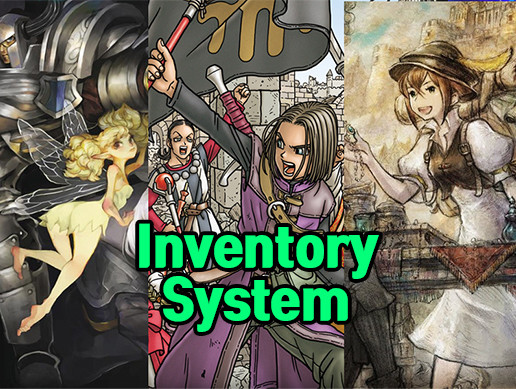
Very much inspired by classic and newest JRPG game, like Octopath Traveler(Nintendo Switch Game)'s inventory, trader, equipment UI's logic, graphic style.
This package consists with 3 parts.
[Summary]
1. Trader UI
In-game trader, seller function. You can buy and sell with this trader. There is item tab, for show just category you want to see.
When click equipment item, you can see how much character's attributes changes by equip that item.
And also there is (Buy&Equip button) so that you can buy and immediately equip that gear to specific character.
2. Inventory UI
Your items, gears, all things shown and can be categorized. Also you can use item, destroy item.
3. Equipment UI
You can change equipment for many body parts, compare attribute's value with existing and new gear.
And there is (Optimize) button, that automatically choose gear for each equip body part that has most highest attribute value and equip them all. (exclude accessories) Also there is (Unequip All) button, as said, unequip all gear.
From the publisher's Asset Store listing.