
 View on Asset Store (opens in new tab)
Package details
- Latest version
- 1.1
- Last updated
- First released
- Unity version
- 2019.4.33 or later
- Package size
- 15.1 MB
- Files
- 288
- Favorites
- 91
- Views in the past week
- 7
Price tracking
- Last checked
- Tracked since
- Lowest recorded
- $4.99 on
Keywords

Draw Bouncer - Game template
- Price drop
Discount -67%
Previous price
$15.00
Price $4.99
Lowest recorded price
Get 67% off on Asset Store (opens in new tab)Affiliate link · Purchases support this site
Price history
Last 6 months
USDAsset preview
1 / 10

Draw Bouncer - Game template screenshot 1


About this asset
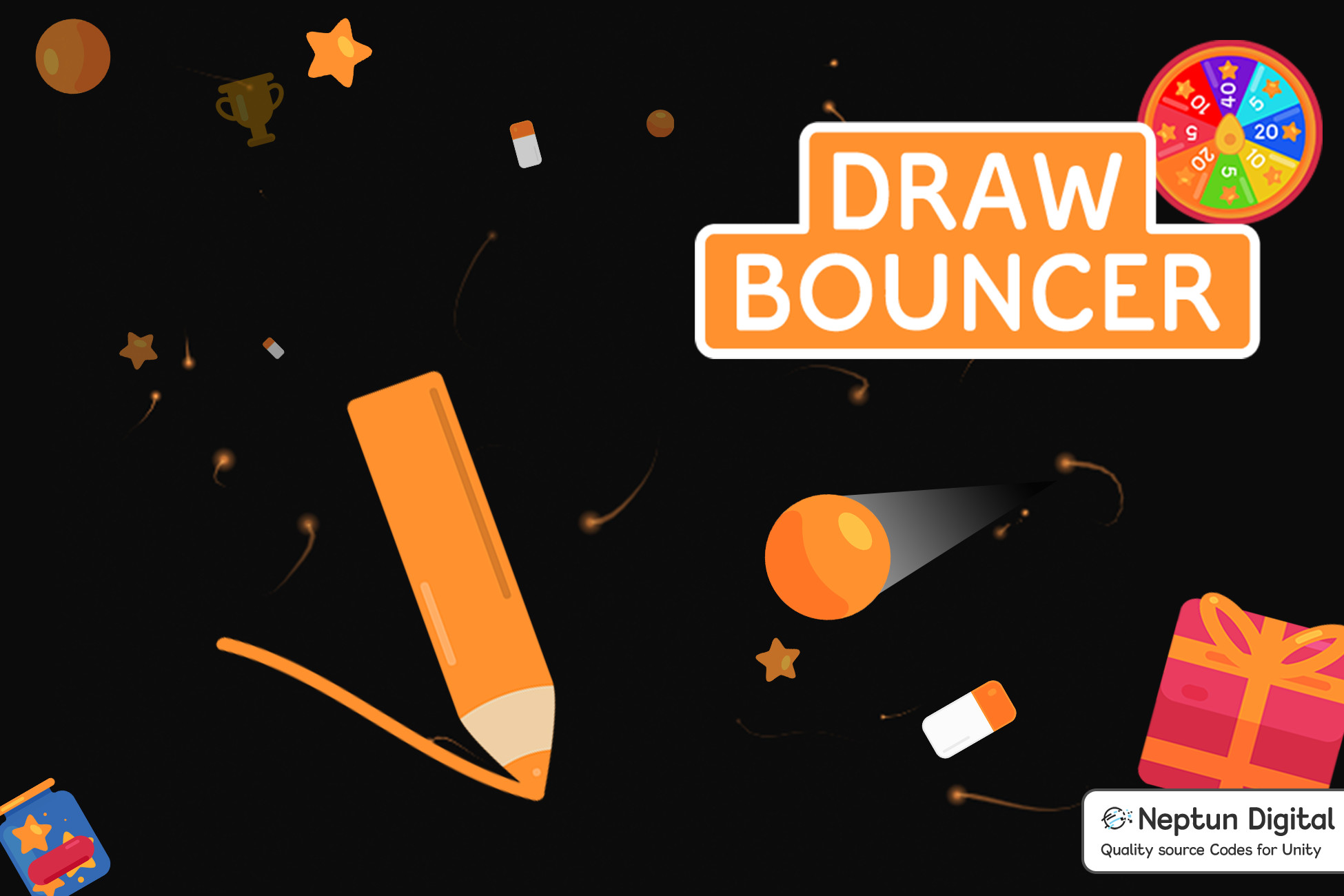
Draw Bouncer is a unique arcade game template that anyone can enjoy! Draw the lines on the screen as fast as you can and find the best way to make the ball bounce the right way. Collect ink buckets to replenish the drawing ink. The ball and the objects on the screen are responsive to real physics. Gather enough coins to unlock different balls and new color themes. Don't forget to use your draw strokes wisely.
[Demo]
Template Features:
- Addictive gameplay: fast paced drawing gameplay
- Amazing visual effects: particles and animations
- Ball selector: change main actor
- Color theme selector: change game theme
- Collectable System: collect in-game items and buy new game elements
- In-Game Shop: buy collectables, unlock new game features
- Included Spinning Wheel and Daily Gift Widget: for better user retention
- Optimised for mobile and tablet devices: canvas will change on different screen sizes
- Score system: for leaderboards, achievements
- Privacy Policy Popup: informs users with terms of use
- Works on all platforms: PC, MacOS, iOS, Android, WebGL
Files structure:
1) Animations: animations which are used in project
2) Documentation: documentation about the project
3) Fonts: main project fonts
4) Materials: all physics materials
5) Prefabs: object prefabs used in project
6) Scenes: scenes used in project
7) Scripts: script files
8) Shaders: shaders used in project
9) Sounds: sound files used in project
10) Sprites: sprite files used in project
Your rating, review and feedback are greatly appreciated! Thank you!
Support
Please do not forget to include your invoice number when you need support. Thank you!
Stay in touch with us for new projects!
From the publisher's Asset Store listing.