
 View on Asset Store (opens in new tab)
Package details
- Latest version
- 4.0
- Last updated
- First released
- Unity version
- 2022.3.62 or later
- Package size
- 847 KB
- Files
- 27
- Favorites
- 65
- Views in the past week
- 100
Price tracking
- Last checked
- Tracked since
- Lowest recorded
- $5.00 on
Keywords

Native Share for Unity | Android & iOS
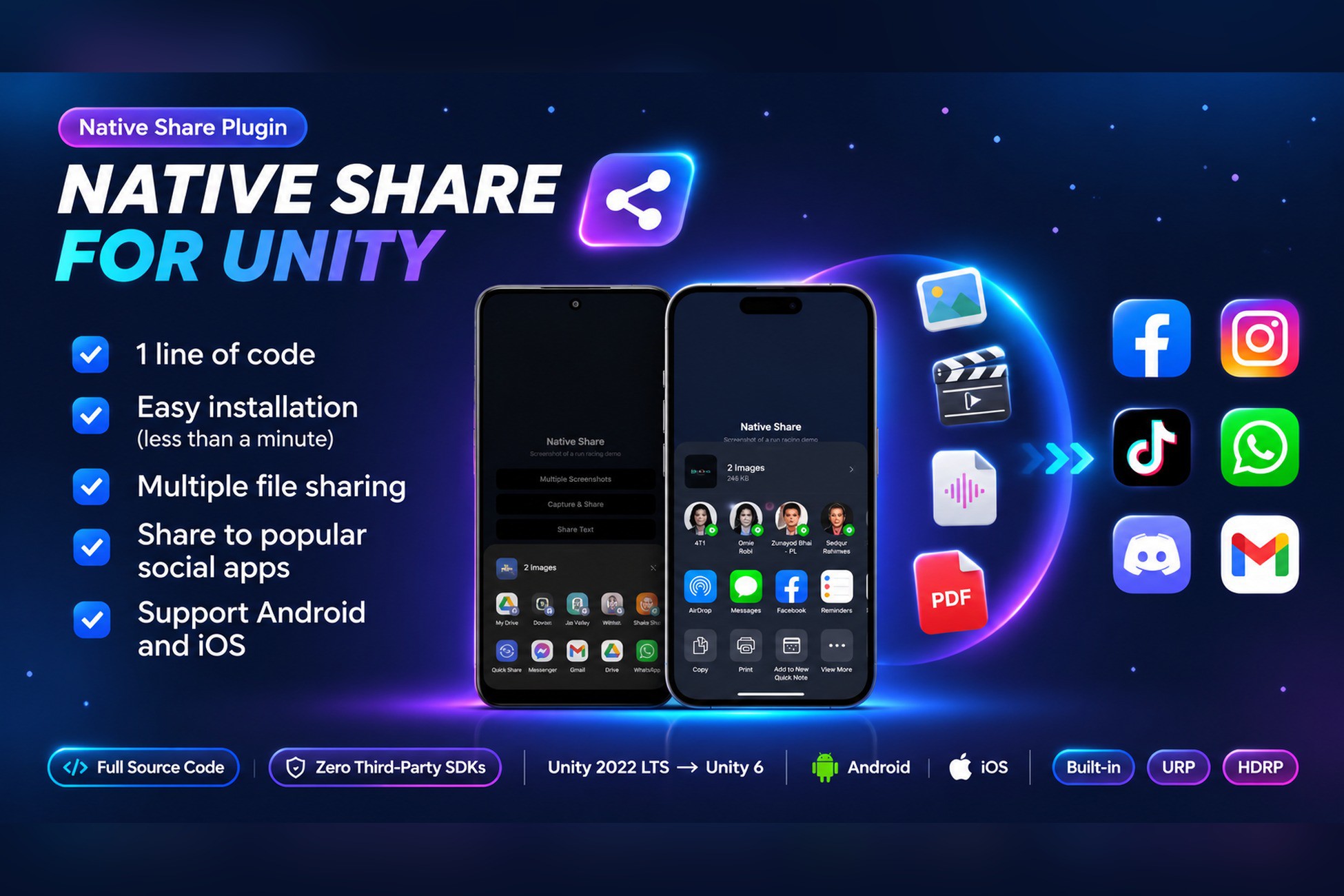
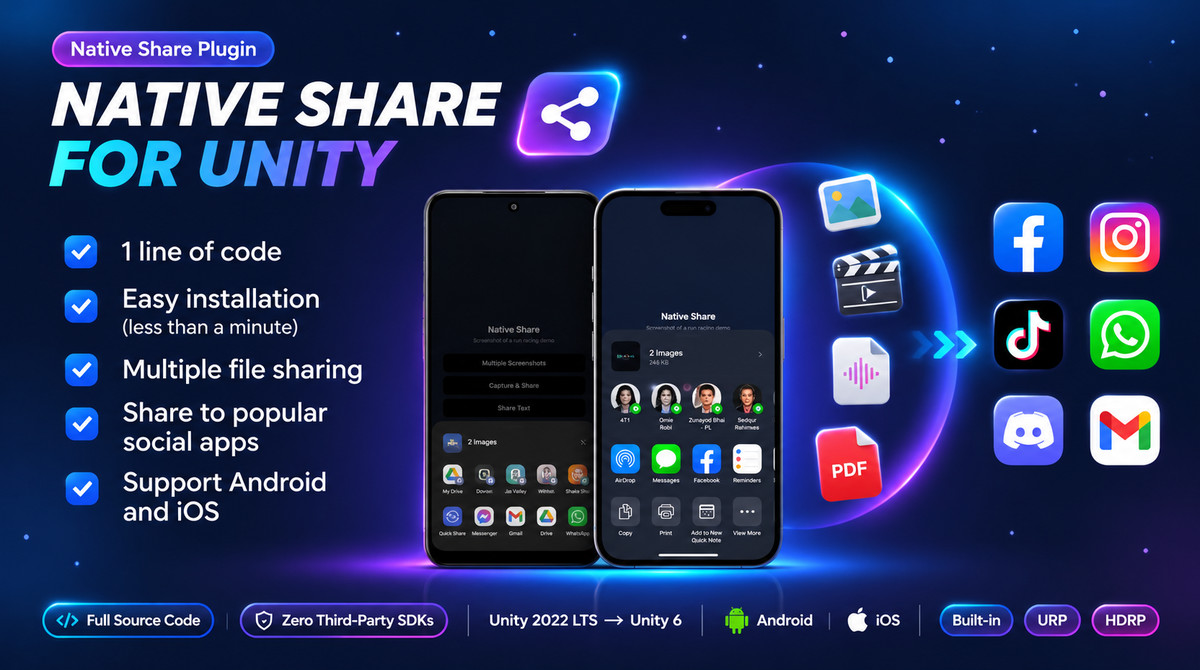
Native Share for Unity — share text, images, videos, PDFs and mixed files natively on Android & iOS, in one call.
Affiliate link · Purchases support this site
Price history
Last 6 months
USDAsset preview
1 / 5
Native Share for Unity | Android & iOS screenshot 1


About this asset
Native Share Plugin for Android & iOS (Pro) is a lightweight, production-ready social sharing and file export solution for Unity (fully updated for Unity 2022 LTS to Unity 6 & latest).
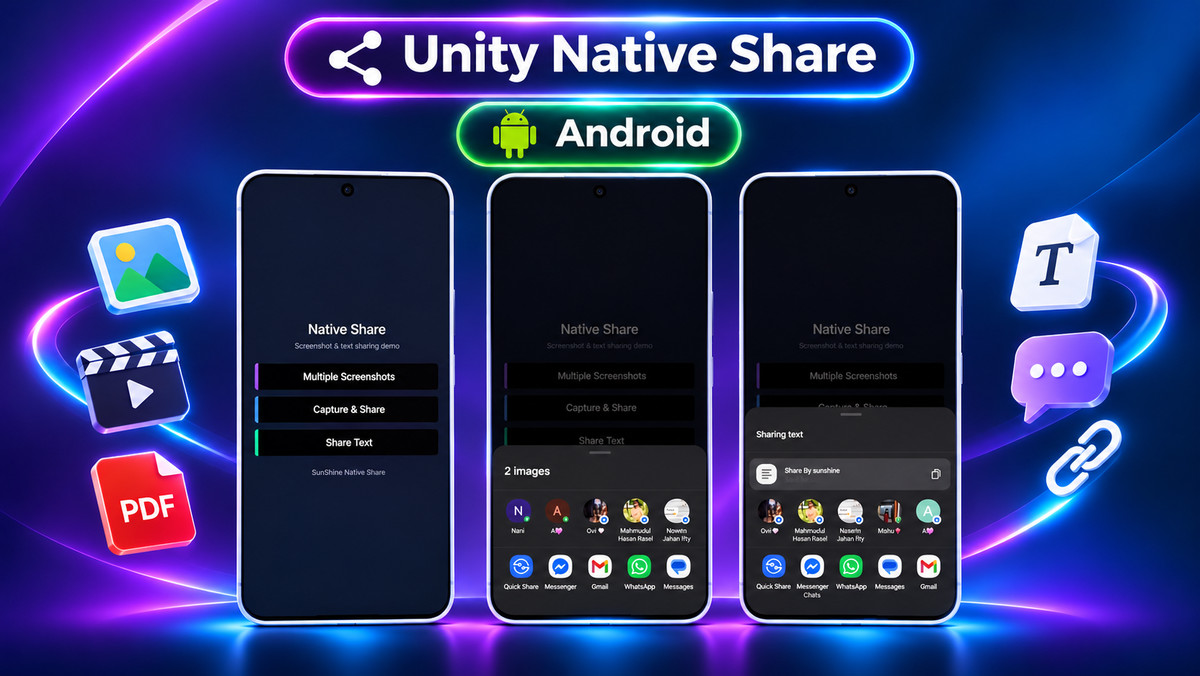
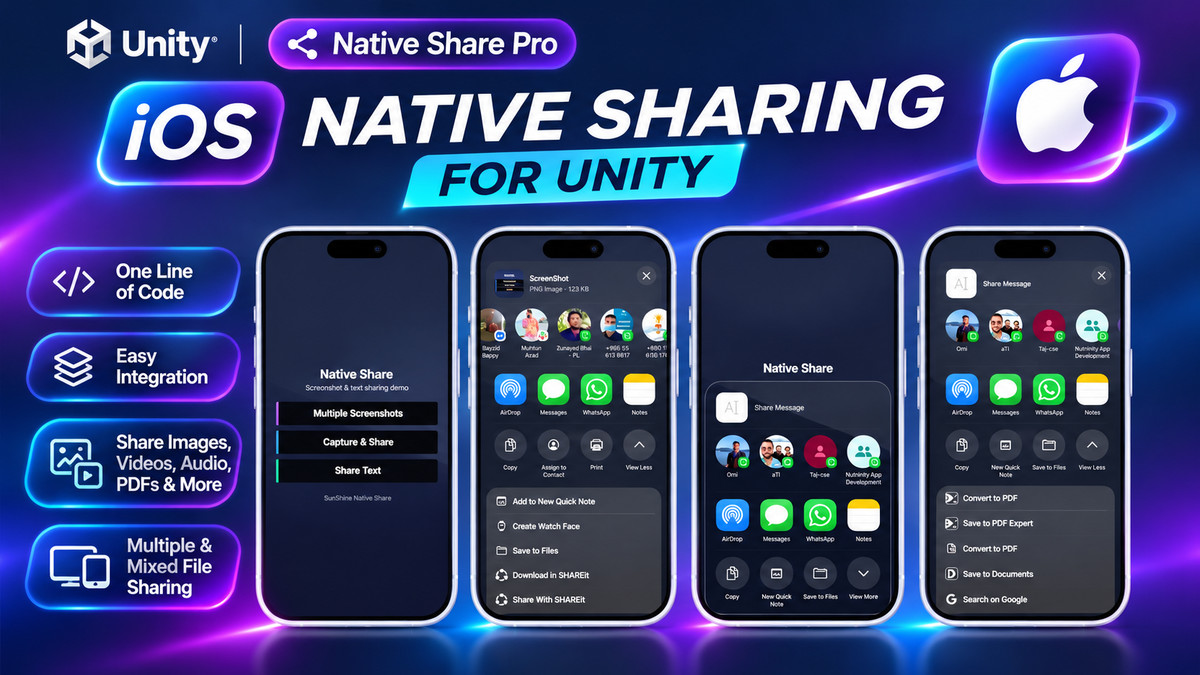
Let your players share screenshots, high scores, gameplay videos, audio, and PDFs directly from your game using the device’s built-in native share sheet—with one line of C# code and zero third-party SDKs.
Whether you are building a viral word-of-mouth loop for Instagram, WhatsApp, TikTok, X (Twitter), Discord, and Messages, or exporting app data via Gmail, Drive, and AirDrop, this plugin handles the native bridge cleanly under the hood (Intent + FileProvider on Android, UIActivityViewController on iOS).
WHY CHOOSE THIS PLUGIN?
- Zero SDK Bloat: No Facebook SDK, no external server dependencies, and no invasive tracking permissions.
- True Multi-File & Mixed-Type Sharing: Unlike basic scripts that only share a single image, Pro lets you share multiple files of the same type or mixed media (e.g., an image + video + PDF) in a single share action.
- Unity 6 Ready & Actively Maintained: Updated for modern Android API levels (API 24+) and iOS 11+ privacy requirements so your builds pass store review without deprecated API warnings.
- 1-Minute Prefab Setup: Drag the Native Share prefab into your scene and call a single method.
WHAT YOU CAN SHARE (4 SIMPLE API CALLS)
- ShareText — Share plain text, high scores, referral codes, or store links.
- ShareSingleFile — Share a saved screenshot, image, gameplay video, audio clip, PDF, or custom binary file.
- ShareMultipleFileOfSameType — Batch-share multiple screenshots or video clips at once.
- ShareMultipleFileOfMultipleType — Combine images, videos, and documents in a single native share sheet.
KEY FEATURES
- Unified Cross-Platform API: Write once for both Android and iOS.
- Custom Dialog Controls: Set custom share dialog titles and pre-filled message text per call.
- Android Share Callback: Detect when the native share dialog closes to resume gameplay or trigger in-game rewards.
- Render Pipeline Agnostic: Compatible with Built-in, URP, and HDRP.
- Full Source Code Included: Clean, well-commented C# and native bridge code—easy to inspect or customize.
LITE (FREE) VS. PRO VERSION
- Lite Version (GitHub Trial): Supports ShareText only—ideal for testing compatibility in your project before purchasing.
- Pro Version (This Asset): Unlocks single-file, multi-file, and mixed-media sharing (Image, Video, Audio, PDF, and general files) plus priority Discord support.
- Seamless Upgrade: Import Pro directly over the Lite version with zero code changes—your existing calls continue working immediately.
Try the free version first from github
DOCUMENTATION, DEMO & SUPPORT
- Official Documentation & 3-Step Setup Guide
- Download Android Demo APK
- Email us - [email protected]
- Join our Discord Support Community
- Try the Lite Version (Text-Only) on GitHub
- Developer Website
From the publisher's Asset Store listing.
Technical details
SUPPORTED PLATFORMS & ENGINE VERSIONS
- Unity Versions: Unity 2022.3 LTS to Unity 6 (6000.0+) and latest
- Supported OS: Android (API Level 24 / Android 7.0+) & iOS (iOS 11.0+)
- Scripting Backends: IL2CPP and Mono
- API Compatibility: .NET Standard 2.1 and .NET Framework (4.x)
- Render Pipelines: Built-in Render Pipeline, Universal Render Pipeline (URP), High Definition Render Pipeline (HDRP)
NATIVE ARCHITECTURE & UNDER-THE-HOOD IMPLEMENTATION
- Android Implementation: Uses native Android Intent (ACTION_SEND & ACTION_SEND_MULTIPLE) paired with AndroidX FileProvider for secure URI file sharing across modern scoped storage (Android 10 through Android 15+).
- iOS Implementation: Uses native Objective-C/iOS UIActivityViewController for direct integration with the iOS Share Sheet and AirDrop.
- Zero Third-Party Dependencies: No external SDKs, no AAR/Cocoapod conflicts, and no extra internet or tracking permissions required.
PUBLIC API METHODS (4 C# CALLS)
- ShareText(string body, string subject, string dialogTitle) — Shares plain text, URLs, or high scores.
- ShareSingleFile(string filePath, string fileType, string body, string subject, string dialogTitle) — Shares a single local file.
- ShareMultipleFileOfSameType(string[] filePaths, string fileType, ...) — Shares an array of files of the same MIME category.
- ShareMultipleFileOfMultipleType(string[] filePaths, ...) — Shares an array of mixed file types in a single share intent.
SUPPORTED FILE & MIME TYPES
- Images: PNG, JPG, JPEG, GIF, WebP (image/*)
- Videos: MP4, MOV, WebM (video/*)
- Audio: MP3, WAV, OGG, AAC (audio/*)
- Documents & Data: PDF (application/pdf), TXT, JSON, CSV, ZIP, and general binary files (*/*)
3-STEP INTEGRATION WORKFLOW
- Drag the Native Share prefab into your starting scene.
- iOS: Zero additional configuration required.
- Android: Set a unique android:authorities string in AndroidManifest.xml (e.g., your app package name) and pass that exact string into the fileProviderName field in SunShineNativeShare.cs.
PLATFORM BEHAVIOR & TECHNICAL NOTES
- File Path Requirement: The plugin shares files saved in local persistent storage (Application.persistentDataPath or Application.temporaryCachePath). It does not capture screenshots directly—save your screenshot or recording to disk first, then pass the file path to the API.
- iOS Parameter Handling: iOS UIActivityViewController automatically uses the file path and message body to populate the share sheet; custom dialog title parameters are Android-specific.
- Android Completion Callback: The callback triggers when the native share sheet closes and returns focus to the Unity activity. Because third-party target apps (WhatsApp, Instagram, Gmail) do not uniformly return a standard result code to the OS, treat this callback as a "Share Dialog Closed" event rather than a guaranteed post-upload confirmation.
PACKAGE CONTENTS
- Full C# source code (SunShineNativeShare.cs and helper scripts)
- Pre-configured Native Share Prefab
- Android Manifest & FileProvider XML configuration templates
- iOS native bridge plugin files
- Complete interactive Demo Scene showing all 4 share modes
- Offline PDF Documentation & Quick-Start Guide
Compatibility
| Unity version | Built-in | URP | HDRP | Custom |
|---|---|---|---|---|
| 6000.4.10f1 | Compatible | Compatible | Compatible | Compatible |
| 2022.3.62f3 | Compatible | Compatible | Compatible | Compatible |
As listed on the Asset Store.