
 View on Asset Store (opens in new tab)
Package details
- Latest version
- 2.7.3
- Last updated
- First released
- Unity version
- 6000.4.1 or later
- Package size
- 172.5 MB
- Files
- 1,107
- Favorites
- 692
- Views in the past week
- 155
Price tracking
- Last checked
- Tracked since
- Lowest recorded
- $20.94 on
Keywords

Universal Fighting Engine 2 (PRO)
Build 2D, 2.5D, and 3D fighting games with visual editors, deterministic simulation, rollback netcode, AI tools, and playable templates.
Affiliate link · Purchases support this site
Price history
Last 6 months
USDAsset preview
1 / 18
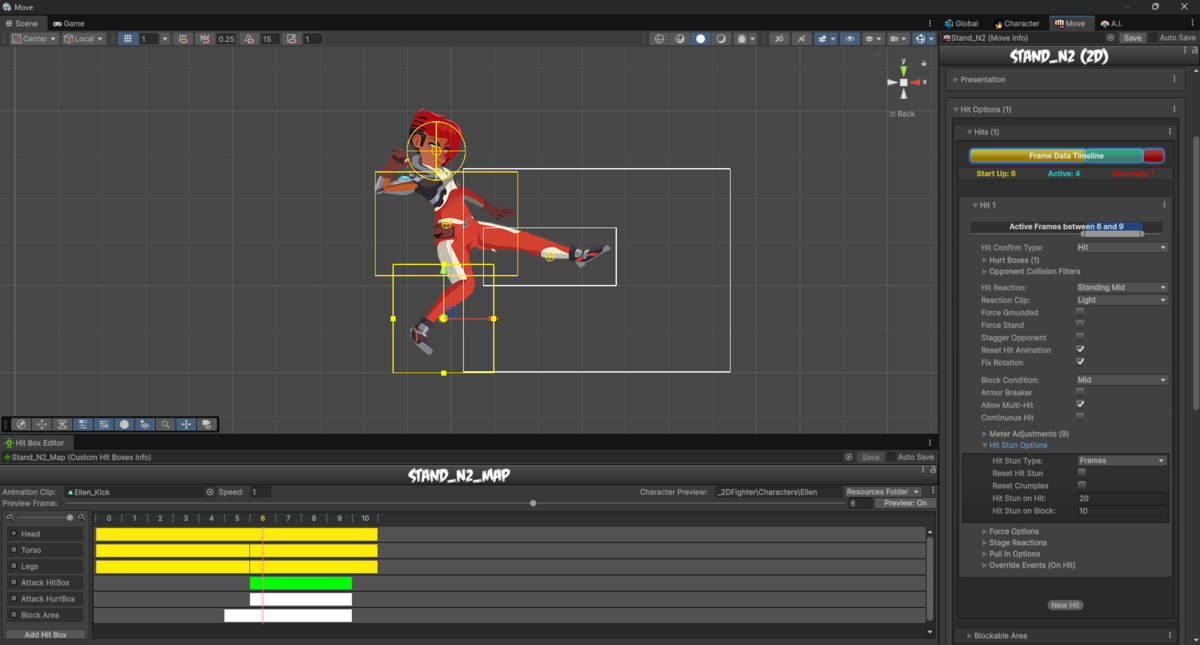
Universal Fighting Engine 2 (PRO) screenshot 1

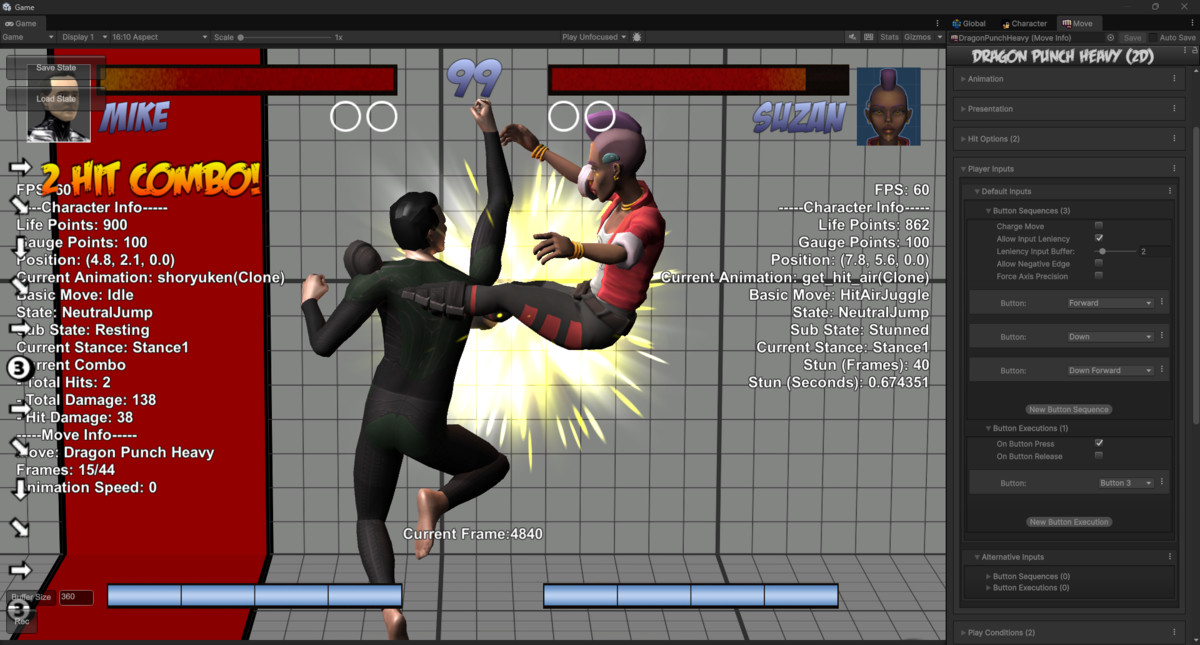


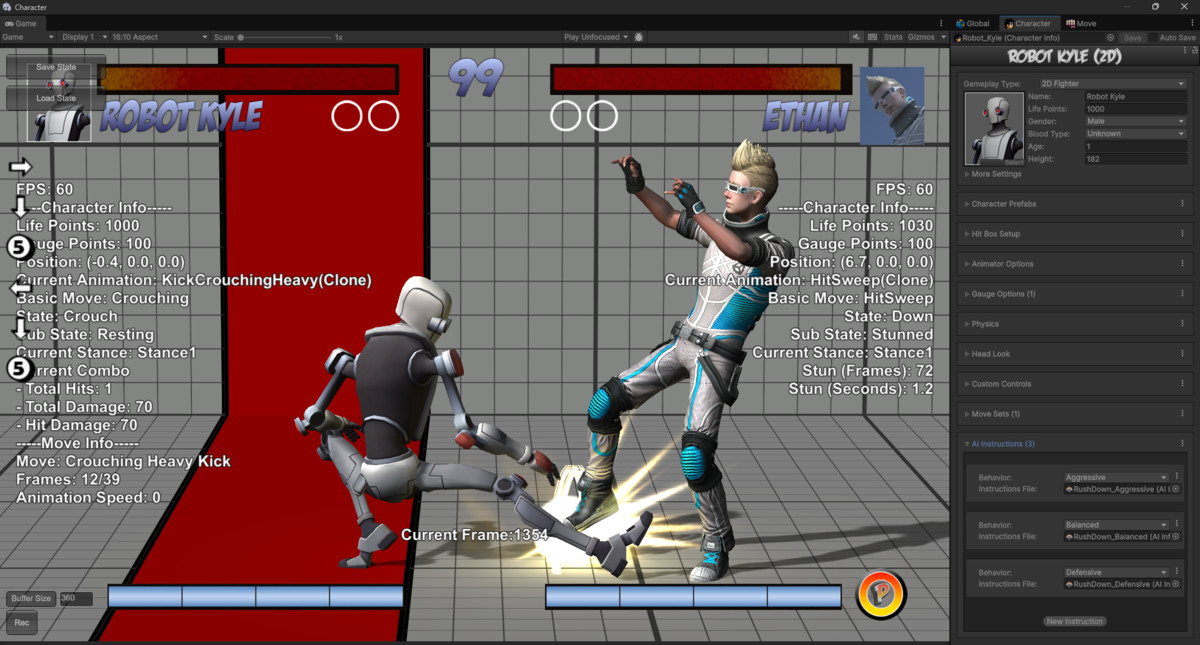
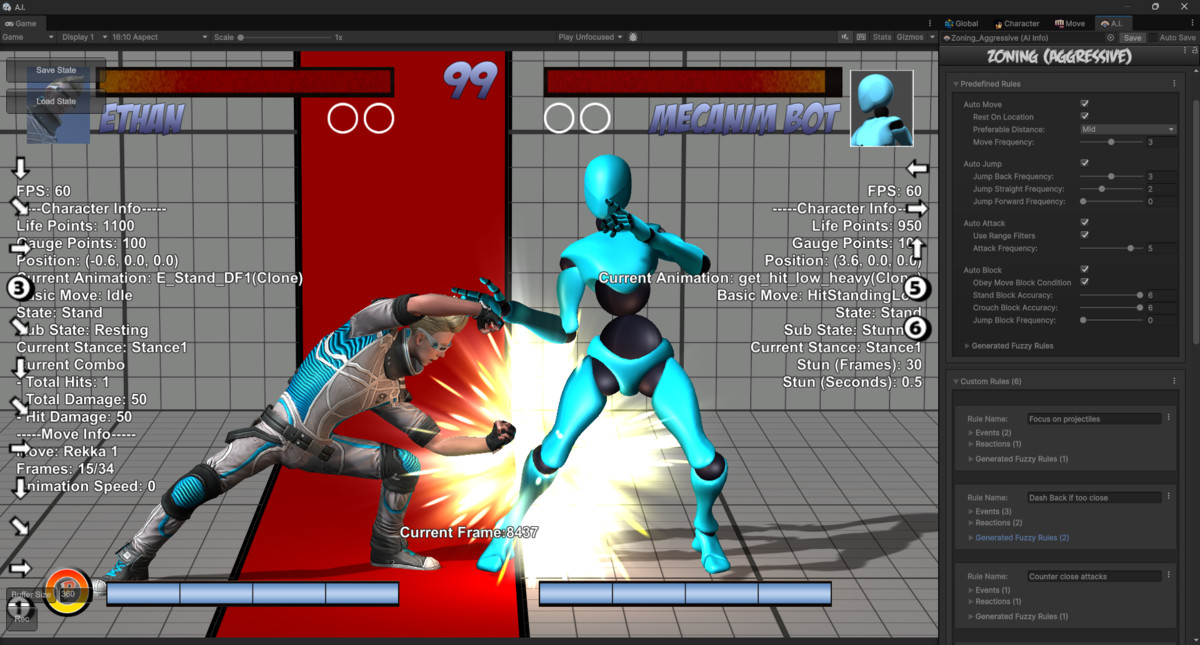



About this asset
Your fighting game. Tools built for the genre.
Universal Fighting Engine 2 (PRO) combines visual authoring tools with a deterministic fighting-game simulation, rollback netcode, and playable templates for 2D, 2.5D, and 3D fighters. Start with the included demos, build your characters and moves in the editors, and customize the included content to fit your game.
Play the demo · Explore the documentation · See games made with UFE
Why choose PRO?
PRO combines UFE’s visual editors, rollback networking, replay tools, and Fuzzy AI with editable UI template scripts and playable demos. The engine and editor are supplied as compiled libraries; choose Source if you need the full engine and editor C# source. Compare editions.
Build and refine your combat
- Author attacks, combos, cancels, throws, projectiles, gauges, and cinematic events.
- Configure characters, move sets, hitboxes, physics, input, camera behavior, and match rules through dedicated visual editors.
- Work with Mecanim or Legacy animations and preview basic animation clips from the Move Set editor.
- Use Random AI or Fuzzy AI for computer-controlled opponents.
Develop and debug online play
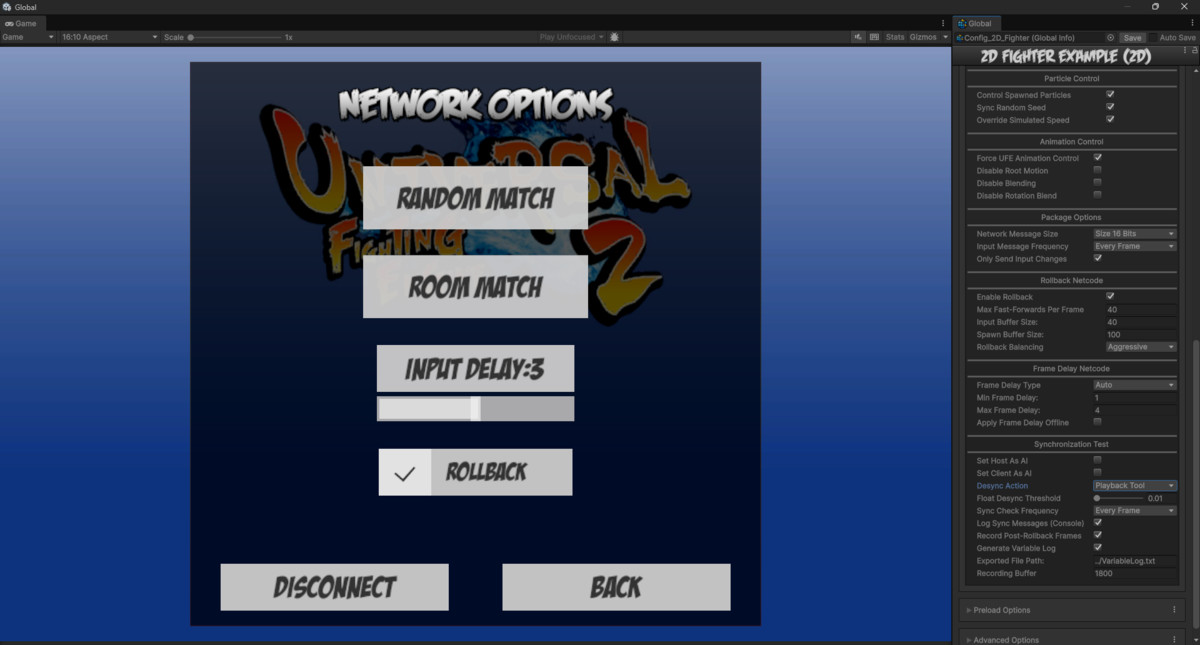
- Deterministic simulation with frame-delay and rollback netcode.
- Replay, desync-detection, and animation-map recording tools.
- Networking integration options for Photon PUN 2, Mirror, and Unity Relay.
Start from a working game
Included demo characters, animations, stages, and UI templates provide a starting point for your project. Customize character selection, story mode, challenge mode, assists, and menu flow as you develop your own game.
Input and optional integrations
UFE supports Unity's Input System and Legacy Input Manager, with integration options for Rewired, Control Freak, and cInput. Optional networking and input integrations require their corresponding packages and setup; third-party licenses, accounts, or service fees may apply.
Get started and keep learning
Demo templates are authored for the Built-in Render Pipeline. URP projects may require adjustments to demo materials, stages, or skyboxes. See the setup documentation for installation and integration instructions.
From the publisher's Asset Store listing.
Technical details
Code access: Compiled UFE runtime and editor libraries, with editable UI template scripts. Full engine and editor C# source is available in the Source edition.
Unity compatibility: Unity 2021.3 and Unity 6. Import and compilation verified for this update in Unity 2021.3.6f1 and Unity 6000.4.1f1. Optional integrations have their own Unity version and package requirements.
Rendering: Demo templates use the Built-in Render Pipeline. URP conversion is available; demo materials, VFX, stages, and skyboxes may need manual adjustments. Other render pipelines require separate material and shader setup.
Simulation and networking: Fixed-point deterministic simulation, frame-delay and rollback netcode, replay tools, desync detection, and animation-map recording. Optional integrations for Photon PUN 2, Mirror, and Unity Relay.
Animation: Mecanim and Legacy animation support, with basic animation clip previews in the Move Set editor.
Input: Unity Input System and Legacy Input Manager, plus optional Rewired, Control Freak, and cInput integrations.
Authoring tools: Visual editors for characters, moves, hitboxes, combat rules, physics, AI, cameras, and game configuration.
Included content: Playable demos, sample characters, animations, stages, UI templates, setup tools, and documentation.
Deployment: Windows, macOS, Linux, WebGL, Android, and iOS targets. Input and networking availability depends on the selected integration and target platform.
Optional dependencies: Third-party input and networking packages require separate installation and configuration; licenses, accounts, or service fees may apply.
Compatibility
| Unity version | Built-in | URP | HDRP | Custom |
|---|---|---|---|---|
| 6000.4.1f1 | Compatible | Compatible | Compatible | Compatible |
UFE works in Unity 6. Demo templates were authored for Built-in Render Pipeline. For the smoothest import, start with Unity’s 3D (Built-In Render Pipeline) template. URP projects are supported, but some demo materials, stages, or skyboxes may need manual adjustment. Restart Unity if prompted.
As listed on the Asset Store.