
 View on Asset Store (opens in new tab)
Package details
- Latest version
- 1.3
- Last updated
- First released
- Unity version
- 2022.3.6 or later
- Package size
- 56.9 MB
- Files
- 24
- Favorites
- 38
- Views in the past week
- 7
Price tracking
- Last checked
- Tracked since
- Lowest recorded
- $7.99 on
Keywords
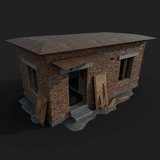
Abandoned Military Checkpoint
The Abandoned Military Checkpoint made in Game Ready.
Affiliate link · Purchases support this site
Price history
Last 6 months
USDAsset preview
1 / 8
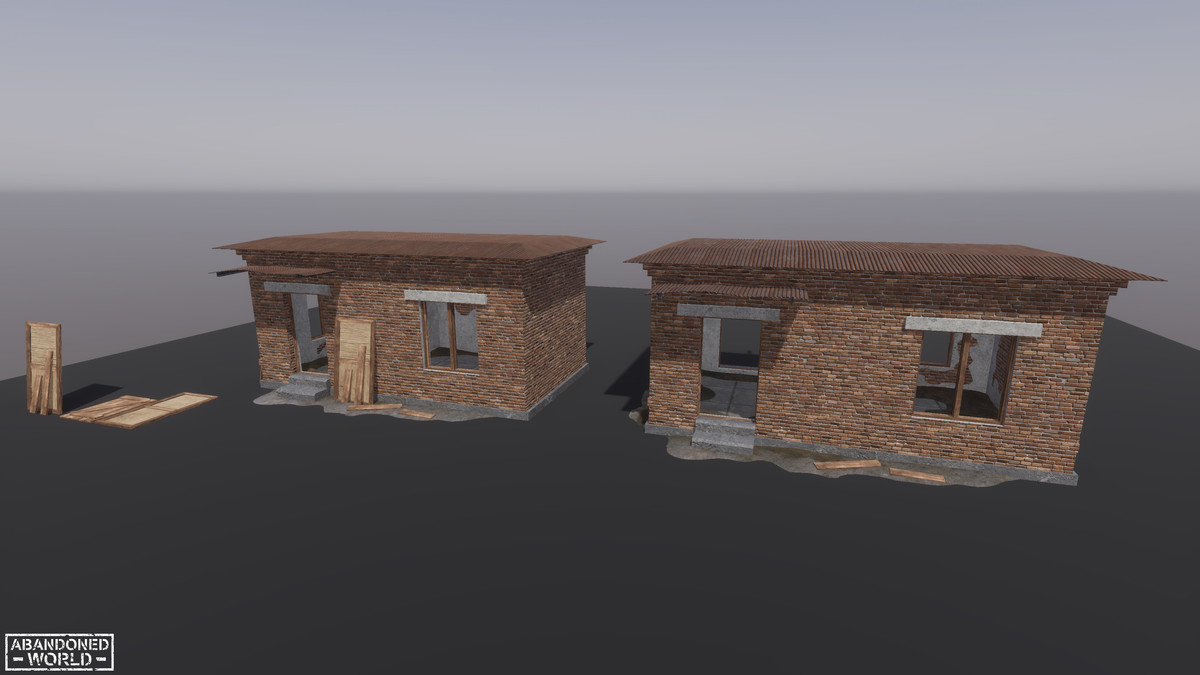
Abandoned Military Checkpoint screenshot 1


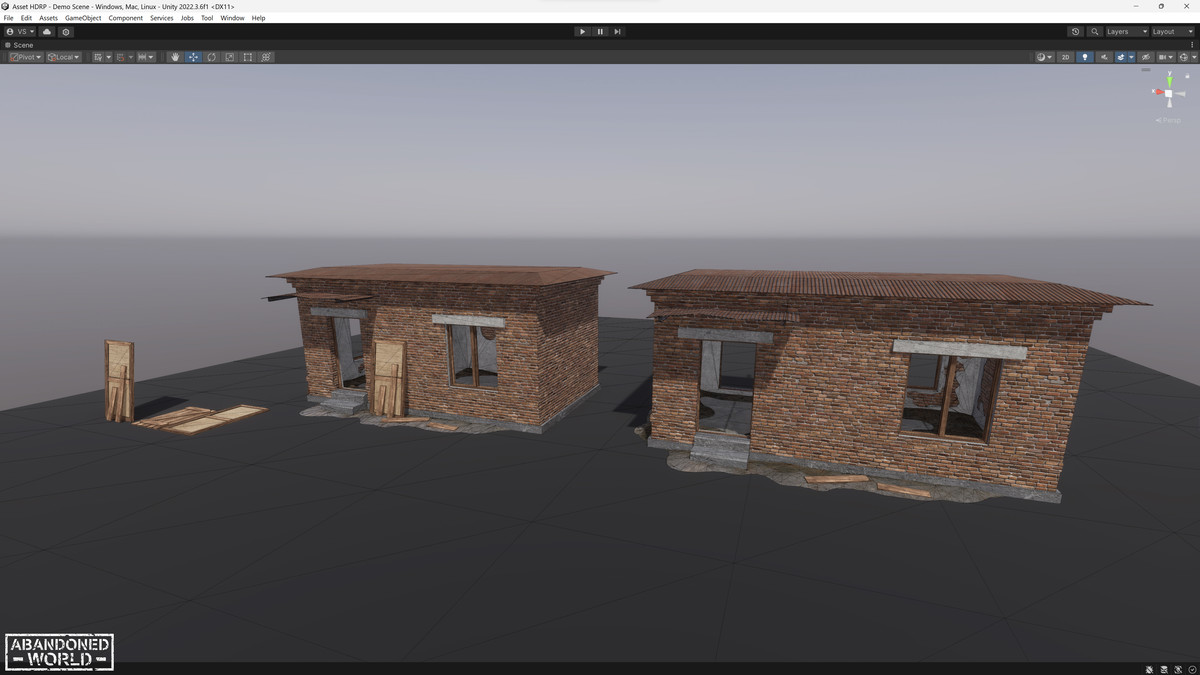
About this asset
The Abandoned Military Checkpoint made in Game Ready. The model can be used for a military checkpoint and also to create an abandoned industrial complex. Decide how to use only you!
Included in the Street Props Pack AW
| WebSite | X (Twitter) | YouTube | Instagram | Reddit | Unity |
Features:
- PBR Materials
- LowPoly - Game Ready
- Reasonable poly count
Attention!
- The product has been tested on versions Unity 2022 and 6.0, and you can download pre-prepared files for these versions of the Unity engine. The product does not contain complex elements tied to the engine version and can also work on other versions, earlier and later, possibly with minor changes to the scene settings.
Thanks for your attention! If you liked my product, please leave a review in the asset store. If you have any problems with my products, please contact me via the email address provided in the asset store.
From the publisher's Asset Store listing.
Technical details
3D Specification:
- 5 Meshes
- 5 Prefabs
- 3 PBR Materials
- 6 Textures 4096x4096, 2048x2048
- 1 Shader (for Built-in)
- 2 Shader Graph (HDRP & URP)
- Textures Maps: BaseColor, Normal, ORM Pack (Occlusion, Roughness, Metallic)
Range of Tris:
- SM_Abandoned_Military_Checkpoint - 4761 tris / 2772 verts
- element_1 - 96 tris / 64 verts
- element_2 - 100 tris / 56 verts
- Door - 76 tris / 40 verts
Compatibility
| Unity version | Built-in | URP | HDRP |
|---|---|---|---|
| 6000.0.48f1 | Compatible | Compatible | Compatible |
| 2022.3.6f1 | Compatible | Compatible | Compatible |
To install a project in HDRP or UPP render pipeline, you need to open the corresponding UnityPackage file in the root of the project and update the required elements with replacement.
As listed on the Asset Store.