
 View on Asset Store (opens in new tab)
Package details
- Latest version
- 2022.1
- Last updated
- First released
- Unity version
- 2019.4.32 or later
- Package size
- 104.1 MB
- Files
- 1,344
- Favorites
- 589
- Views in the past week
- 8
Price tracking
- Last checked
- Tracked since
- Lowest recorded
- $1.00 on
Keywords
1000 LUTs for Post Processing
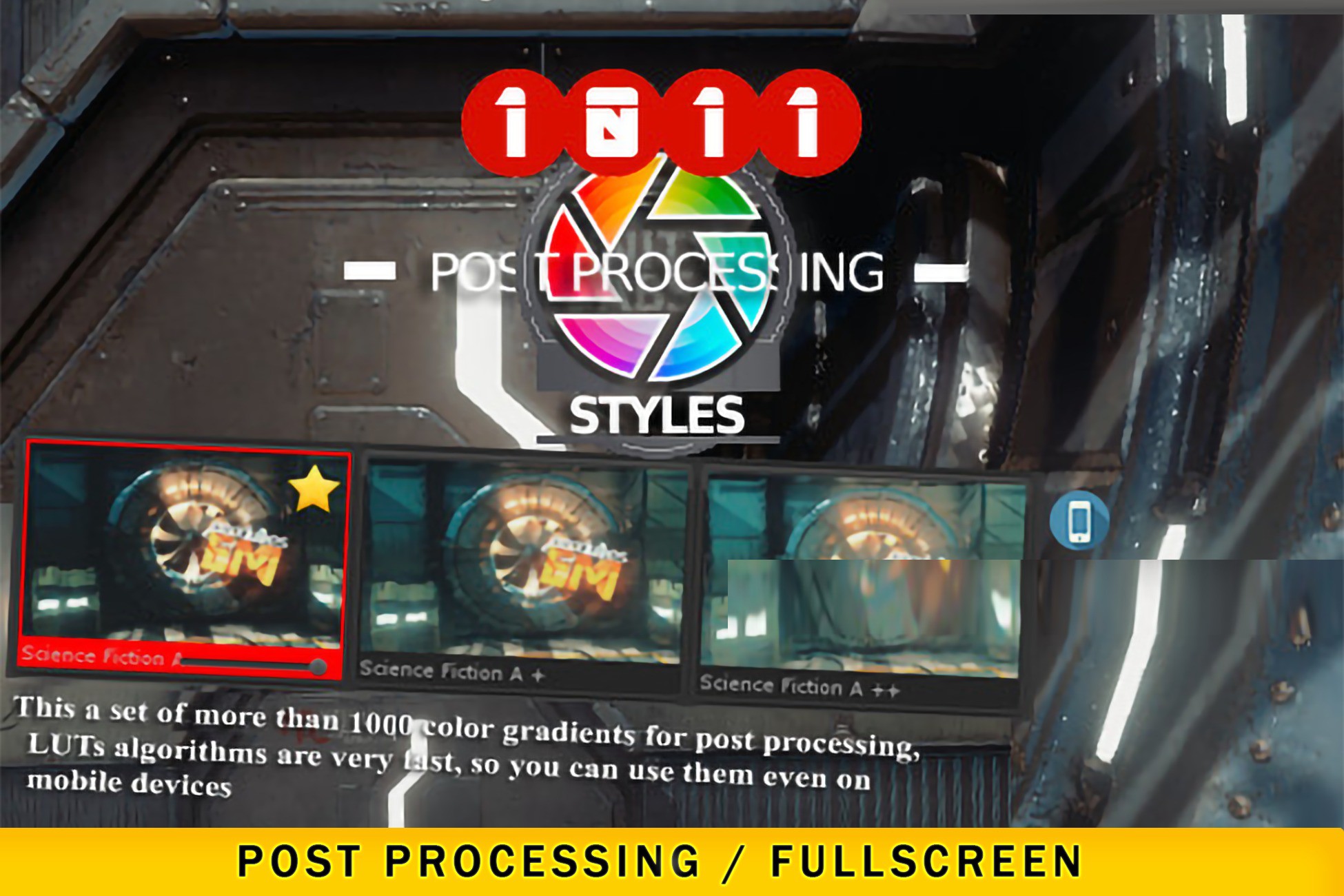
This pack includes more than 1000 LUTs color gradients (png / 1024x32 / 2D) And a handy manager for applying LUTs to the default unity post-processing stack
Affiliate link · Purchases support this site
Price history
Last 6 months
USDAsset preview
1 / 14

1000 LUTs for Post Processing screenshot 1


About this asset
HIGHLIGHTS:
ℹ️ Convenient presets window allows you to preview LUTs according current camera position
ℹ️ Convenient presets window for search, fast post-processing tuning and organazing. Window suports Unity PostProcessing Stack
ℹ️ Convenient presets window allows you to control PostProcessing plugins' interfaces (such as Unity PostProcessing Stack), Favorites, User LUTs, Ability to ordering by similarity or by warming or saturated or contents, Searching, Zooming, Ability to use different postprocessing scripts
ℹ️ Ability to use Scene Camera, Multi-effect compatibility for different volumes
ℹ️ Ability to use different preview components
ℹ️ Сreating LUTs in the editorr and Exporting All Filtres to One LUT File! (You can configure any filters for the camera, and then use the convert lut as one file, for mobile devices for example)
ℹ️ Experimental ability to conversion *.png LUT to *.CUBE 3DLUT
ℹ️ Experimental ability to convert *.png table to *.cube and to fix gamma exposition for external *.CUBE files
ℹ️ Demo Scene
[ Install ]
You can find managet in the Tools/1000 LUTs for Post Processing/ , manager will help you to setup camera
//
or when you import LUTs images, you can install post processing package from package manager, end enable Low Difinition LUT in a profile settings, and afet assign them manually
--
Do not hesitate to ask questions in this thread https://forum.unity.com/threads/ufp-ultra-fast-postprocessing-urp-default-2021-new-beta-firstlaunch.1203676/
WEB SITE: https://emem.space/
SAVE 30% and Download ALL ASSETS PACK
From the publisher's Asset Store listing.
Compatibility
| Unity version | Built-in | URP | HDRP | Custom |
|---|---|---|---|---|
| 2019.4.32f1 | Compatible | Compatible | Compatible | Compatible |
As listed on the Asset Store.