
 View on Asset Store (opens in new tab)
Package details
- Latest version
- 2.4.1
- Last updated
- First released
- Unity version
- 2020.3.1 or later
- Package size
- 20.8 MB
- Files
- 37
- Favorites
- 2,219
- Views in the past week
- 101
Price tracking
- Last checked
- Tracked since
- Lowest recorded
- $10.00 on
Keywords

SC Post Effects Pack (for Unity 2020-2023)
Extends Unity's post processing with 34 additional screen effects. Aiming to provide visual enhancers or feedback effects.
Affiliate link · Purchases support this site
Price history
Last 6 months
USDAsset preview
1 / 21
SC Post Effects Pack (for Unity 2020-2023) screenshot 1


About this asset
« For use with Unity 2020 - 2023.2 »
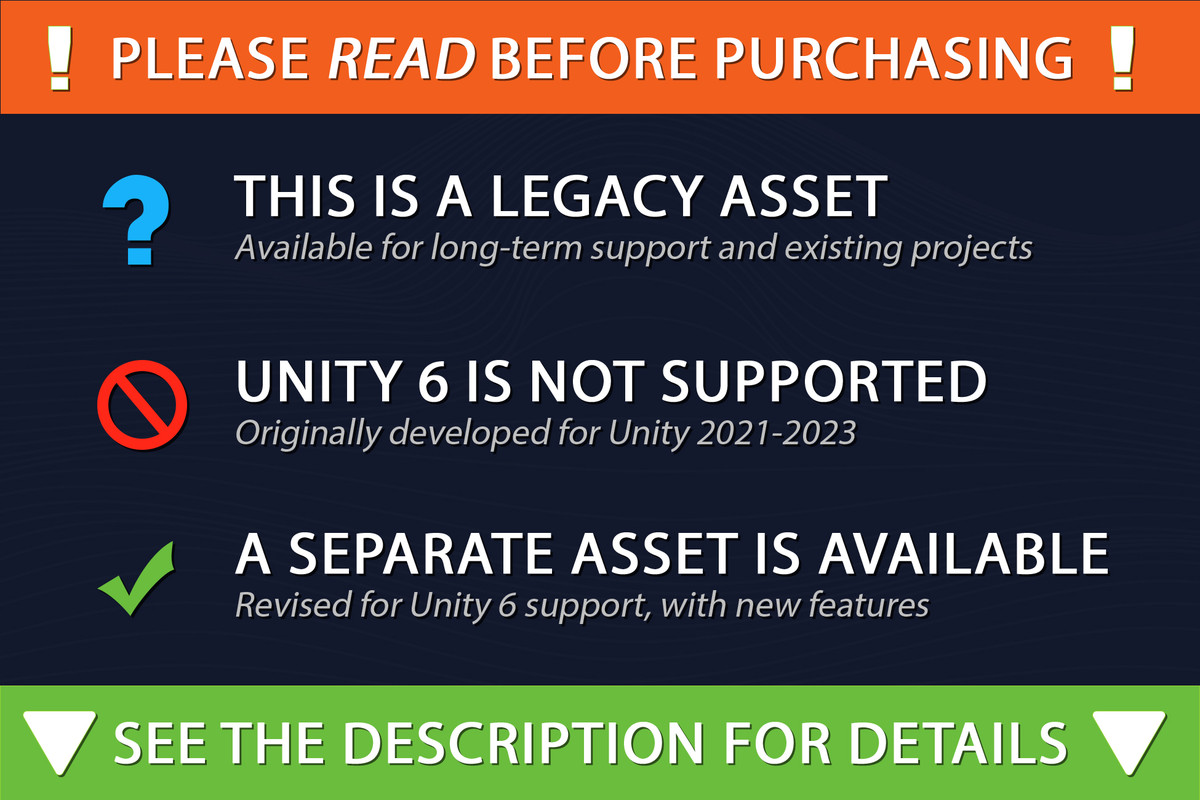
For Unity 6 support and features see this asset.
⚙️ Compatibility | 🟣 Discord | 📄 Documentation | 💬 Forum thread | 🕹 Demo
📦 Included effects:
• Edge detection Highlight the edges of objects or colors
• Fog Distance and height fog with 2D density noise. As well as single, gradient and skybox color modes.
• Sunshafts Radiate sun rays from a directional light and skybox
• Caustics Projects an animated caustics texture over the scene, within a certain height range
• Color Grading LUT Use any third-party LUT strip, with the option to fade two LUTs over distance.
• Cloud Shadows Projects a texture over the world (cloud example texture included)
• Tilt Shift Horizontal or Radial depth of field effect
• Ripples Make the image appear to wave
• Lens Flares Draw procedural lens flares on bright spots
• Colorize Remaps the screen's color to a gradient texture (eg. night or thermal vision)
• Refraction Create cracked glass, scratches, frost etc.
• Kuwuhara Transforms the image into a real-time oil-painting
• Sketch Creates a hatching effect based on luminance
• Ambient Occlusion 2D Adds self shadowing based on luminance
• Light streaks JJ-Abrams style lens flares. Extends bloom with light streaks
• Blur Gaussian and Box blurring methods
• Speed Lines Anime/cartoon speed effect
• Color Split Simulates the derefraction of color channels
• Radial blur Blurs the image towards the edges of the screen (aka Bethesda-style pain effect)
• Pixelize A retro resolution effect, creates pseudo pixelart
• Dithering Creates a checker-pattern Lo-Fi shading effect
• Posterize Limits the screen to old school 1-16bit color depth
• Sharpen Makes the image appear crisper (useful when using TAA)
• Double Vision Crosseyed vision, either full-screen or limited to the edges
• Hue Shift 3D Simulates psychedelic color breathing
• Overlay Fix an image to the screen, includes blending options
• Kaleidoscope Splits the screen up into mirrored "pie" pieces
• Transition Steps through a gradient to transition to a black screen (eg. GBA Pokemen)
• Black Bars Creates a vertical/horizontal letter-boxing effect
• Scanlines Draw horizontal lines over the screen
• Tube Distortion Bend the image like a CRT screen
• Danger Warn for damage or grow ice over the screen.
• Gradient Draws a gradient over the screen
• Mosaic Circular, hexagonal and triangle patterns
Demo content includes sample textures for all effects.
🎁 Example profiles (Built-in RP):
• Comic book
• Night vision
• Painterly
• Psychedelic
• Retro
• Underwater
✔️ Compatibility
- This package is primarily developed for PC/Mac/Consoles. Mobile platforms are not supported.
- For the Built-in and Universal render pipelines. Excluding HDRP.
- Single-Pass Instanced Rendering (VR). Some features are excluded:
- Full compatibility details
——————— 🔶 Legacy Version – Read Before Purchasing ———————
This asset was originally released in 2018, and has been continuingly updated and reworked through complementary updates. As of 2024 it is no longer under active feature development. However, it is subject to minor fixes/updates required to keep it working in its supported versions of Unity.
Universal Render Pipeline is supported up to Unity 2023.2. And does not support Unity 6's Render Graph.
Further development and compatibility has branched off into a separate URP Unity 6 asset. See this forum post for details. A discounted upgrade is made available for users who own a SC Post Effects license.
From the publisher's Asset Store listing.
Technical details
More details about the workings of these effects and known issues can be found in the documentation.
- Effects apply to the entire screen content. It's technically not possible to filter out specific objects or screen regions (as is the case with the built-in Unity effects)
Built-in Render Pipeline
When using the Built-in render pipeline, the Post Processing package is required.
Universal Render Pipeline (URP)
- Using the Post Processing package with URP is not supported.
- Demo content is not available for URP. There is technically no practical way to provide this in a working order due to how it is designed.
- Camera stacking only works for non-depth based effects, due to limitations imposed by URP’s camera stacking system.
- Usage with the 2D Renderer requires Unity 2021.2.0 or newer (URP v12+).
Compatibility
| Unity version | Built-in | URP | HDRP |
|---|---|---|---|
| 2022.3.62f3 | Compatible | Compatible | Not listed |
| 2020.3.1f1 | Compatible | Compatible | Not listed |
« For use with Unity 2020 - 2023.2 »
Built-in render pipeline requires the "Post-processing" package to be installed (previously know as the Post Processing Stack v2).
URP is supported, where Render Features are used to render effects. Using both URP and the Post-processing package together is not supported! Not Render Graph compatible.
The documentation covers all of this in further detail
As listed on the Asset Store.