
 View on Asset Store (opens in new tab)
Package details
- Latest version
- 2.0
- Last updated
- First released
- Unity version
- 2022.3.62 or later
- Package size
- 76.0 MB
- Files
- 367
- Favorites
- 202
- Views in the past week
- 39
Price tracking
- Last checked
- Tracked since
- Lowest recorded
- $19.99 on
Keywords
- Search for A.I car
- Search for traffic
- Search for Path
- Search for Vehicle
- Search for random vehicle spawn unity
- Search for unity smart traffic
- Search for police chase unity ai
- Search for smart traffic car unity
- Search for traffic simulation unity
- Search for traffic lights unity asset
- Search for urban traffic simulation unity
- Search for vehicle avoidance unity
ISmart 2 – Car traffic system
AI traffic for Unity: lane-keeping physics cars, a one-click road network wizard, smart traffic lights, junction right of way and realistic engine sound.
Affiliate link · Purchases support this site
Price history
Last 6 months
USDAsset preview
1 / 4
ISmart 2 – Car traffic system screenshot 1
About this asset
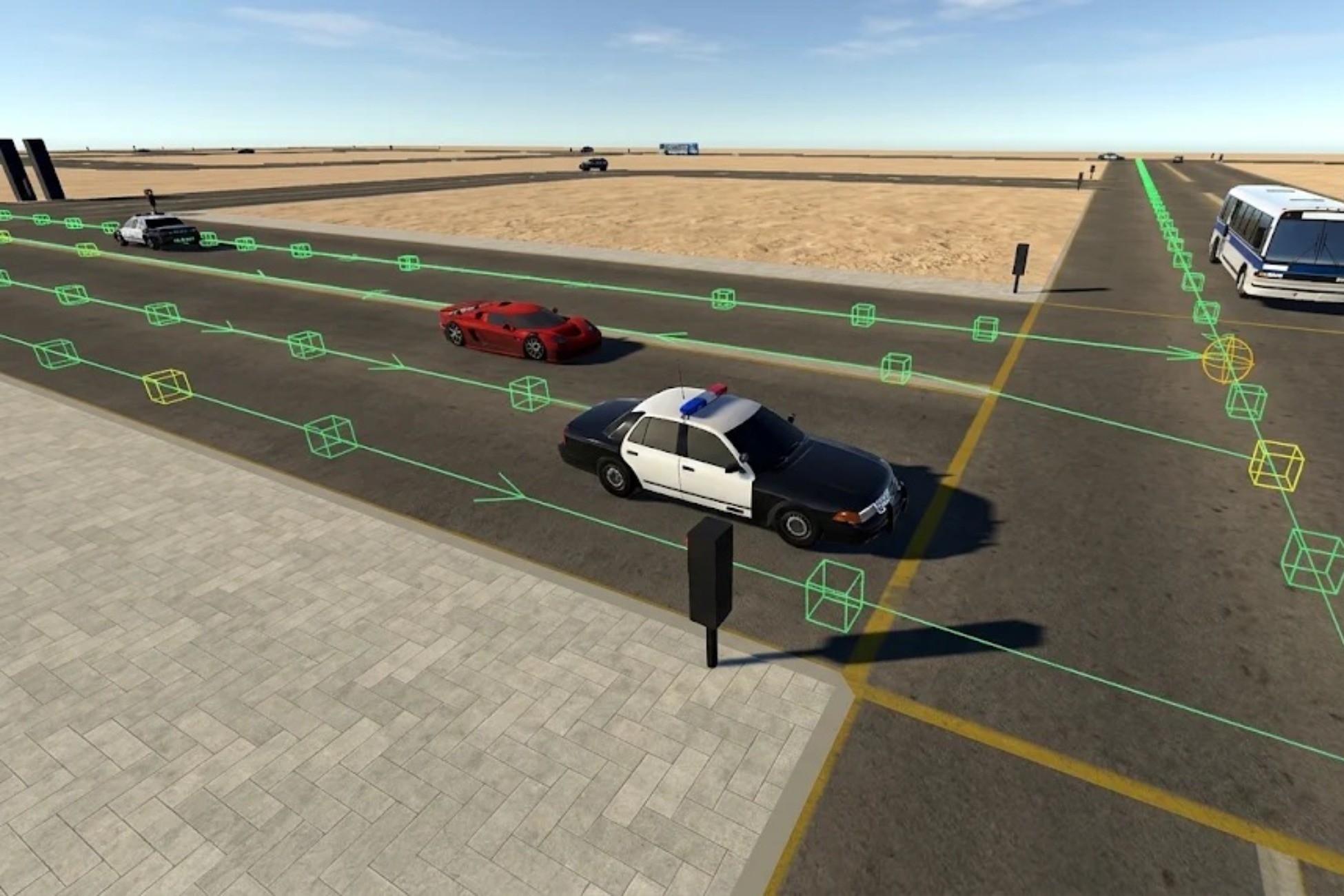
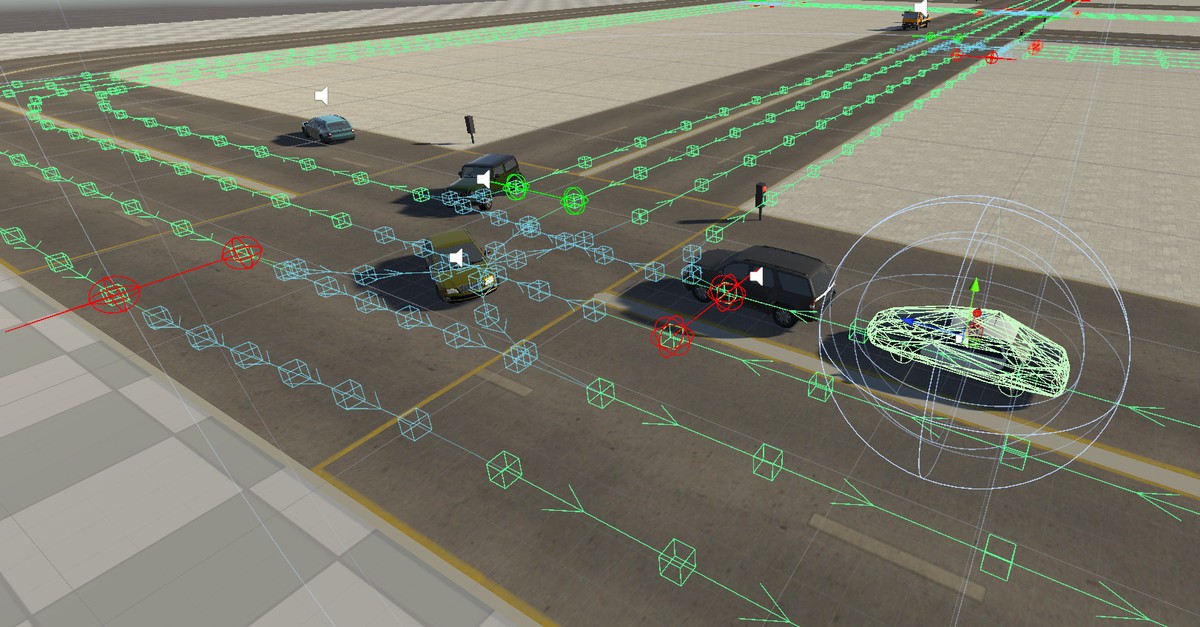
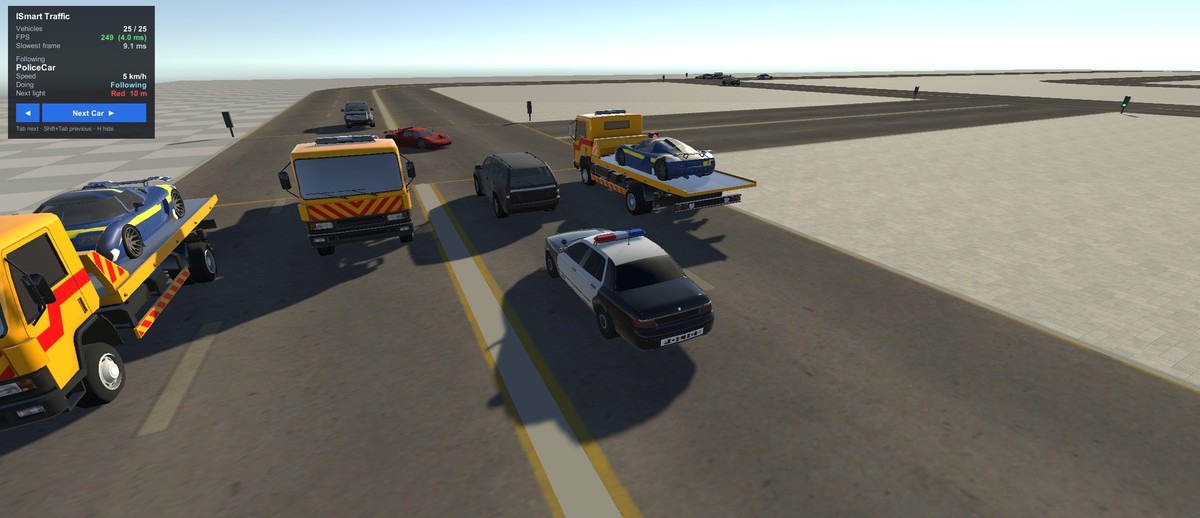
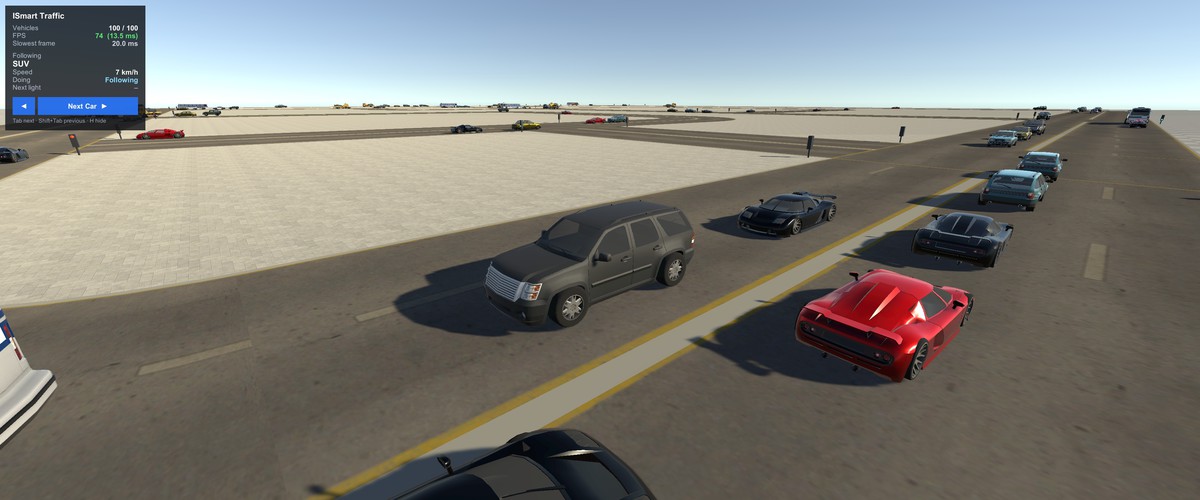
ISmart turns any city into living traffic. Physics-based AI cars drive in their lanes, slow down for curves and junctions, keep a safe distance, stop at red lights and give way at crossings – all without NavMesh and without hand-placing hundreds of waypoints.
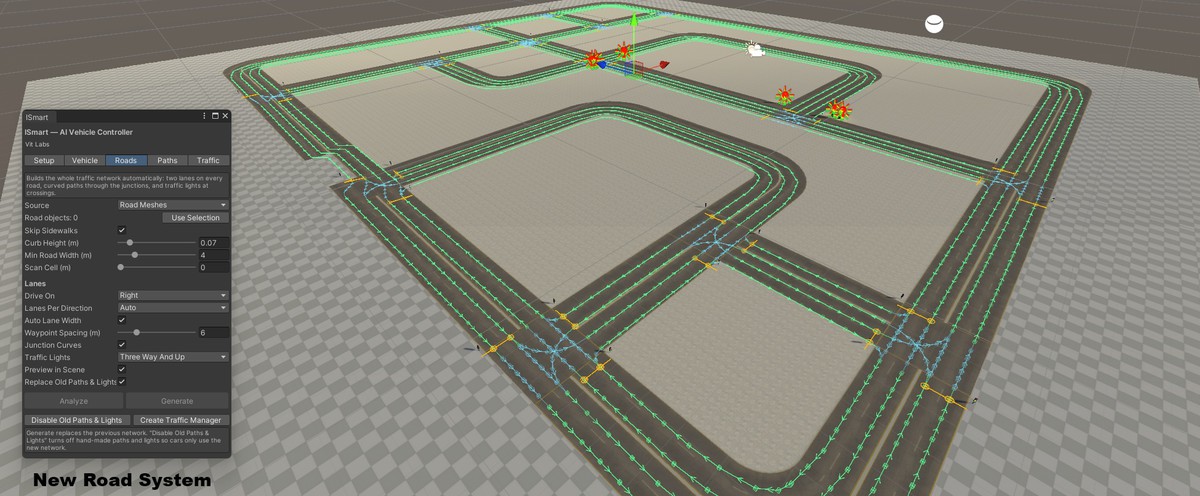
ONE-CLICK ROAD NETWORK
Select your road models and click Generate. The Road Network Wizard scans the roads from above, finds the centre lines and junctions, and builds a complete traffic network: lanes in both directions (1–4 per direction, right- or left-hand traffic), smooth turning paths through every junction with real lane discipline, and traffic lights at crossings. No road kit required – it works with your own meshes, or with simple centre lines you draw.
DRIVES LIKE REAL TRAFFIC
• Smooth lane keeping – no corner cutting, no zig-zag
• Speed planning – brakes early and gently for curves, junctions and red lights
• Car following – keeps a speed-dependent gap and never overtakes or swerves
• Junction right of way – cars reserve their path; turning cars give way to oncoming traffic
• Traffic lights – one green approach at a time, blinking green, yellow and all-red
• Self-recovery – deadlocks, stuck and flipped cars sort themselves out
• Police cars that patrol and chase suspects
READY TO USE
• ISmart Hub editor window: setup, vehicle wizard, road wizard, paths and traffic
• Turn any car model into an AI car in one click (wheels found automatically)
• Traffic Manager with GTA mode: spawns around the player, removes far cars
• Realistic engine sound: idle, low and high layers cross-faded by RPM
• Demo HUD with vehicle count, FPS and Next Car camera switching
• Demo city scene with 9 ready-made AI vehicles
• Full English user guide (PDF) and clean, documented C# source code
Suitable for open-world, GTA-style, racing, city-builder, simulation and driving games.
From the publisher's Asset Store listing.
Technical details
• Two car controllers: ISmart2 (4-wheel car with gears, anti-roll bars, traction control, skid smoke, crash sounds) and ISMART Classic (any number of wheels, trucks and 8x8)
• Shared AI driver: pure-pursuit lane keeping with cross-track correction, curve/junction/light speed planning, footprint-based car following, emergency front sensor
• Road Network Wizard: top-down scan of road meshes (material filter, sidewalk detection) or centre-line input; automatic junctions, 1–4 lanes per direction, junction curves, traffic lights
• Junction manager: path reservation, conflict detection, turning traffic gives way
• Traffic lights: One At A Time / By Direction / Manual modes, automatic junction grouping, stop-line waypoints and stop zones
• Deadlock resolution, stuck and flip recovery
• Traffic Manager: spawn interval, max vehicles, spacing, GTA mode with out-of-view spawning and despawning
• 3-layer engine audio with low-pass filter and per-car pitch variation
• Demo HUD and orbit / follow cameras
• Editor tools with Undo support and Scene-view path editing
• Full C# source code, namespace VitLabs.ISmart, assembly definitions included
• No NavMesh required
• Requirements: Unity 2022.3 LTS or later, Built-in Render Pipeline, Input Manager (old input system) for the demo HUD and cameras
• Documentation: English user guide (PDF, 21 pages)
Compatibility
| Unity version | Built-in | URP | HDRP |
|---|---|---|---|
| 2022.3.62f3 | Compatible | Not listed | Compatible |
As listed on the Asset Store.