
 View on Asset Store (opens in new tab)
Package details
- Latest version
- 3.1.0
- Last updated
- First released
- Unity version
- 2022.3.62 or later
- Package size
- 10.0 MB
- Files
- 809
- Favorites
- 479
- Views in the past week
- 93
Price tracking
- Last checked
- Tracked since
- Lowest recorded
- $9.99 on
Keywords

Nav 3D Pro — 3D Pathfinding & Flying AI Navigation
3D pathfinding and ORCA local avoidance for agents that fly, swim or float. Nav3D navigates the full volume of your scene — open sky, corridors, caves — with paths fitted to each agent's size.
Affiliate link · Purchases support this site
Price history
Last 6 months
USDAsset preview
1 / 17
Nav 3D Pro — 3D Pathfinding & Flying AI Navigation screenshot 1

About this asset
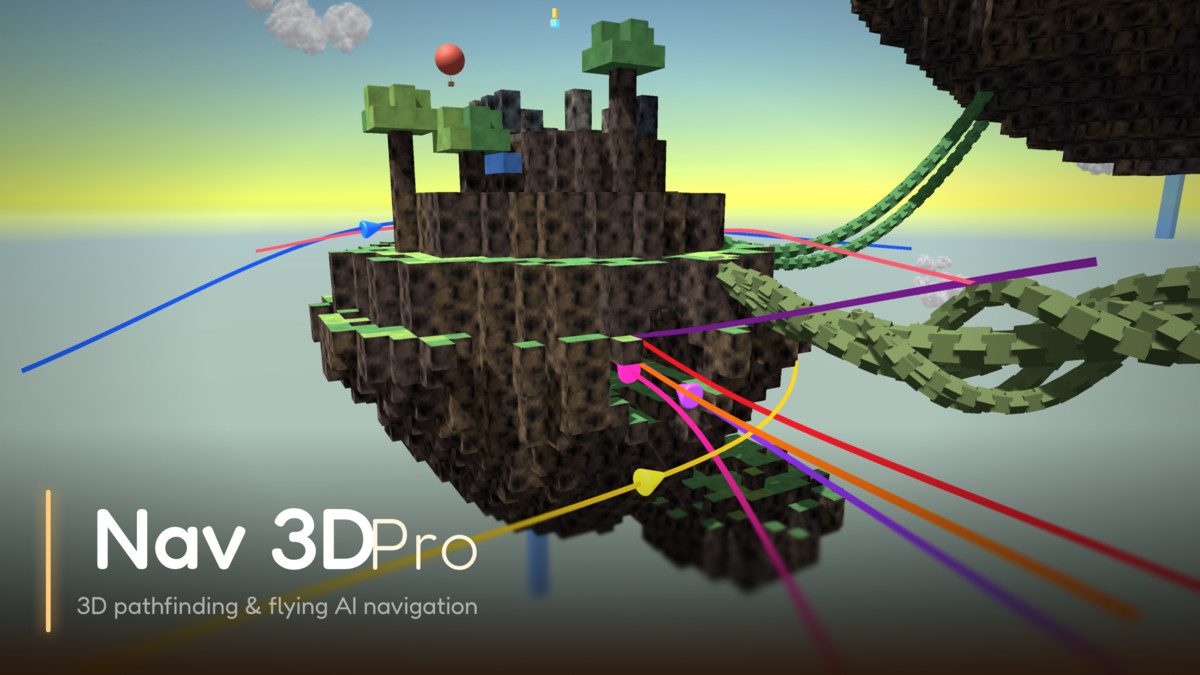
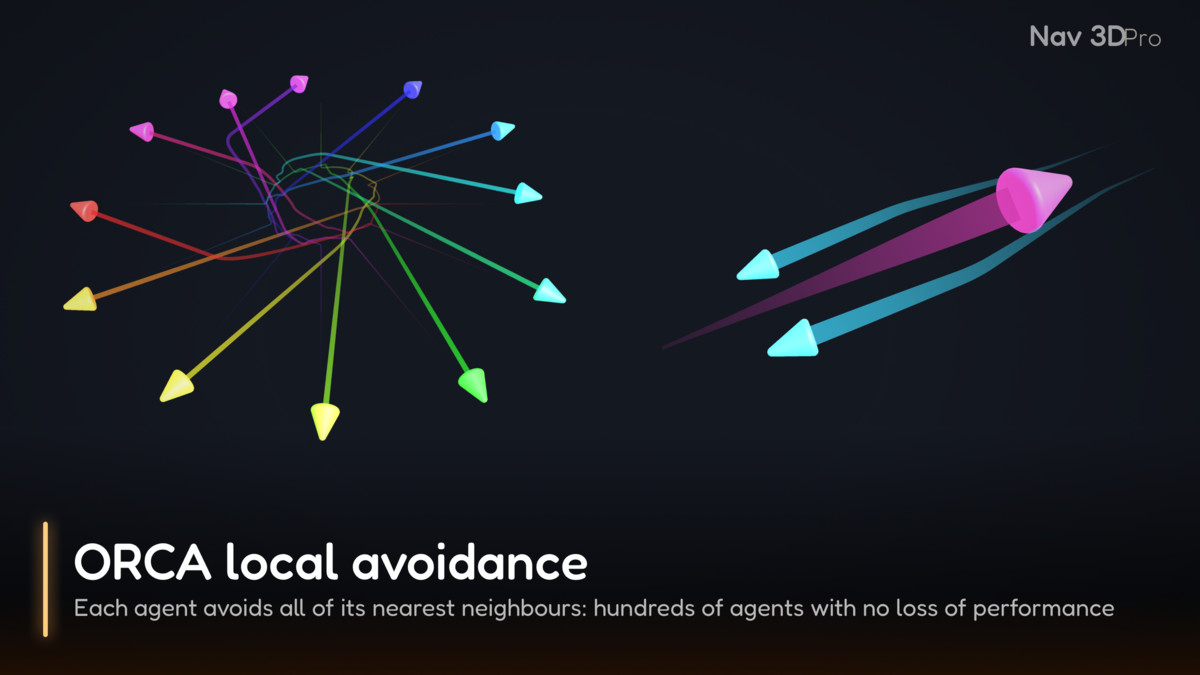
Agents route through the whole volume of your scene — open sky, tight corridors, caves, the inside of a station — and negotiate their way past each other while they fly.
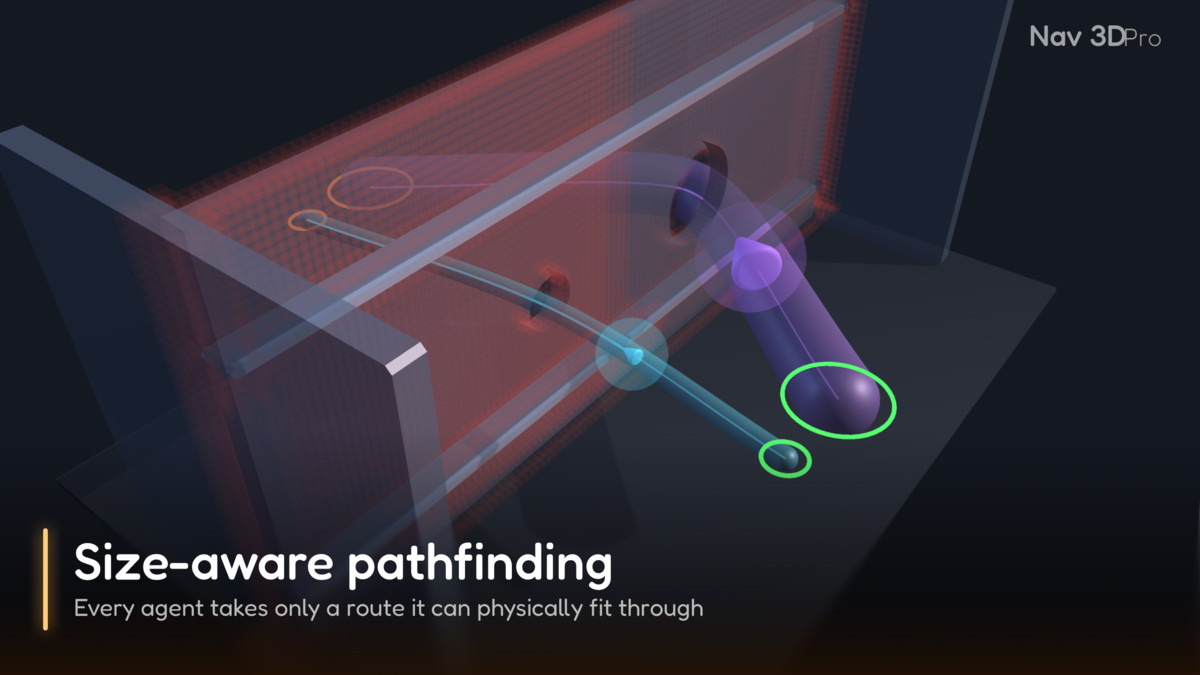
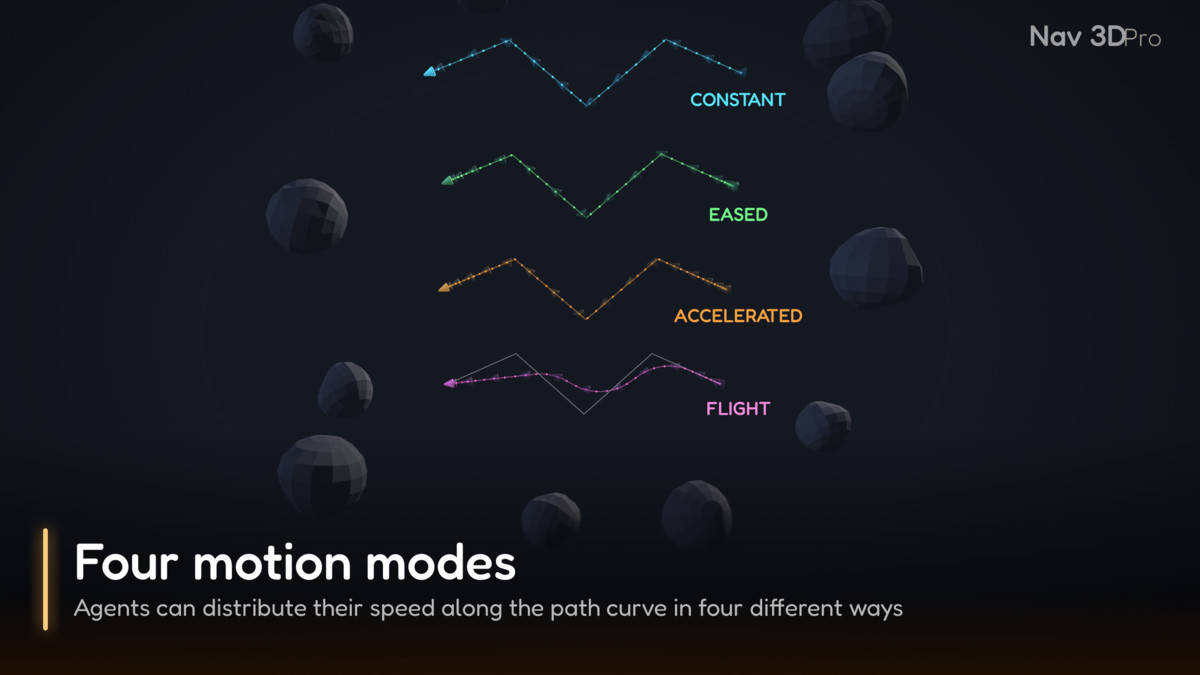
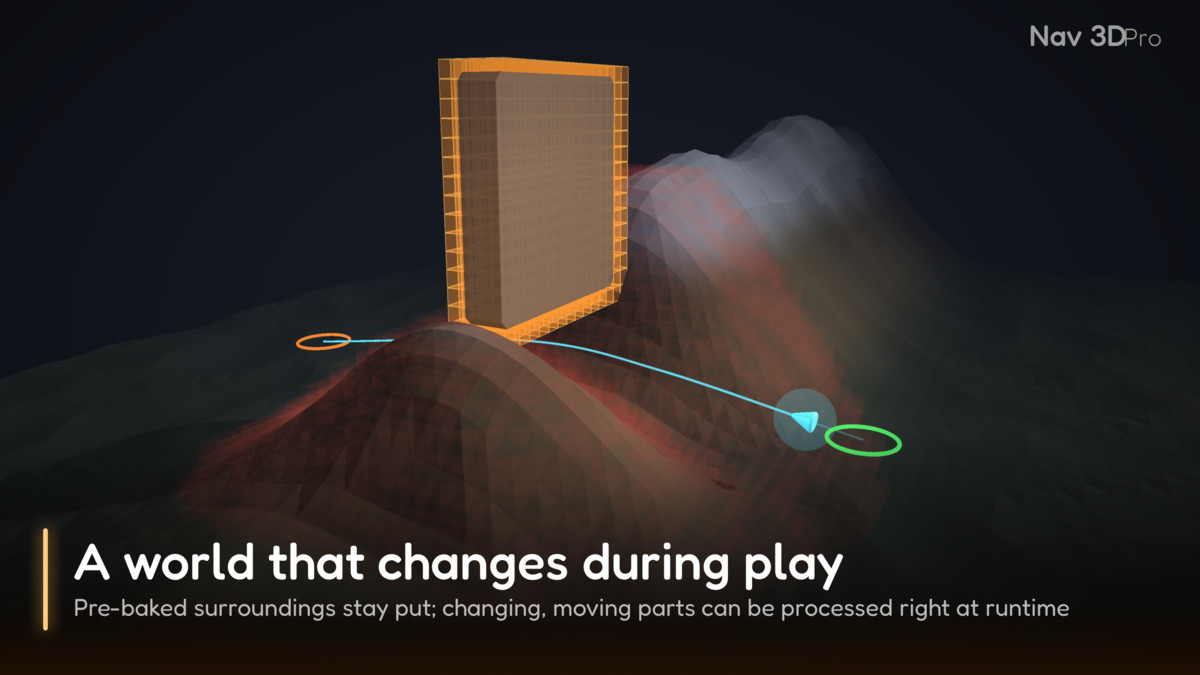
Paths are found for the agent's actual size, so a small scout and a large freighter take different routes through the same geometry; banked, aircraft-like flight comes out of the box; and the world can change, or be built from scratch, while the game runs.
🔗 Find out more:
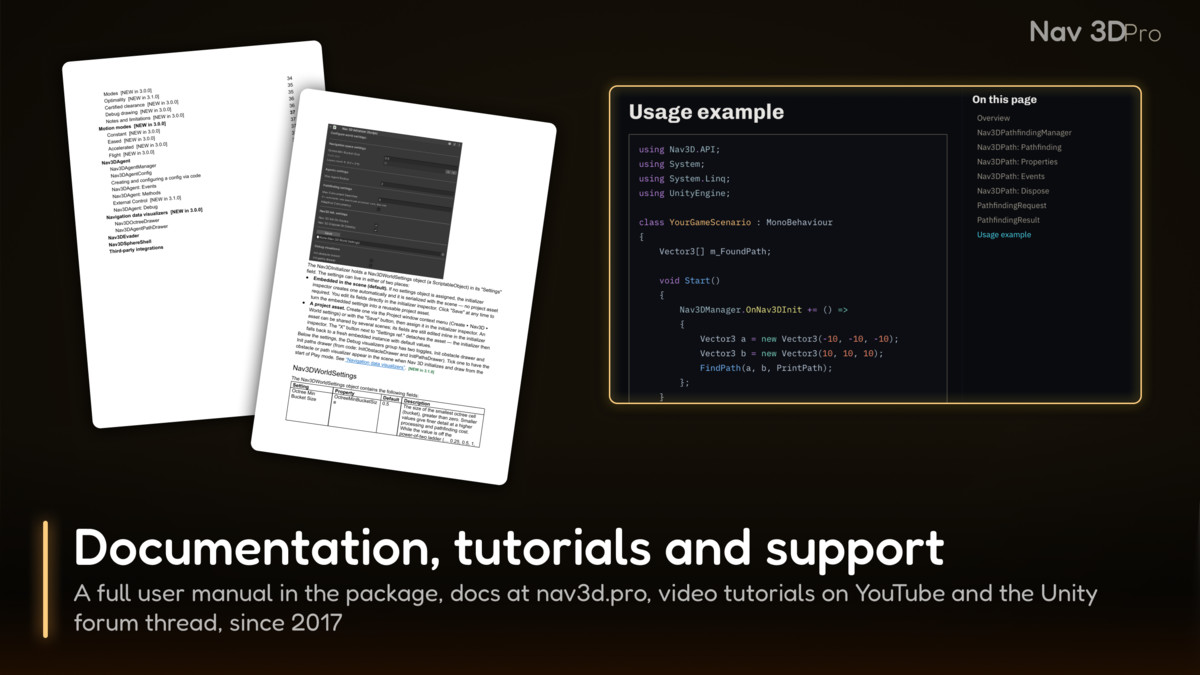
🎮 Downloadable demos | 📖 Documentation | 💬 Forum | ▶️ Video tutorials
⭐ On the Unity Asset Store since 2017. ⭐
SUITABLE FOR
Anything that moves through space rather than across a floor: birds and flying creatures, fish and underwater life, dragons, drones, aircraft, spaceships, submarines. It fits aerial combat and drone sims, space games, underwater worlds, tower defense with air units and zero-g environments — any genre where “walkable surface” simply doesn’t apply, which is exactly where a navigation mesh stops. Crowds of mixed sizes, levels that are edited or destroyed during play and worlds generated as the player moves are all part of the job.
MADE TO BE CUSTOMIZED
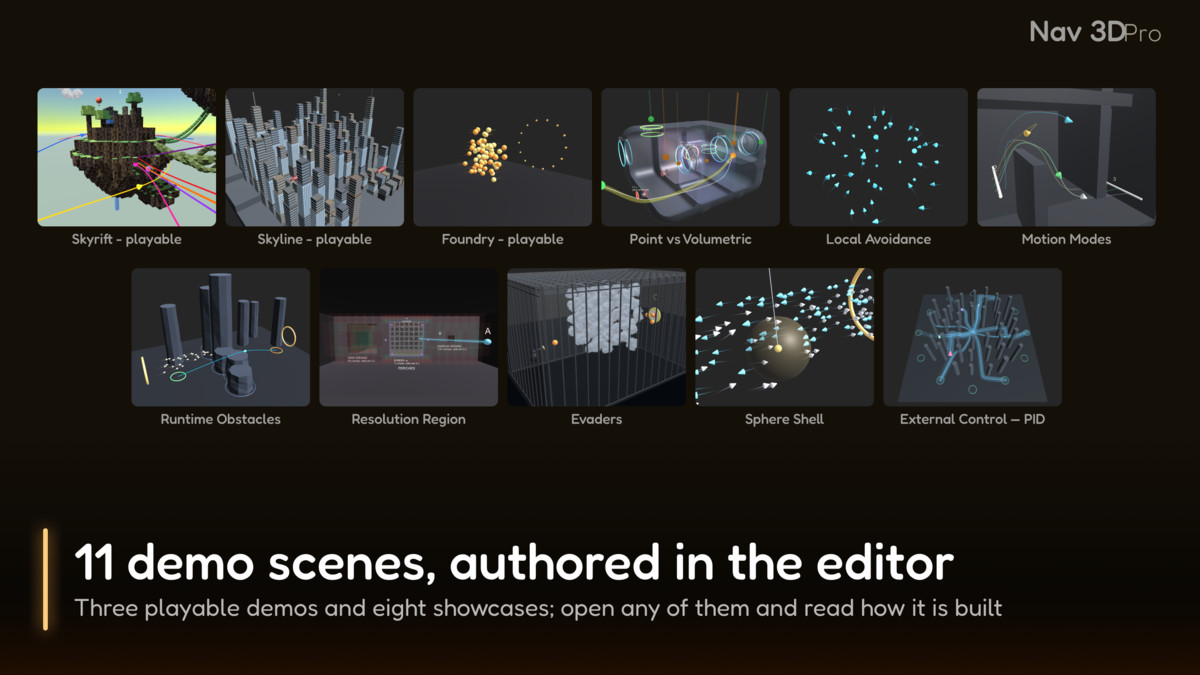
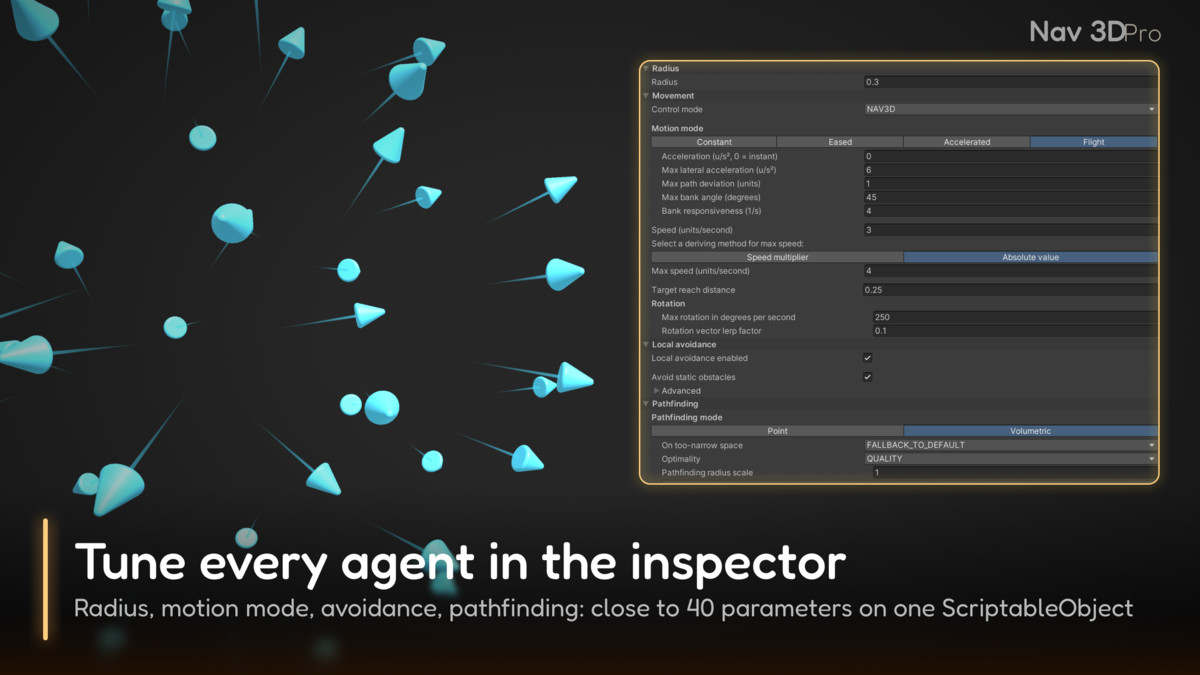
Nav 3D Pro ships as full C# source code, so nothing in it is a black box you have to work around. Every agent kind is a Nav3DAgentConfig asset — close to 40 parameters covering speed, radius, motion mode, avoidance and pathfinding — tuned in the inspector, so agents of different sizes and temperaments share one scene. Routes are yours to use as well: Nav3DPath answers path queries for your own code, so the same search can drive a missile, a camera rail or an AI decision. All eleven demo scenes are authored in the editor, so opening one shows how it is built before you press Play.
WORKS WITH YOUR AI ASSISTANT
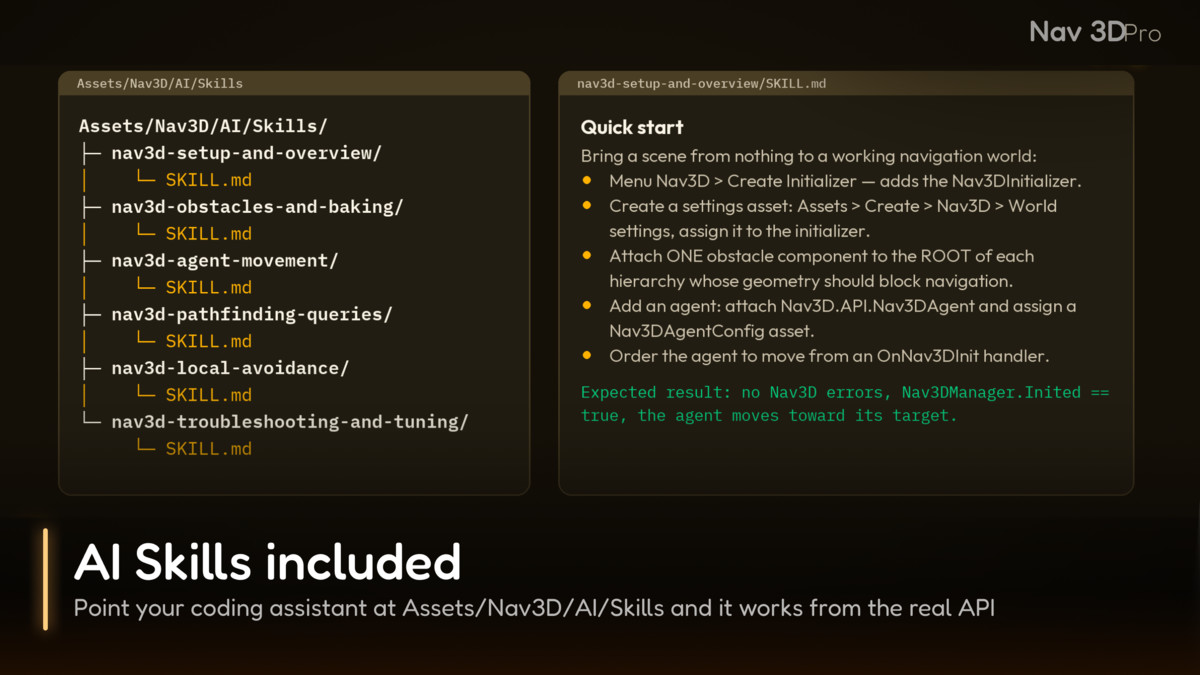
The package includes six AI Skills: instruction files that let a coding assistant set up a scene, register obstacles, order agents, query paths and diagnose problems using the real API instead of guessing at it. They live in Assets/Nav3D/AI/Skills/ — tell your assistant to read that folder and it will follow them from then on.
Built for agents that move through space rather than across it.
From the publisher's Asset Store listing.
Technical details
Pathfinding
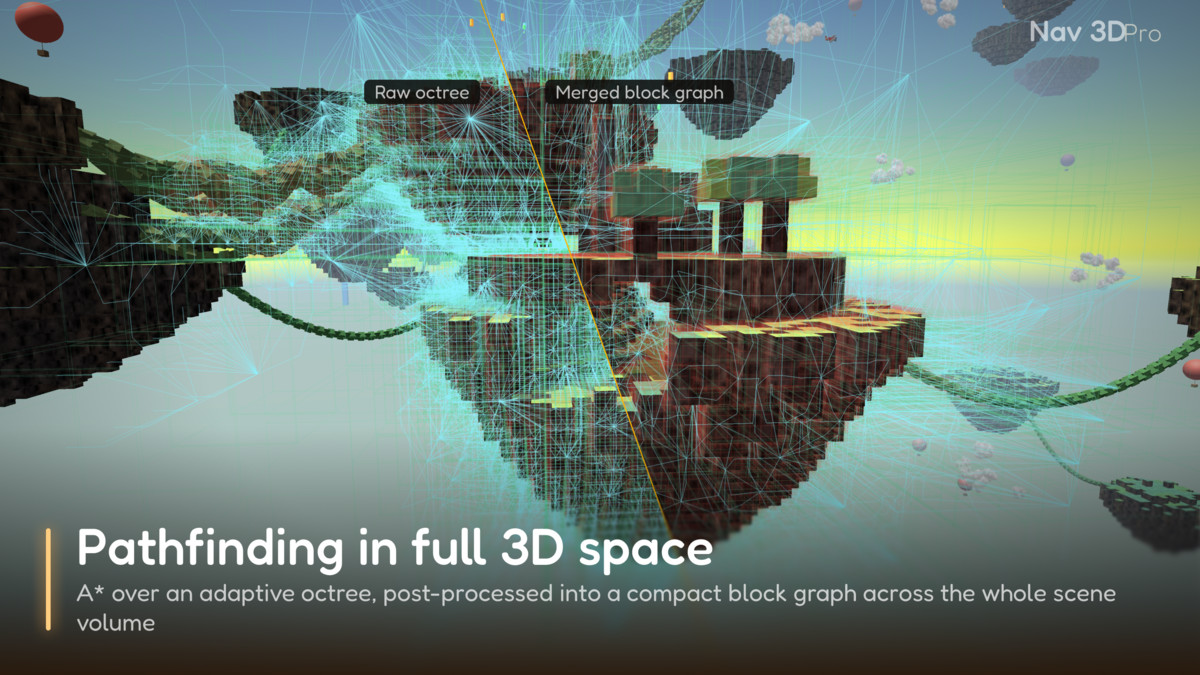
✅ A* over an adaptive octree of the whole scene volume, with path smoothing.
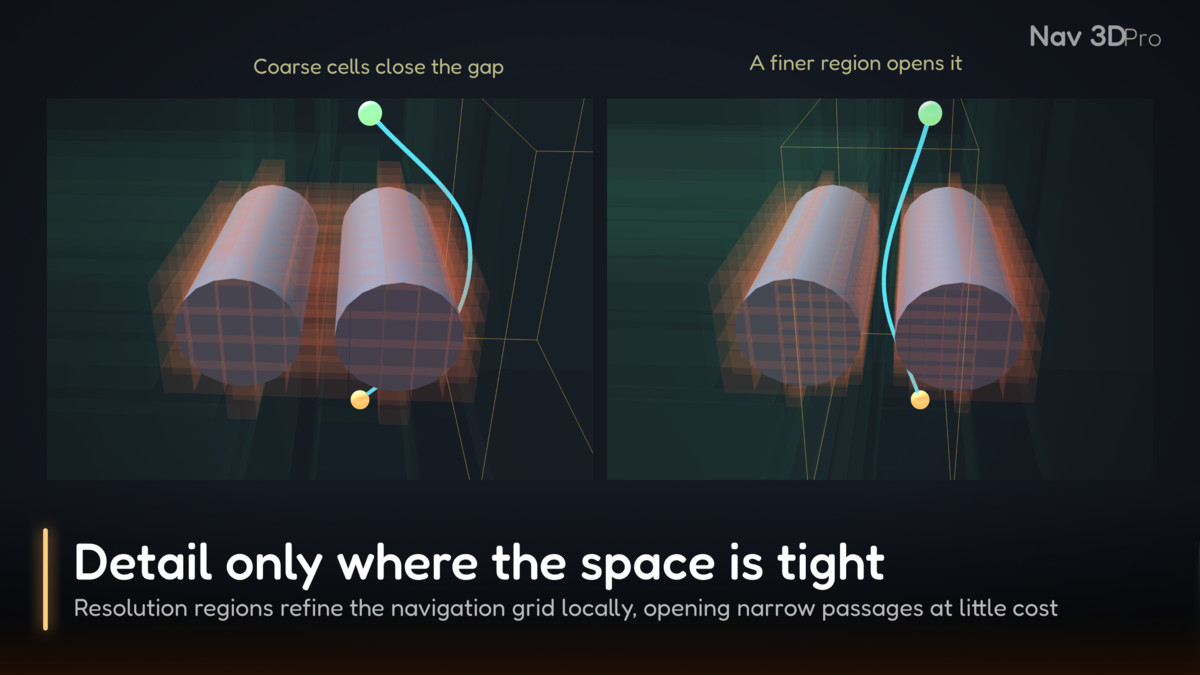
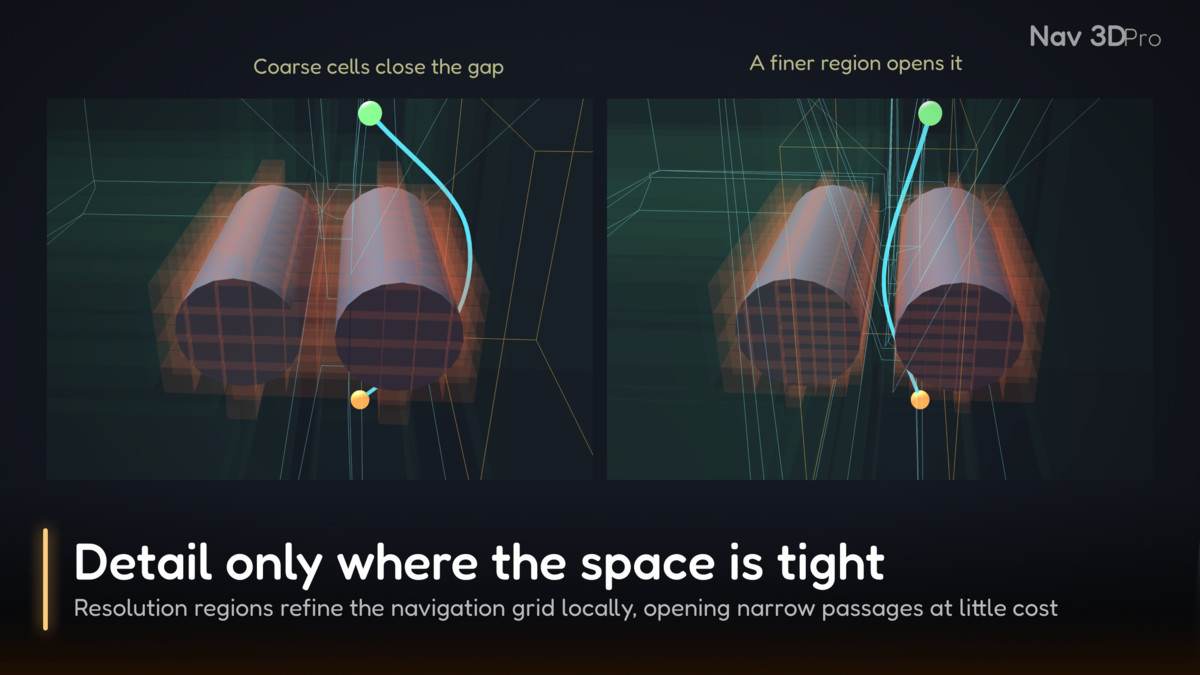
✅ Radius-aware search: a path keeps the agent's radius clear and refuses passages it cannot fit through.
Local avoidance and motion
✅ ORCA local avoidance: 400 mutually-avoiding agents at about 4.5 ms per tick.
✅ Four motion modes, including banked, aircraft-like flight.
Obstacles
✅ Obstacles added, moved, changed and removed during play; agents re-path around them.
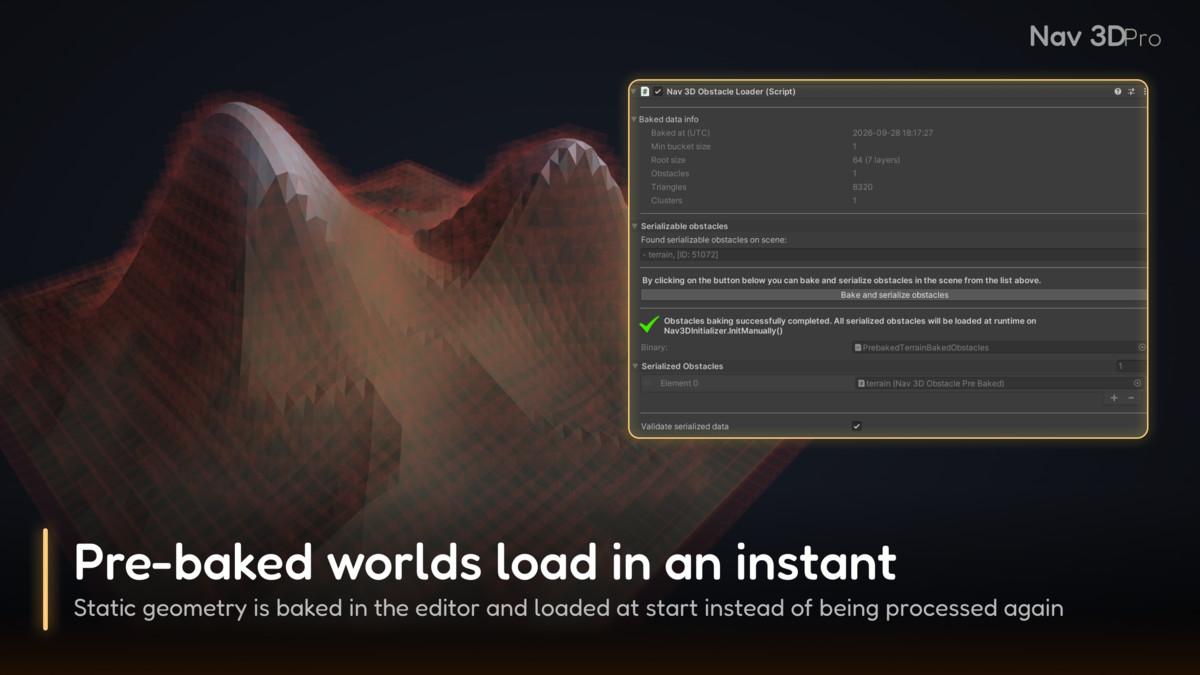
✅ Pre-baked obstacles for near-instant loading.
✅ Resolution regions for detail only where the space is tight.
Agents and tools
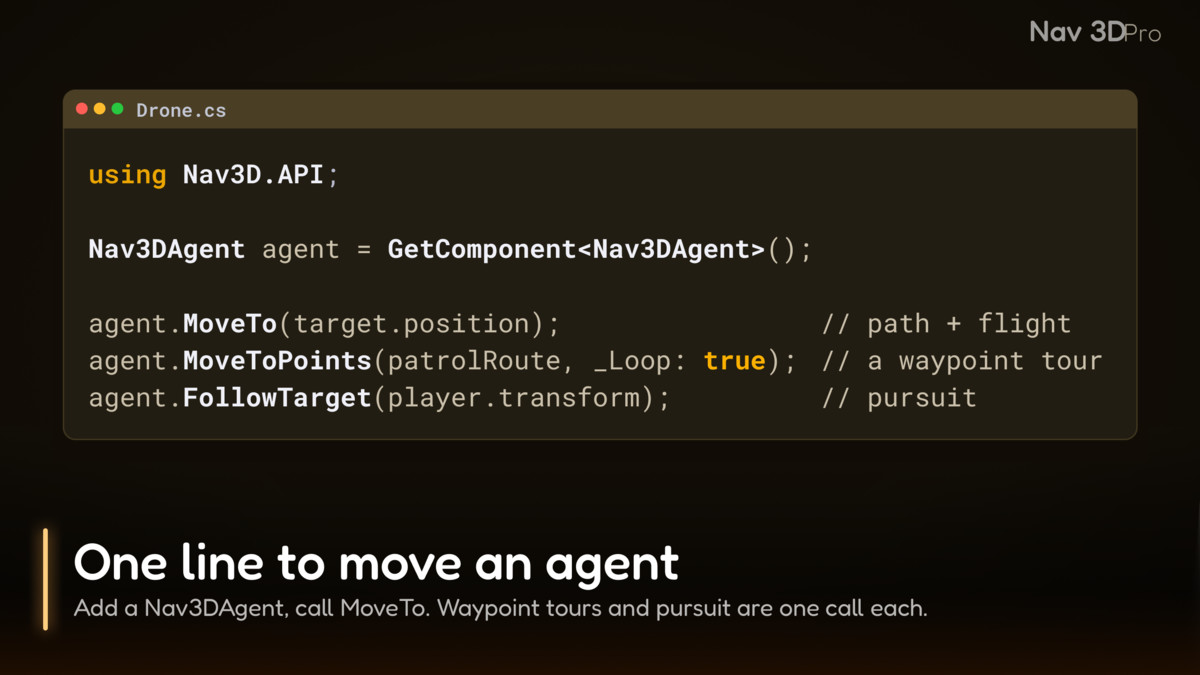
✅ Nav3DAgent with MoveTo, MoveToPoints and FollowTarget.
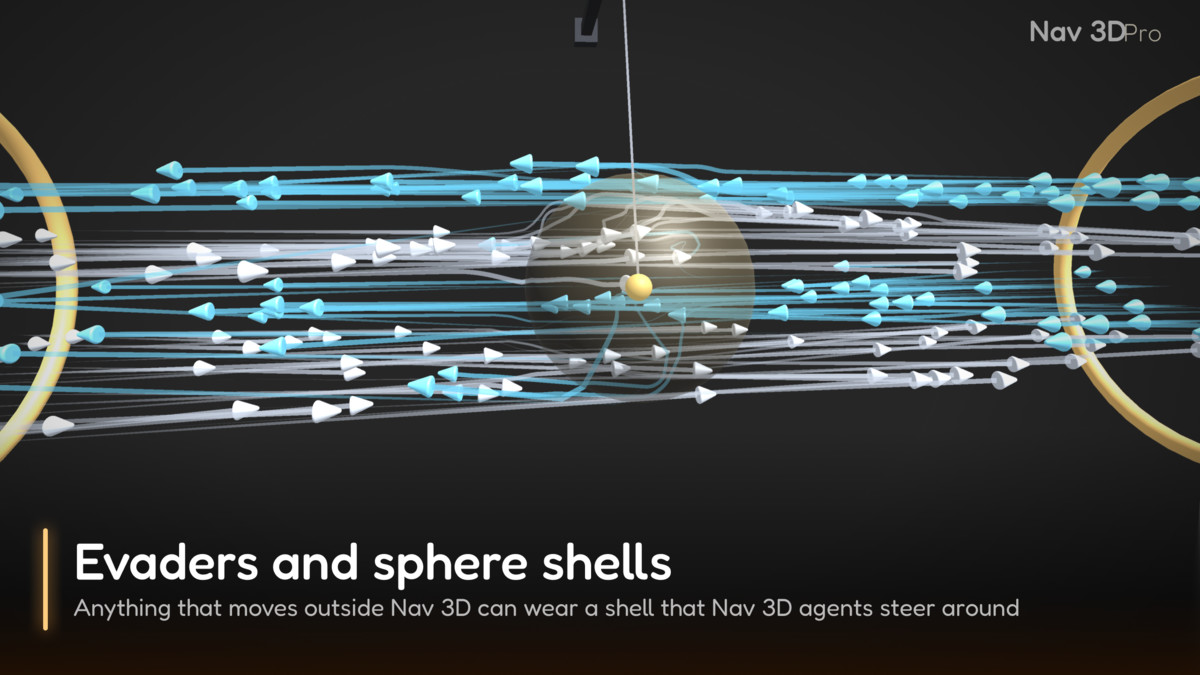
✅ Nav3DEvader and Nav3DSphereShell for bodies that are not agents.
✅ Nav3DPath for path queries from your own code.
✅ Play-mode drawers for the octree and agent paths.
Package
✅ Full C# source code.
✅ Eleven demo scenes.
✅ Six AI Skills for coding assistants.
✅ PDF user manual.
✅ Unity 2022.3.62f1 or newer.
✅ Windows, macOS, Android, iOS.
✅ Navigation code has no third-party dependencies.
✅ The demo scenes use Unity UI (com.unity.ugui).
⚠️ WebGL is not supported.
Compatibility
| Unity version | Built-in | URP | HDRP |
|---|---|---|---|
| 2022.3.62f1 | Compatible | Compatible | Compatible |
Demo scene materials are converted with the render pipeline's built-in material converter.
As listed on the Asset Store.