
 View on Asset Store (opens in new tab)
Package details
- Latest version
- 1.3
- Last updated
- First released
- Unity version
- 2021.2.5 or later
- Package size
- 5.5 MB
- Files
- 56
- Favorites
- 220
- Views in the past week
- 8
Price tracking
- Last checked
- Tracked since
- Lowest recorded
- $7.50 on
Keywords

Master Scheduler
Affiliate link · Purchases support this site
Price history
Last 6 months
USDAsset preview
1 / 5

Master Scheduler screenshot 1


About this asset
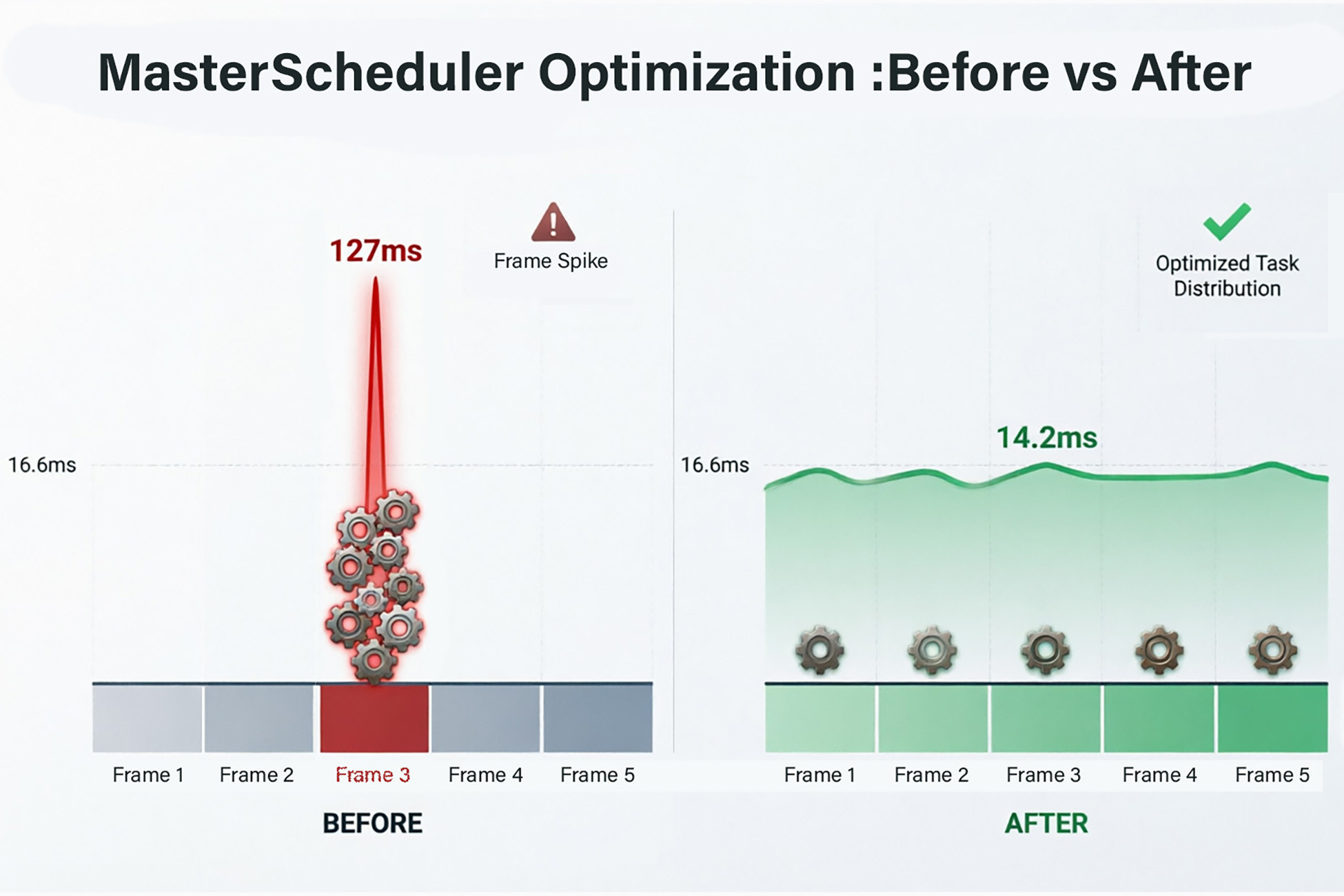
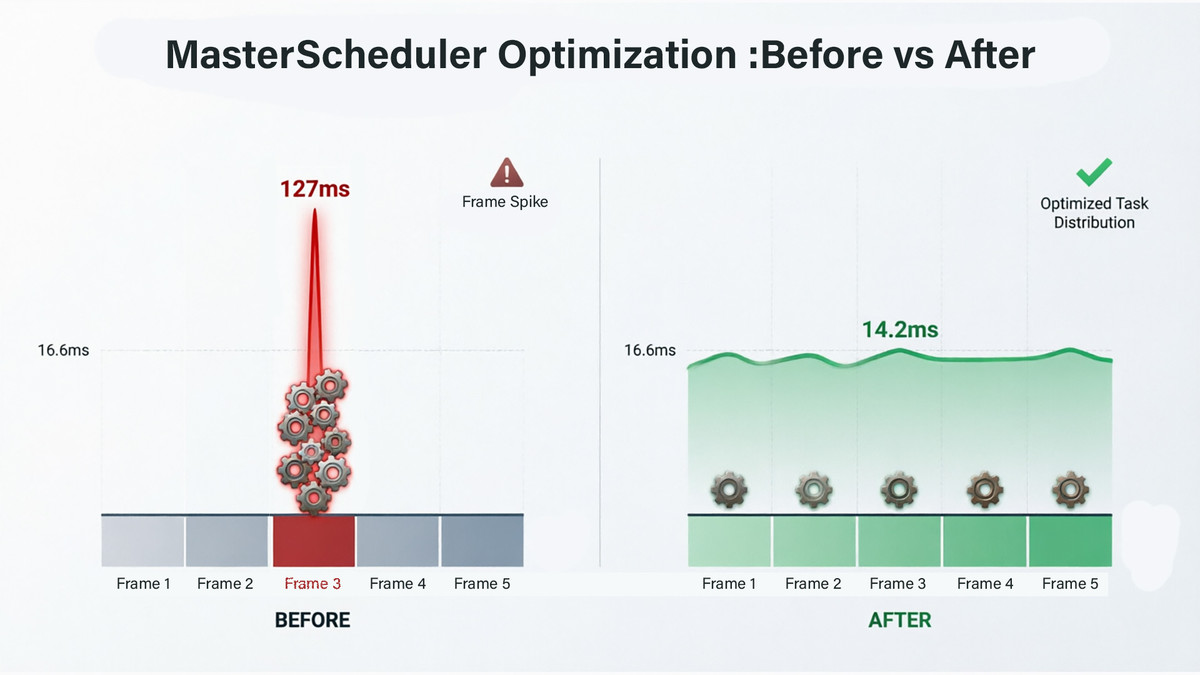
Master Scheduler is a tool that allows you to spread workload over time. It allows for decoupled task execution, load balancing across frames, and easy integration with both ECS and standard GameObjects.
Example usage :
- AI : Your agents' AI doesn't need to be processed every frame. With Master Scheduler, you can guarantee that only a fixed number of your agents are doing work at any given moment and thus easily and efficiently spread the AI workload over time.
- Explosions : Afraid that exploding a car in that parking lot will create an out of control chain reaction of OverlapSpheres ? Master Scheduler can easily spread the explosion events over the few following frames and eliminate frame time spikes.
- Spawning : you can queue thousands of spawning events and let the system handle the rest.
- Weapons : Your shotgun shoots multiple pellets ? That means multiple raycasts, impact visual and sound effects, GetComponent() calls and health updates in the same frame. With Master Scheduler you can spread the shooting event over a few imperceptible milliseconds and avoid the fps drop.
Master Scheduler doesn't create or manage threads. It creates job queues and executes them in the most efficient way over multiple frames.
You can either constrain the job queue to a maximum number of jobs per frame or to finish all jobs in a set number of frames.
Every project out there should have a job scheduling tool.
Improve the efficiency of your code today !
***
Two examples are provided :
- Pathfinding with 10.000 agents.
- Chain explosion.
A manual that explains the usage of the tool is also included.
From the publisher's Asset Store listing.
Compatibility
| Unity version | Built-in | URP | HDRP | Custom |
|---|---|---|---|---|
| 6000.3.10f1 | Compatible | Compatible | Compatible | Compatible |
| 6000.0.43f1 | Compatible | Compatible | Compatible | Compatible |
| 2021.2.5f1 | Compatible | Compatible | Compatible | Compatible |
As listed on the Asset Store.